TL;DR
1
Open Invoices
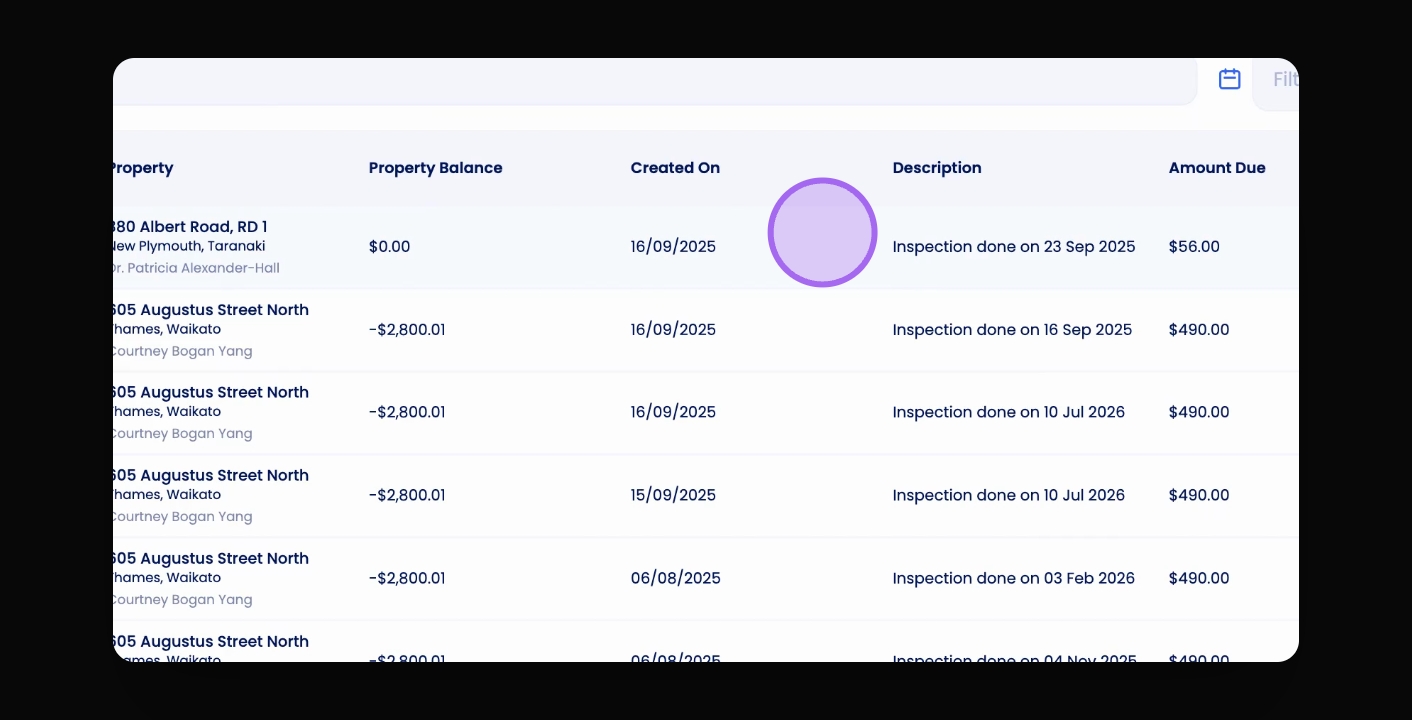
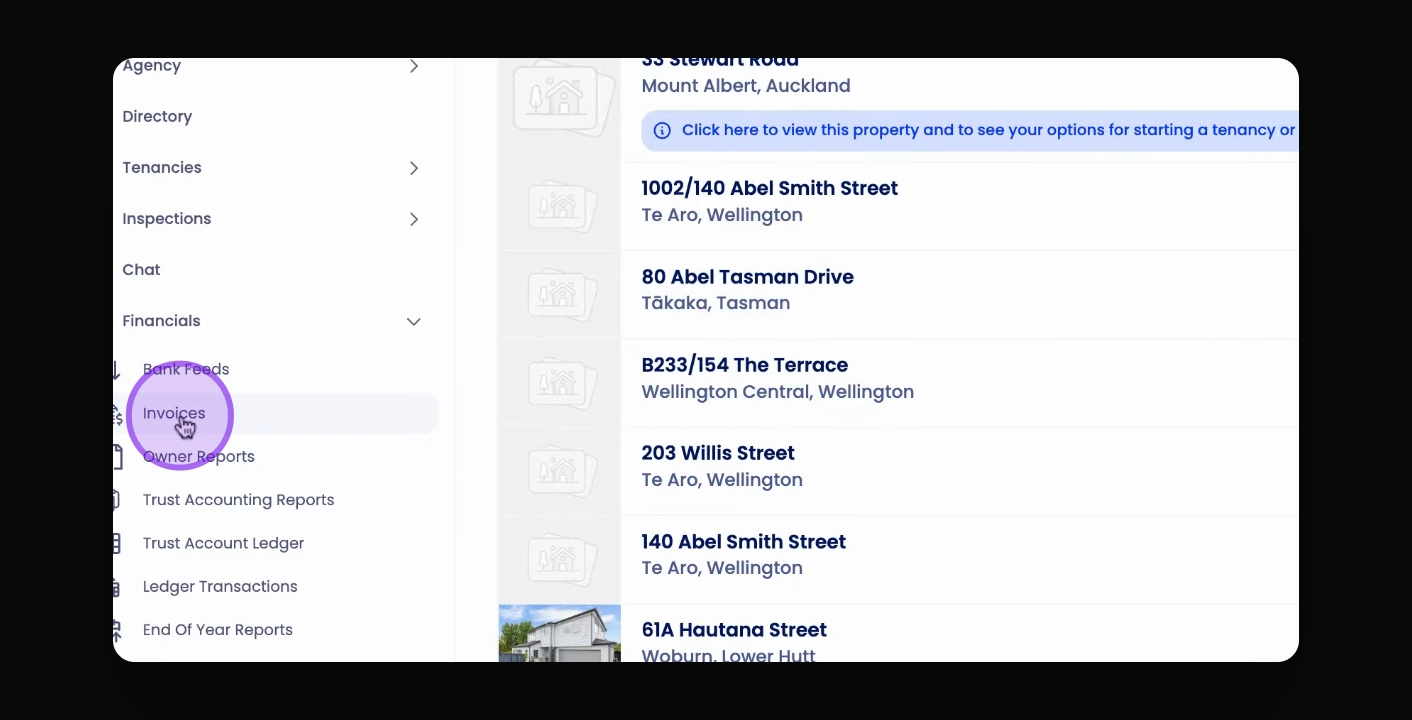
Click Invoices and select Needs Approval to view pending invoices.
2
Delete Invoices
Click the Trash can icon to delete any invoice.
3
Approve Invoices
Click on the invoice line and then click Approve.
Let's Do It Together!
Step 1: Access Invoices
Click on Invoices to open the invoicing section.
Navigate to the Needs Approval tab to view pending invoices.
You will see the list of invoices needing approval.
Step 2: Delete Invoices
Click on the Needs Approval tab to view invoices.
Click the red Trash can icon next to the invoice you want to delete.
Confirm the deletion when prompted.
Step 3: Approve Invoices
Click anywhere on the invoice line you wish to approve.
Then click Approve to finalize the approval.