

To enable access to the owner portal for your owners, follow these steps:
Make sure you have selected Portal Enabled. Here you can see whether or not the portal is enabled for your owners.
Let's look at the steps:
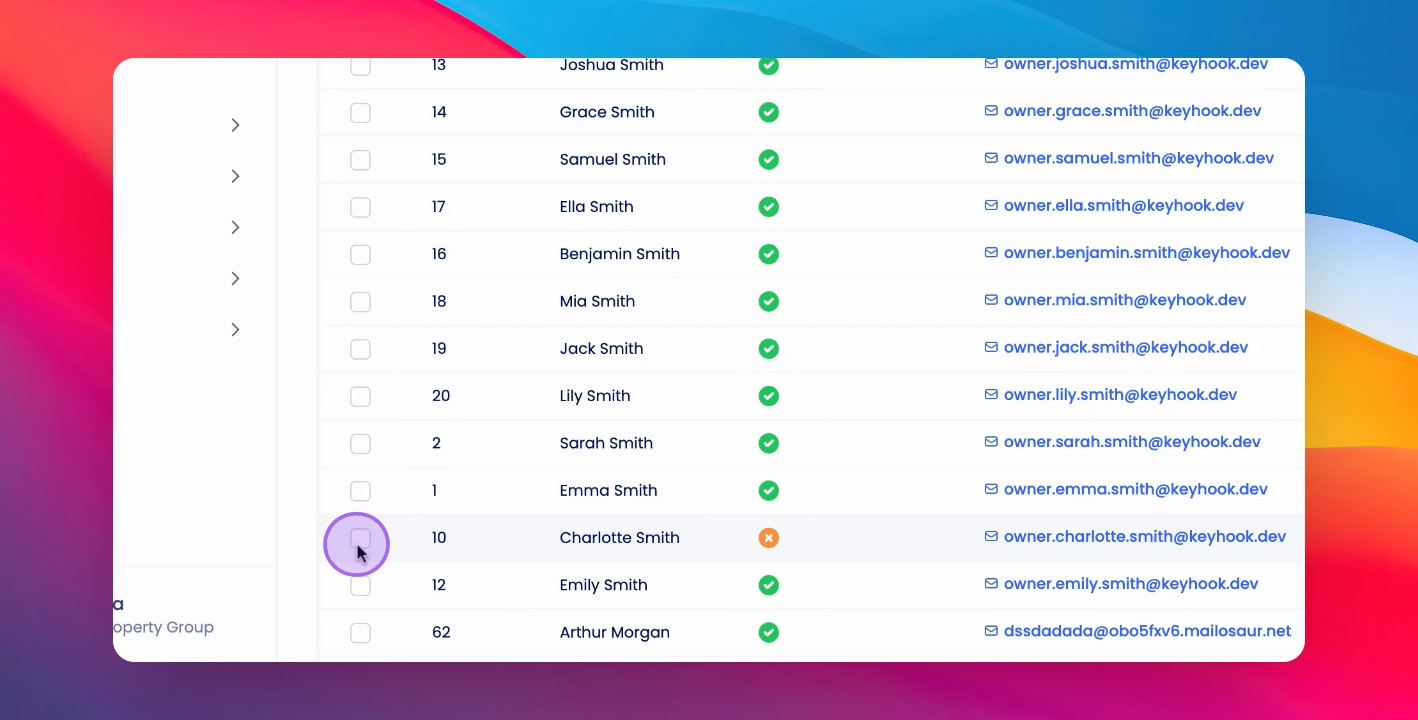
Step 1: Select Owners from the Property Owners table
To enable access, select the owner or multiple owners.
Step 2: Enable Access
Press Actions, click Enable Portal Access and specify whether you would like to send an invitation email to your owners.
Step 3: Confirm Action
This invitation will send regardless of whether or not you have sent an invitation before, click Enable Portal Access.
Invitations have been sent to your owners. They can now access the owner portal.