

In this tutorial, you will learn how to disable Owner Portal access for your owners.
Let's look at the steps:
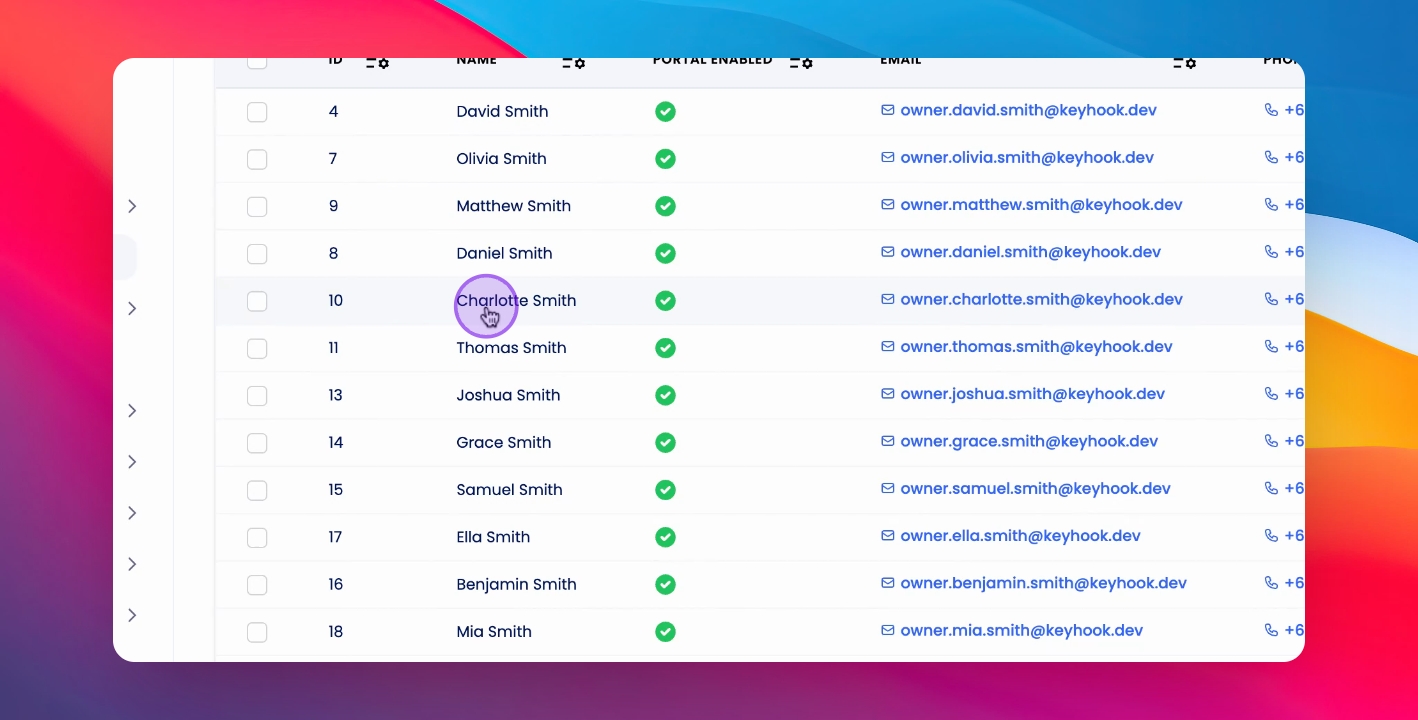
Step 1: Click on Owner
Click on the relevant owner.
Step 2: Check Owner Portal
In the left hand column, see the Owner Portal section to check access status.
Step 3: Disable Access
To disable portal access, click Disable Portal Access below and confirm.
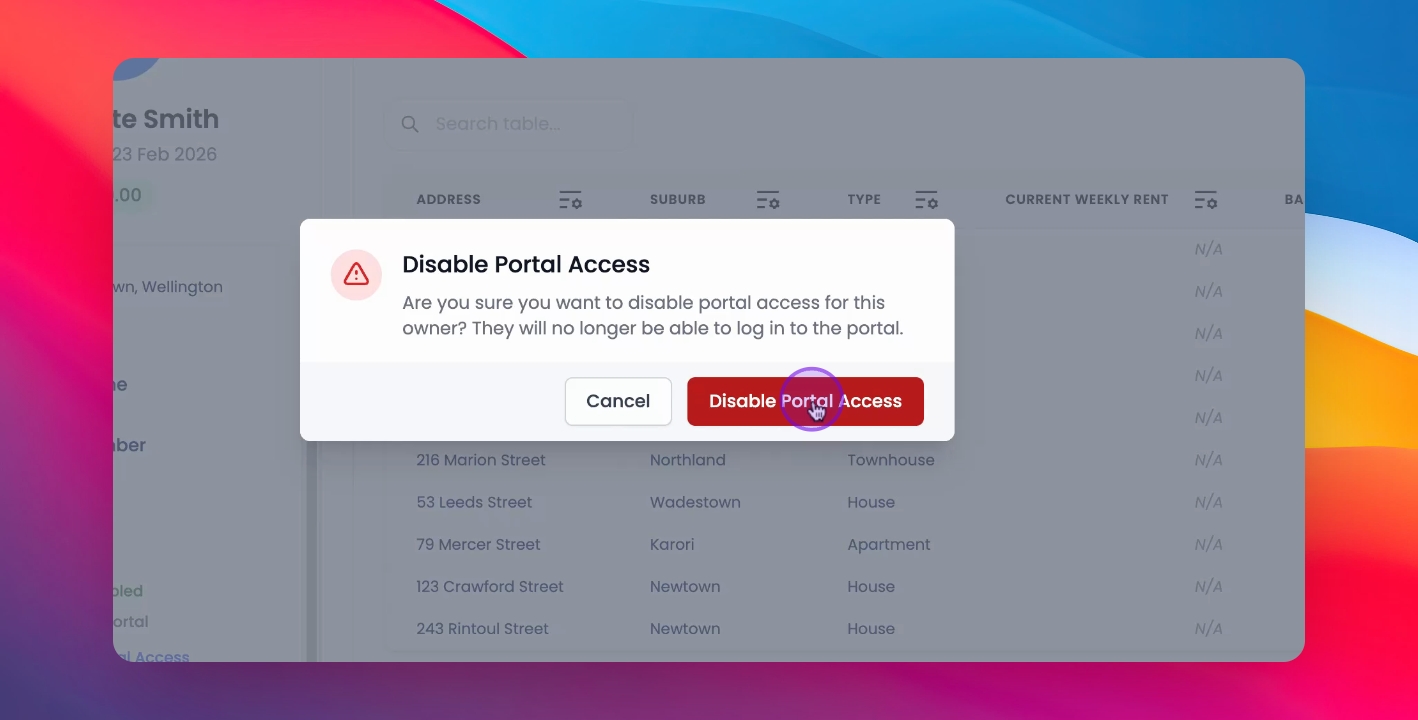
This will disable the portal access for your owner.