TL;DR
1
Click tenant name
Access the tenant's profile by clicking their name.
2
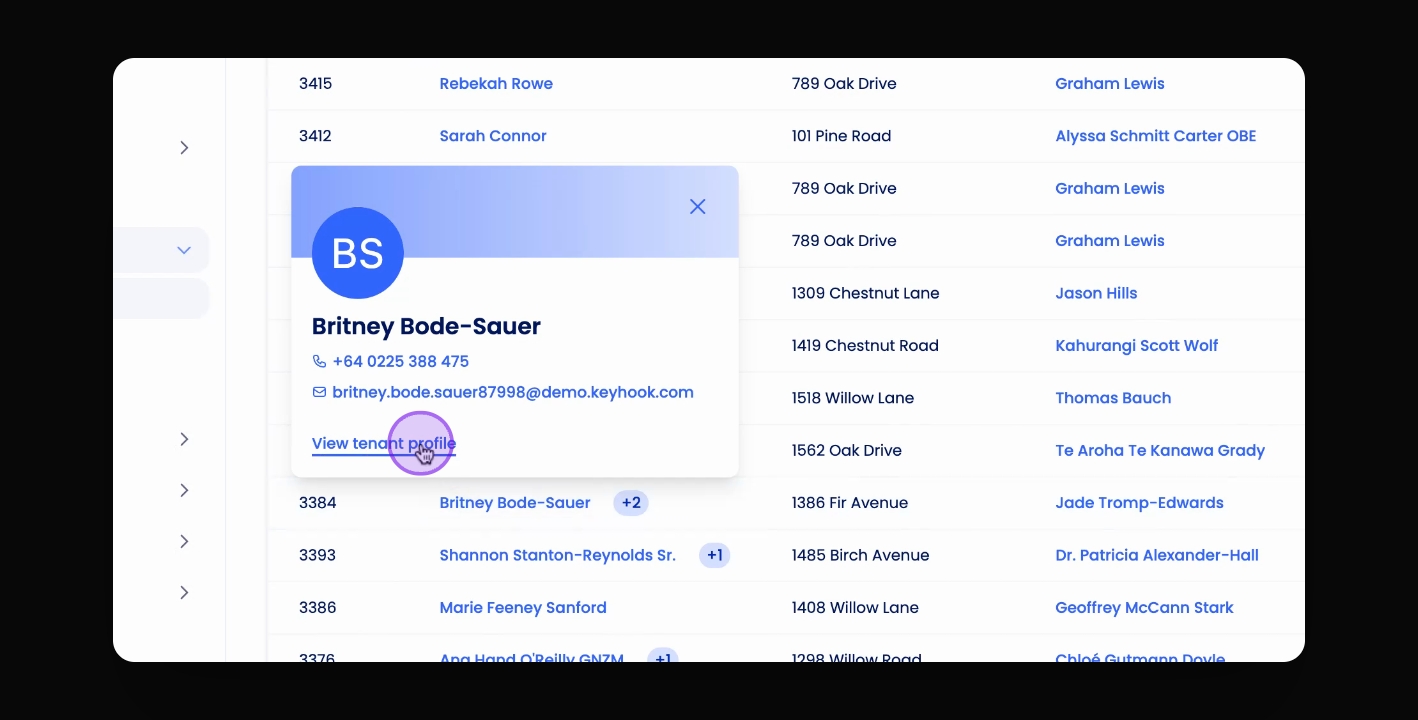
View profile
Click View Tenant Profile to open the details.
3
Edit information
Update the tenant's name, email, or contact details.
4
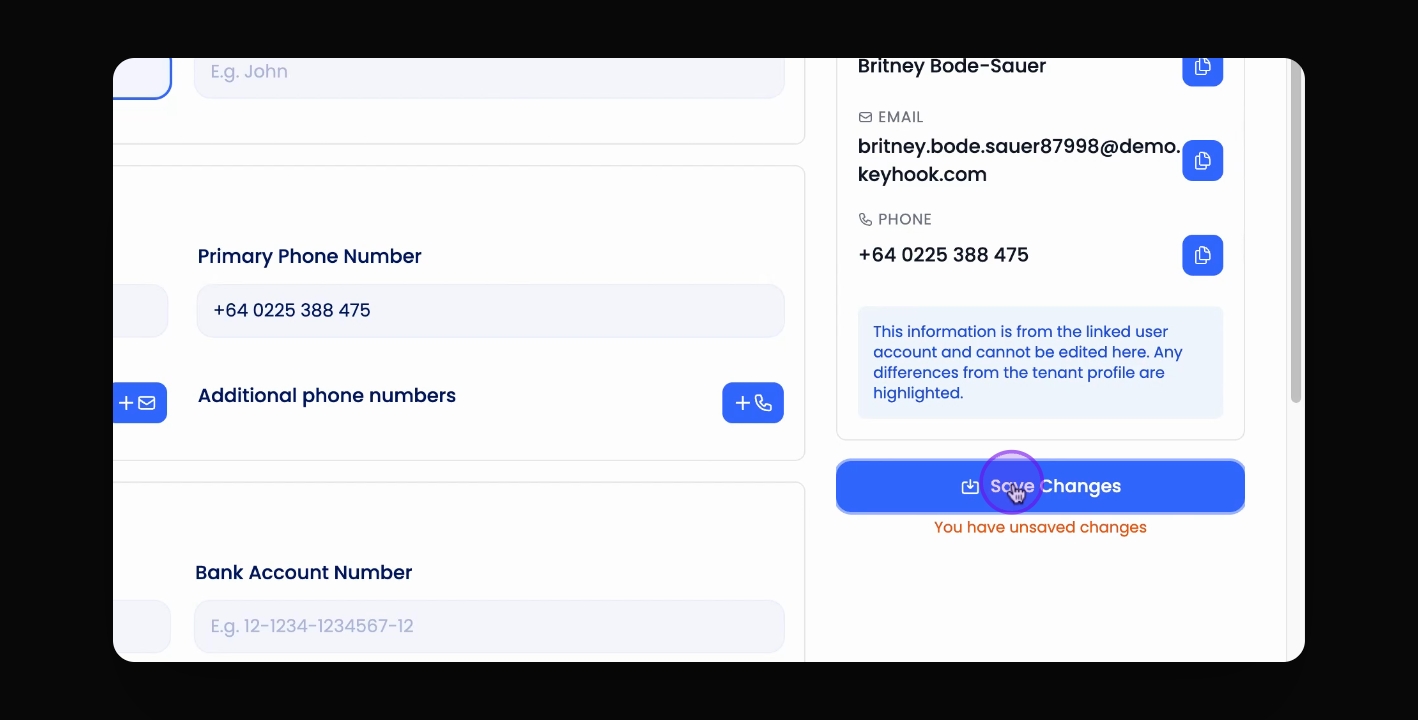
Save changes
Overwrite fields and click Save to finalise updates.
Let's Do It Together!
Step 1: Access Tenant Profile
Click on the tenant's name in the tenancies table or wherever it is highlighted in blue.
Step 2: View Tenant Profile
Click on the View Tenant Profile button.
Step 3: Edit Tenant Information
Edit the name, email address, or add additional contact details.
Step 4: Save Changes
Overwrite the necessary fields and click the Save button.