

Let's do it together!
Step 1: Access Owner Section
Click on Property Owners to start editing owner details.
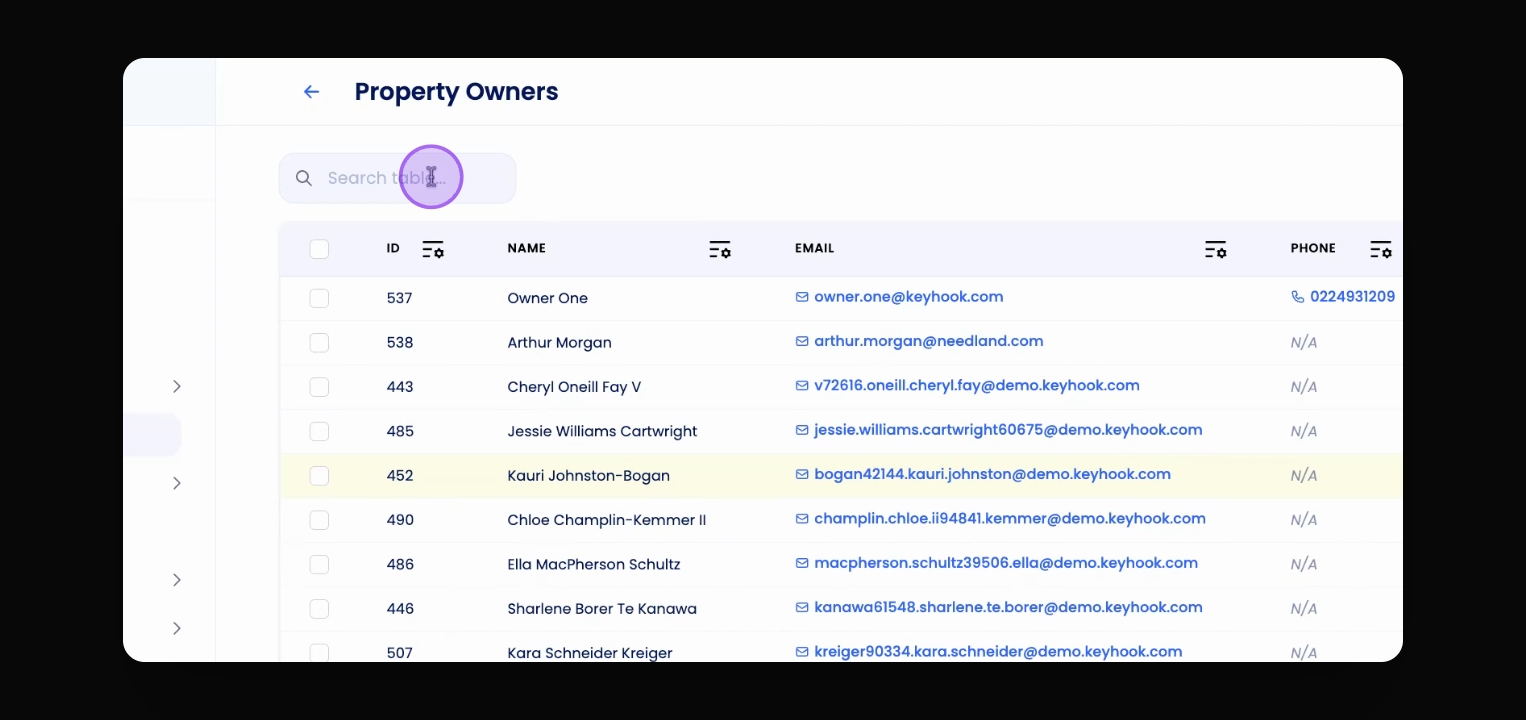
Step 2: Search Owner
Use the search bar to find the owner whose details you want to edit.
Step 3: Open Owner Profile
Click on the owner's name to view their profile.
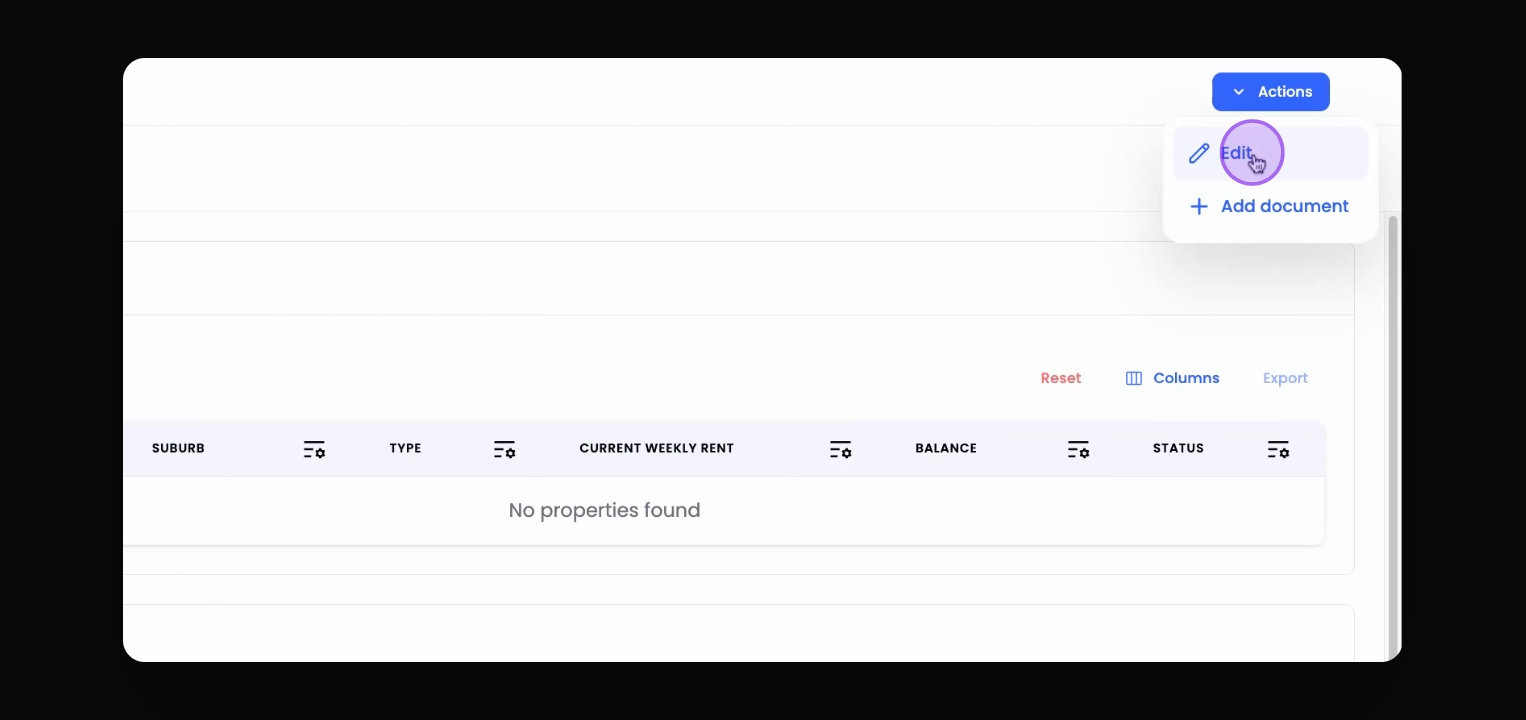
Step 4: Access Edit Options
Click on the Action button located in the top right corner.
Step 5: Edit Owner Details
Select Edit to open the owner's detail information form.
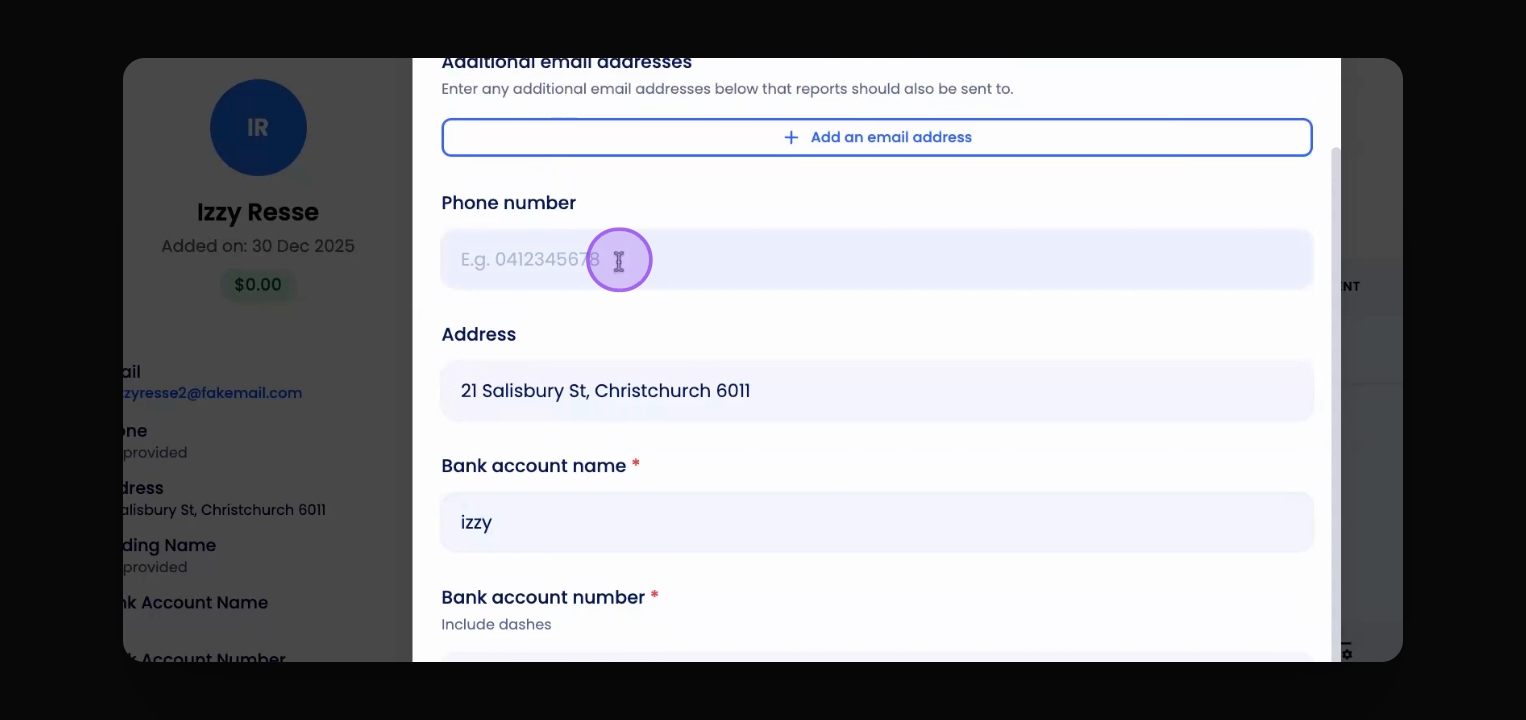
Step 6: Update Information
Scroll down and make the required changes in the form.
Step 7: Save Changes
Click Save to update the owner's details.