

TL;DR
1
Open Owners Table
Access the Owners Property Owners table to find the owner.
2
Search and Select Owner
Locate and select the required owner from the table.
3
Edit Owner Details
Click Actions, then Edit to change owner details.
4
Add Email Address
Click Add an Email Address and enter the new email.
5
Save Changes
Click Save to finalize the changes.
Let's Do It Together!
Step 1: Open Owners Table
Go to the Owners Property Owners table.
Step 2: Search for Owner
Search for the required owner.
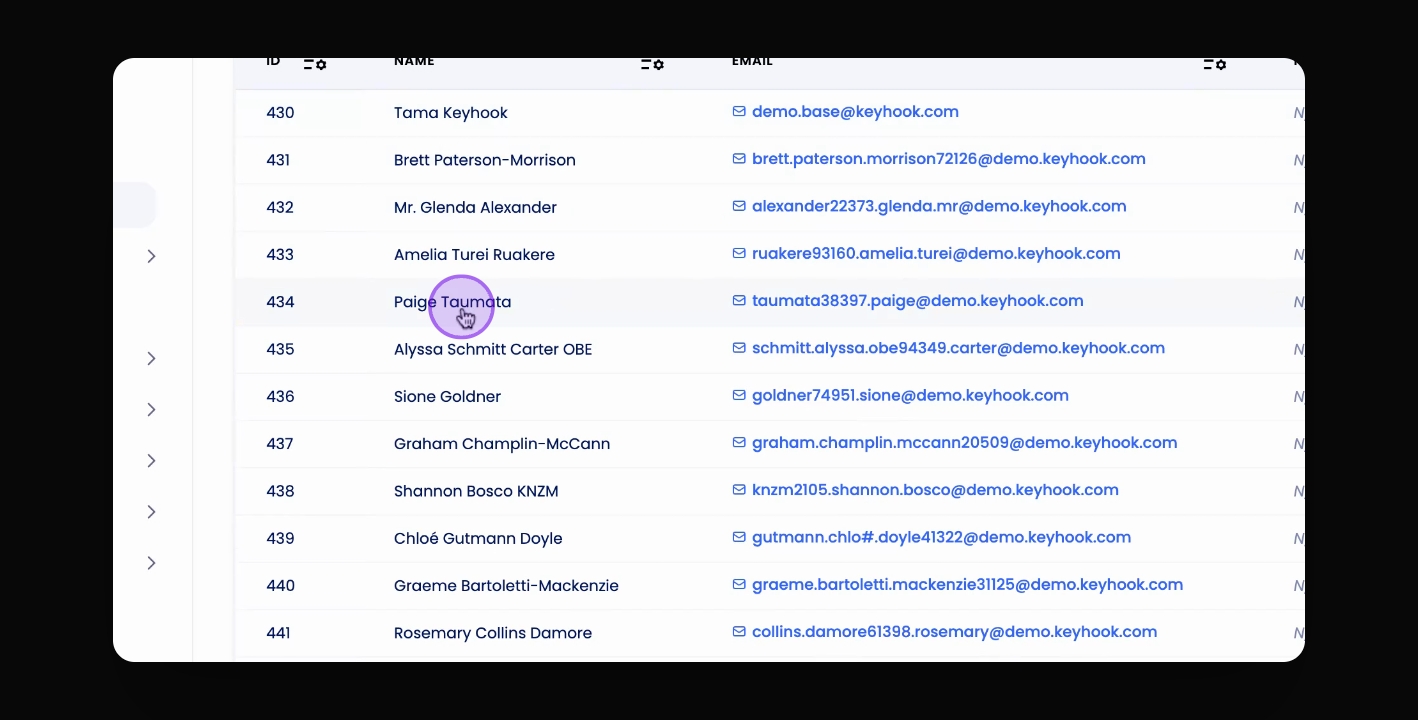
Step 3: Select Owner
Select the owner from the table.
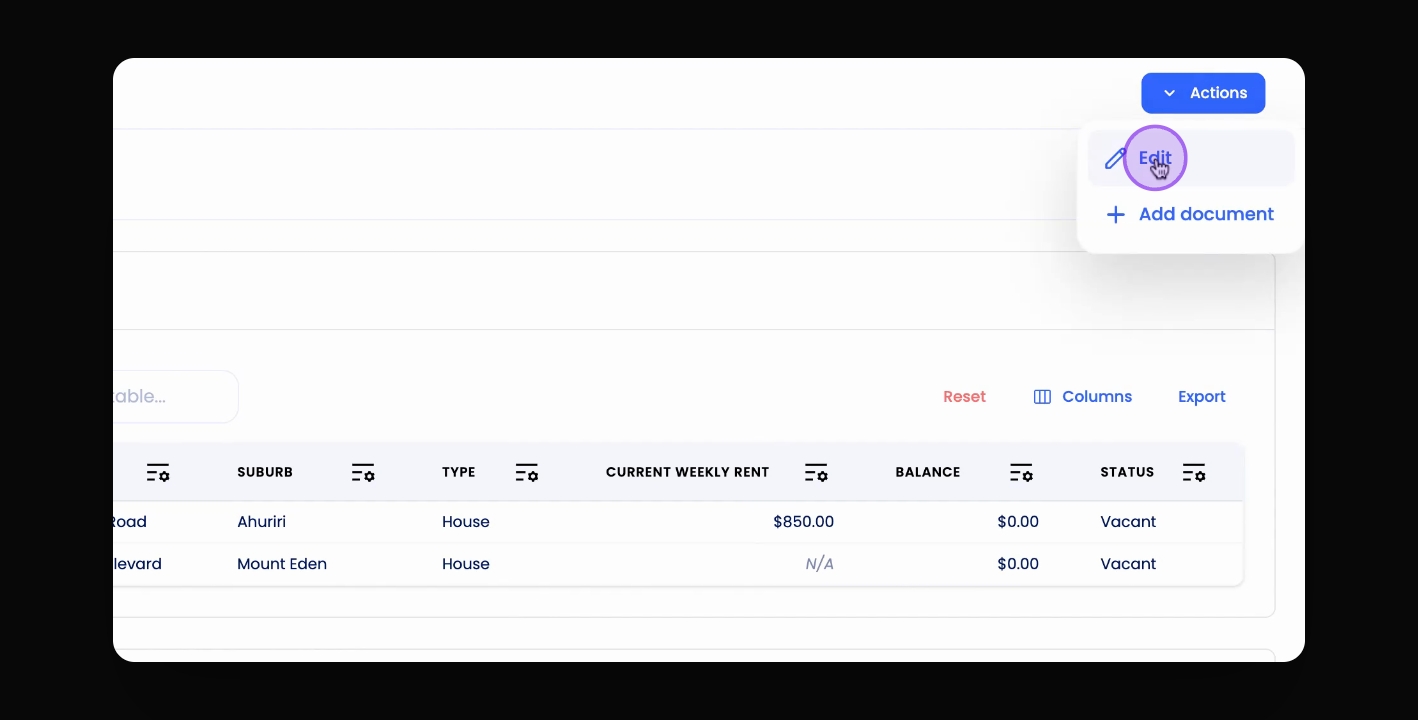
Step 4: Click Actions
Click the Actions button at the top right corner.
Step 5: Click Edit
Click Edit.
Step 6: Edit Owner Details
Change the property owner details as needed.
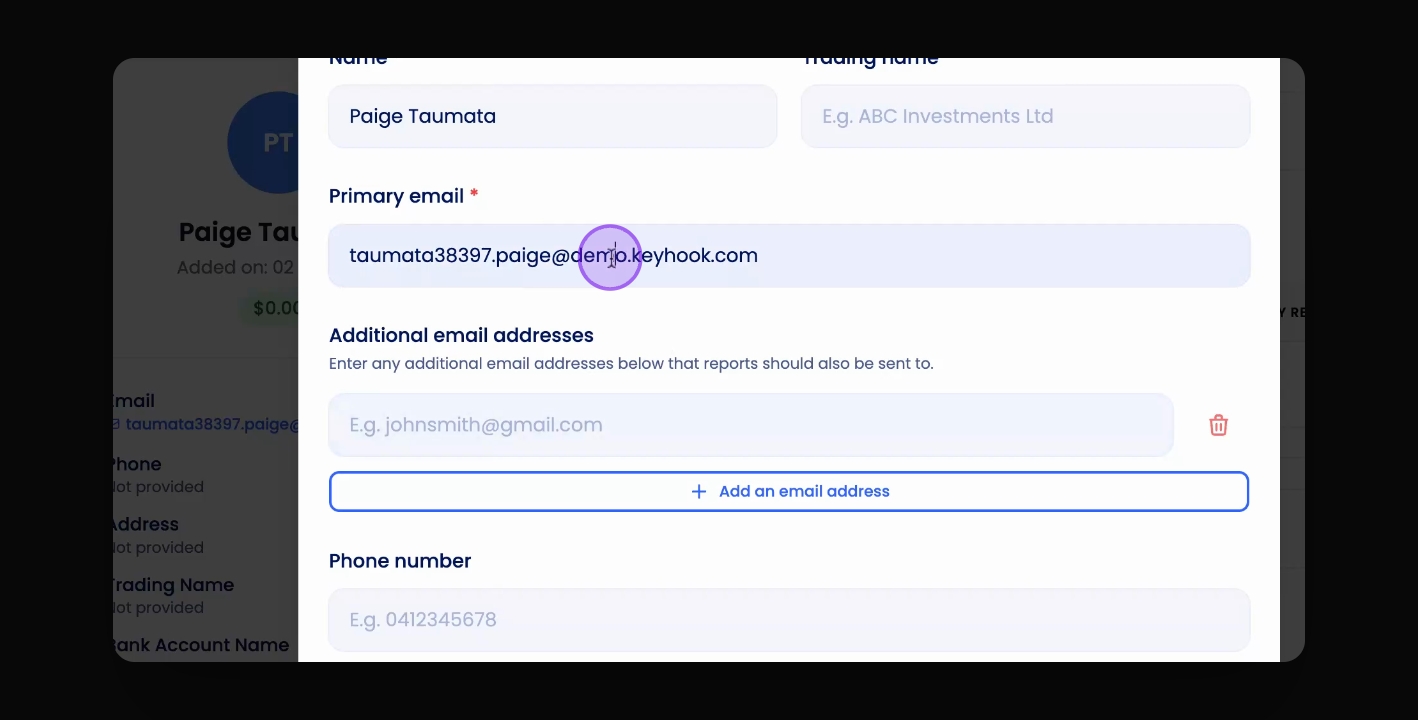
Step 7: Add Email Address
Click the Add an Email Address button.
Step 8: Enter Email Address
Enter the email address.
Step 9: Save Changes
Click Save.