TL;DR
1
Visit property
Go to the relevant property with the inspection.
2
Scroll to Inspections
Locate the Inspections section.
3
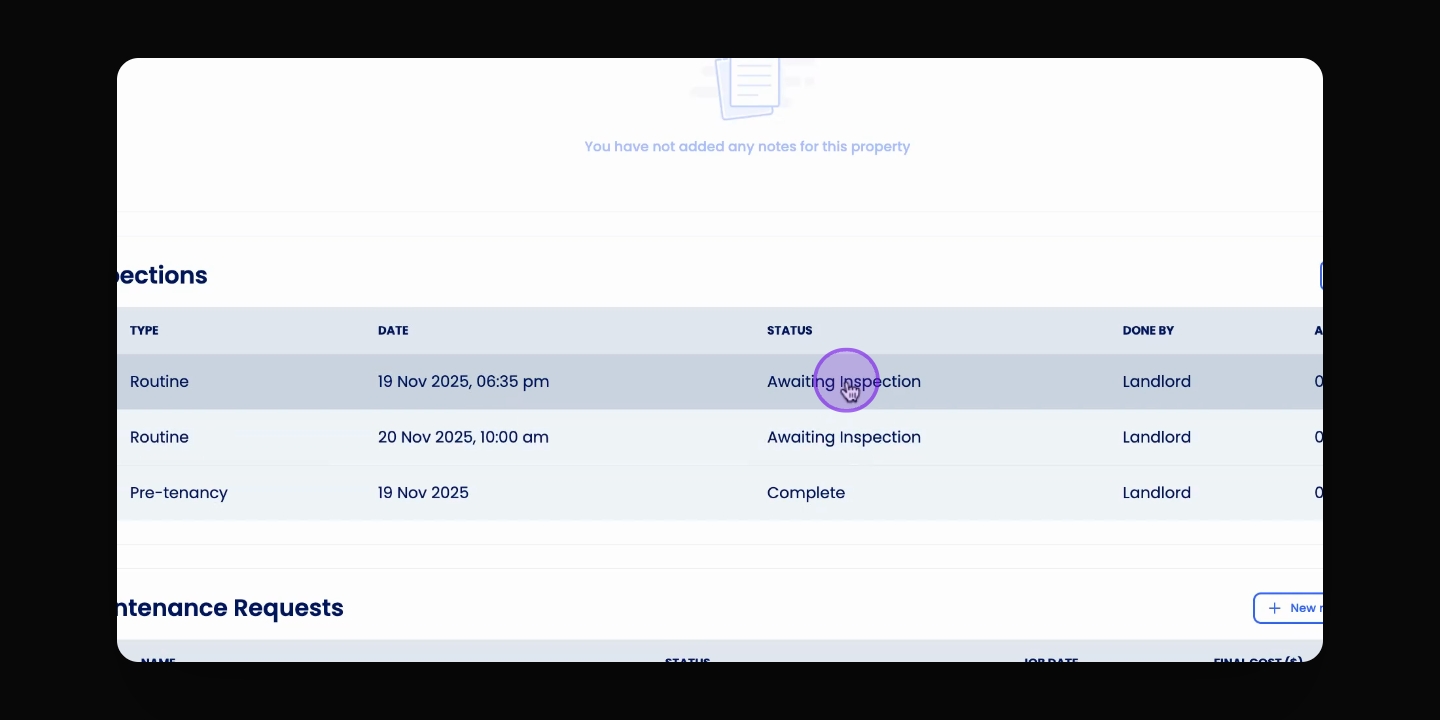
Select inspection
Click the inspection you want to delete.
4
Open Actions menu
Click the Actions button.
5
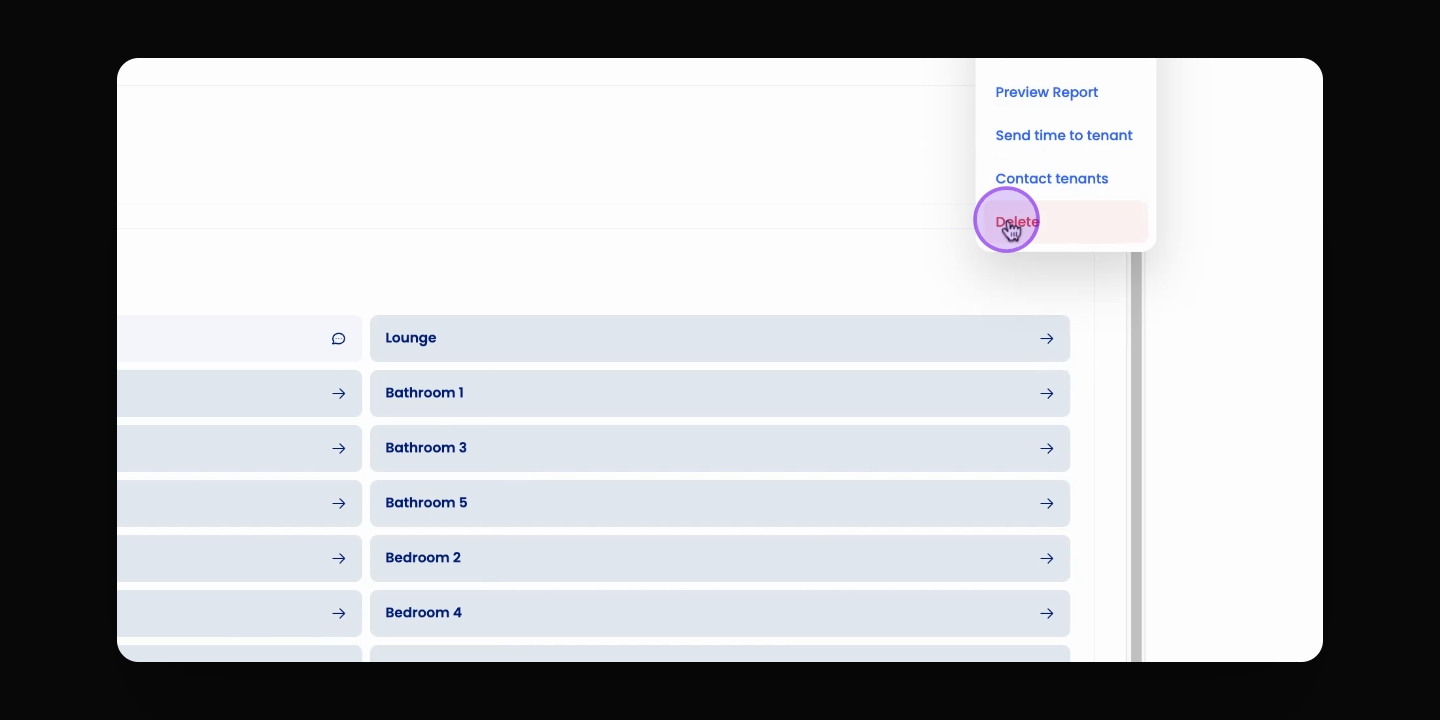
Delete inspection
Click Delete and confirm the action.
Let's Do It Together!
Step 1: Navigate to Property
Visit the relevant property where the inspection is located.
Step 2: Access Inspections
Scroll down to the Inspections section.
Step 3: Select Inspection
Click on the inspection you'd like to delete.
Step 4: Open Actions Menu
Click the Actions button at the top right corner.
Step 5: Confirm Deletion
Click Delete and confirm the action. Note that this will delete all photos and notes attached to the inspection and cannot be undone.
After confirmation, the inspection and its data will be permanently removed.