

Let's do it together!
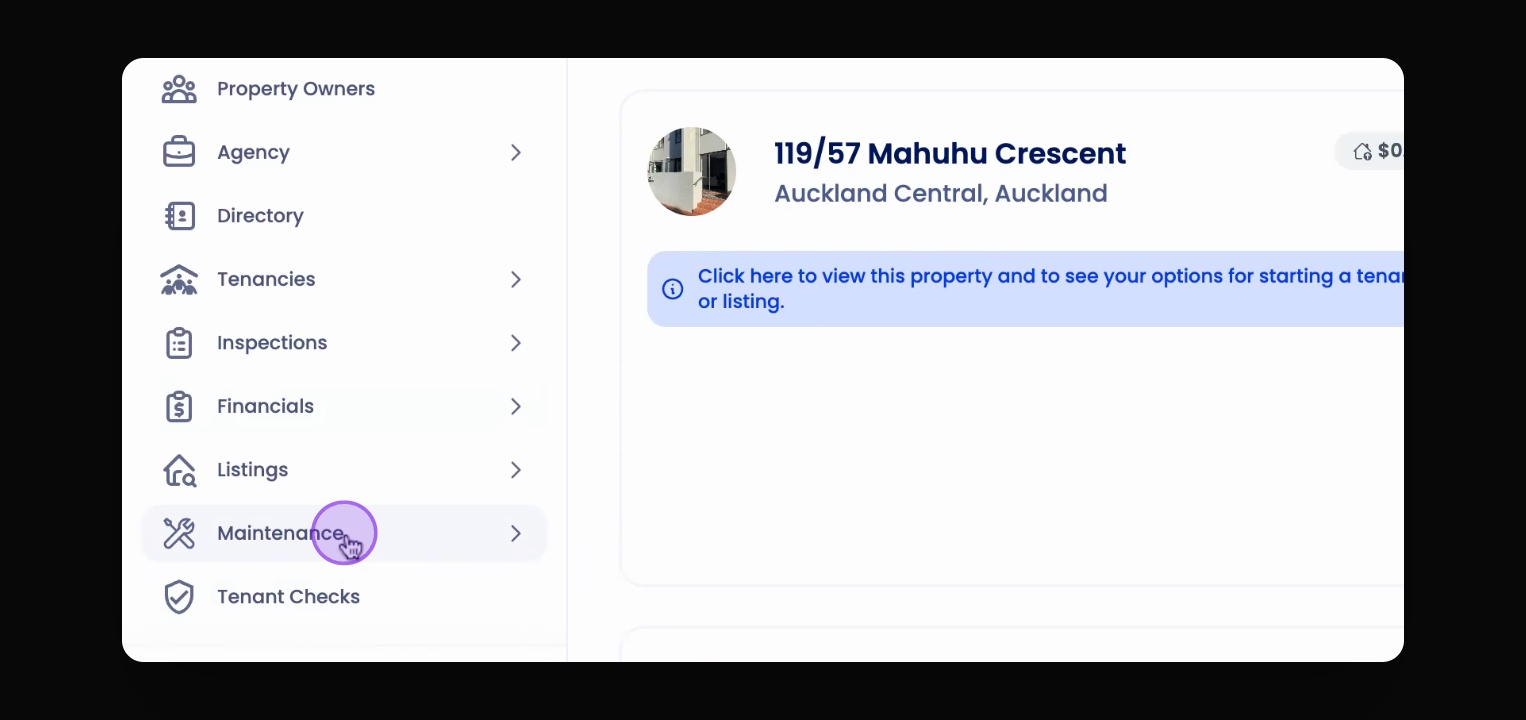
Step 1: Access Maintenance
From the left-hand side menu, go to the Maintenance section.
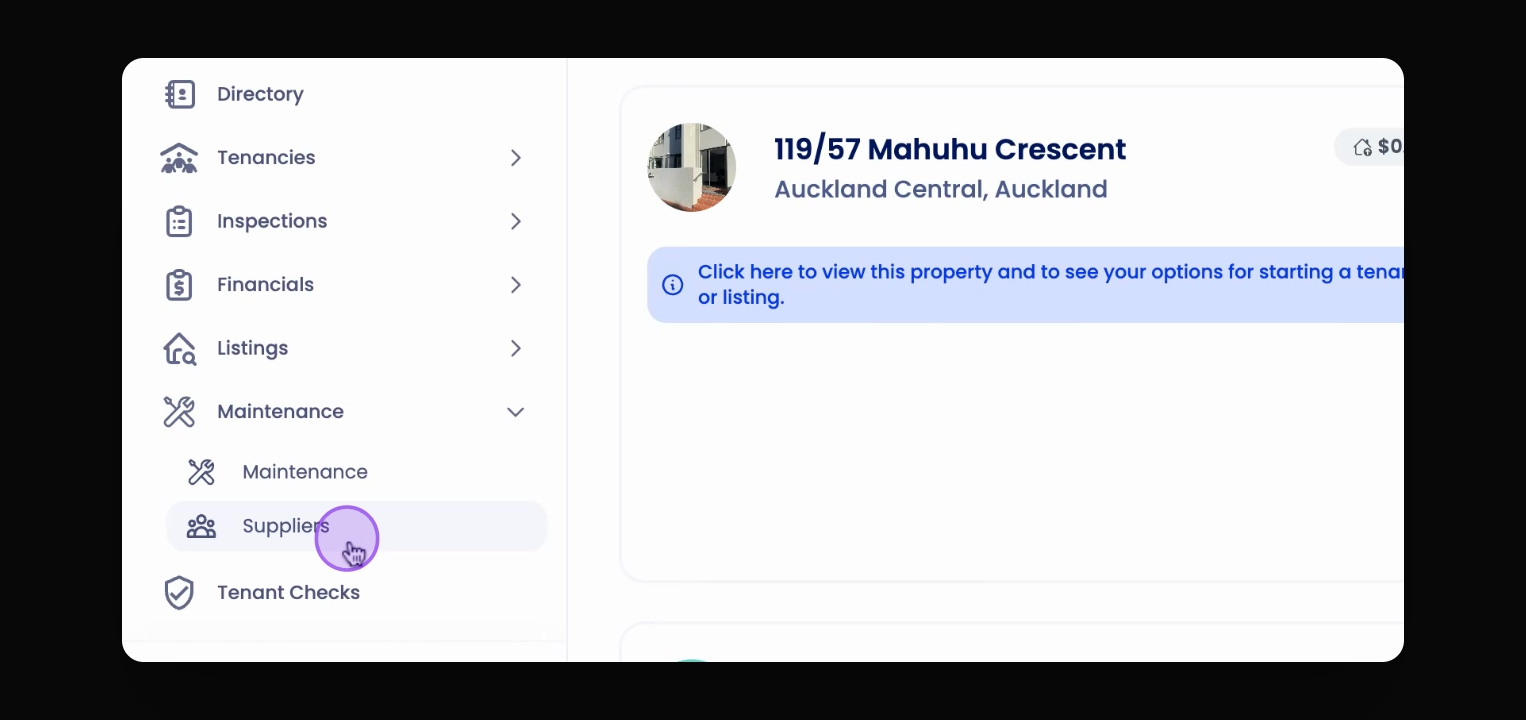
Step 2: Select Supplier
Click on Supplier to view the list of suppliers.
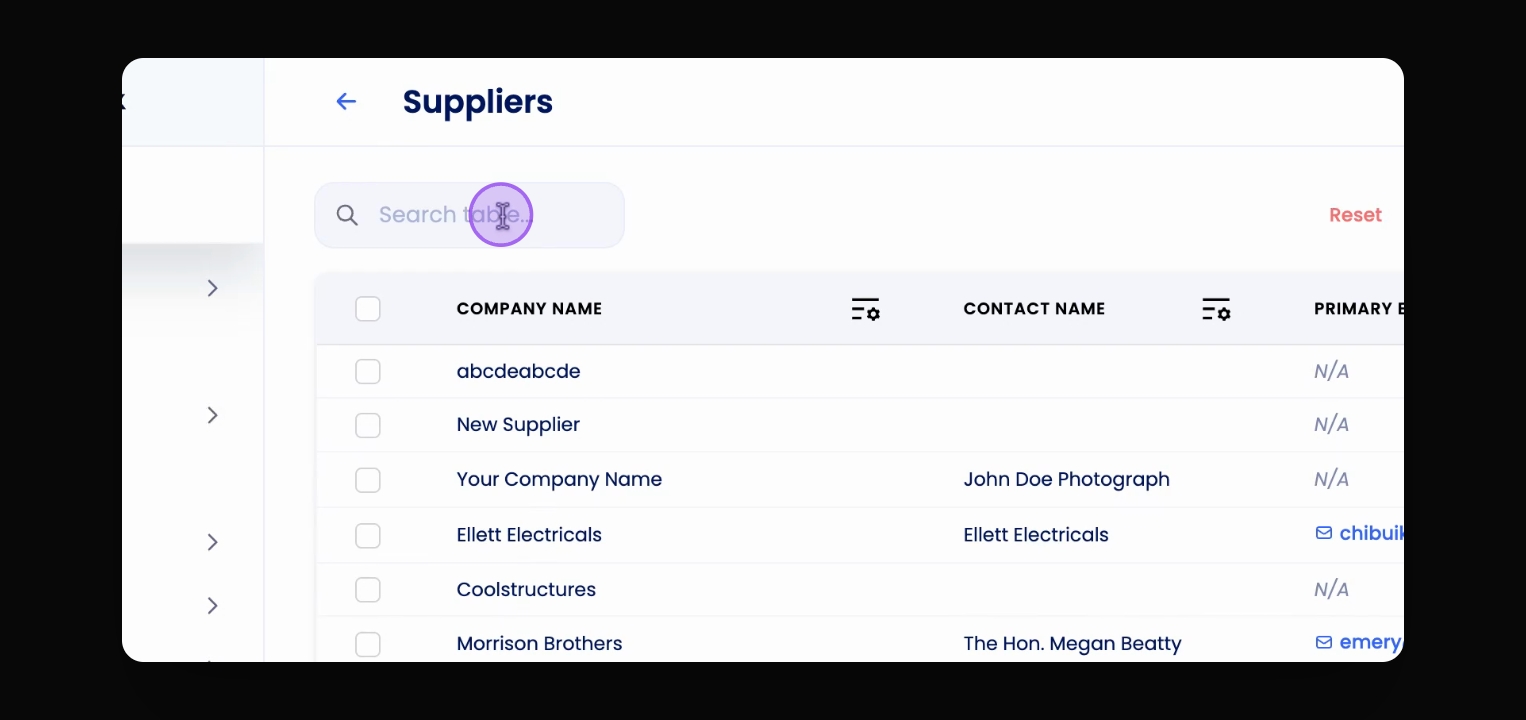
Step 3: Search for Supplier
Search for the supplier you wish to delete.
Step 4: Open Supplier Profile
Click on the supplier to open their profile.
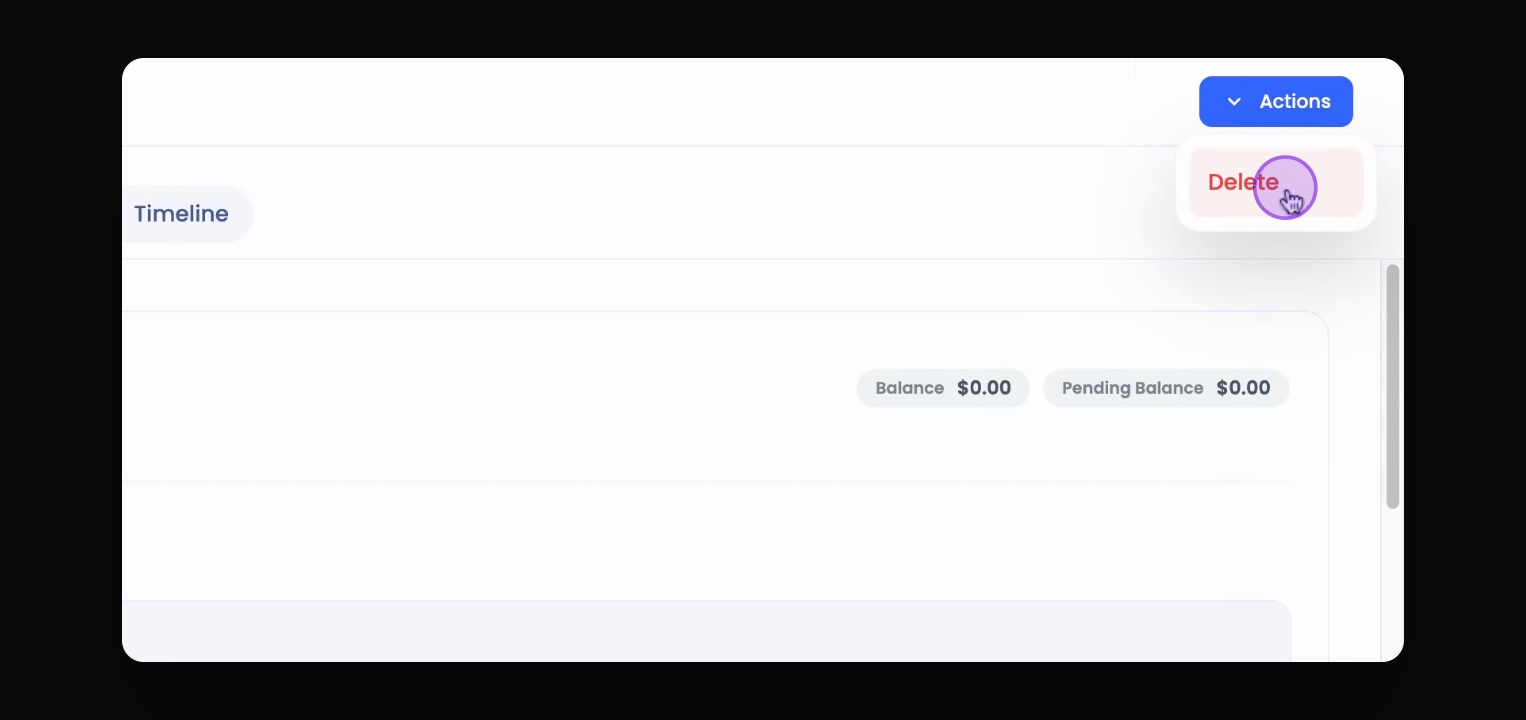
Step 5: Initiate Deletion
Using the Action button on the top right, select Delete.
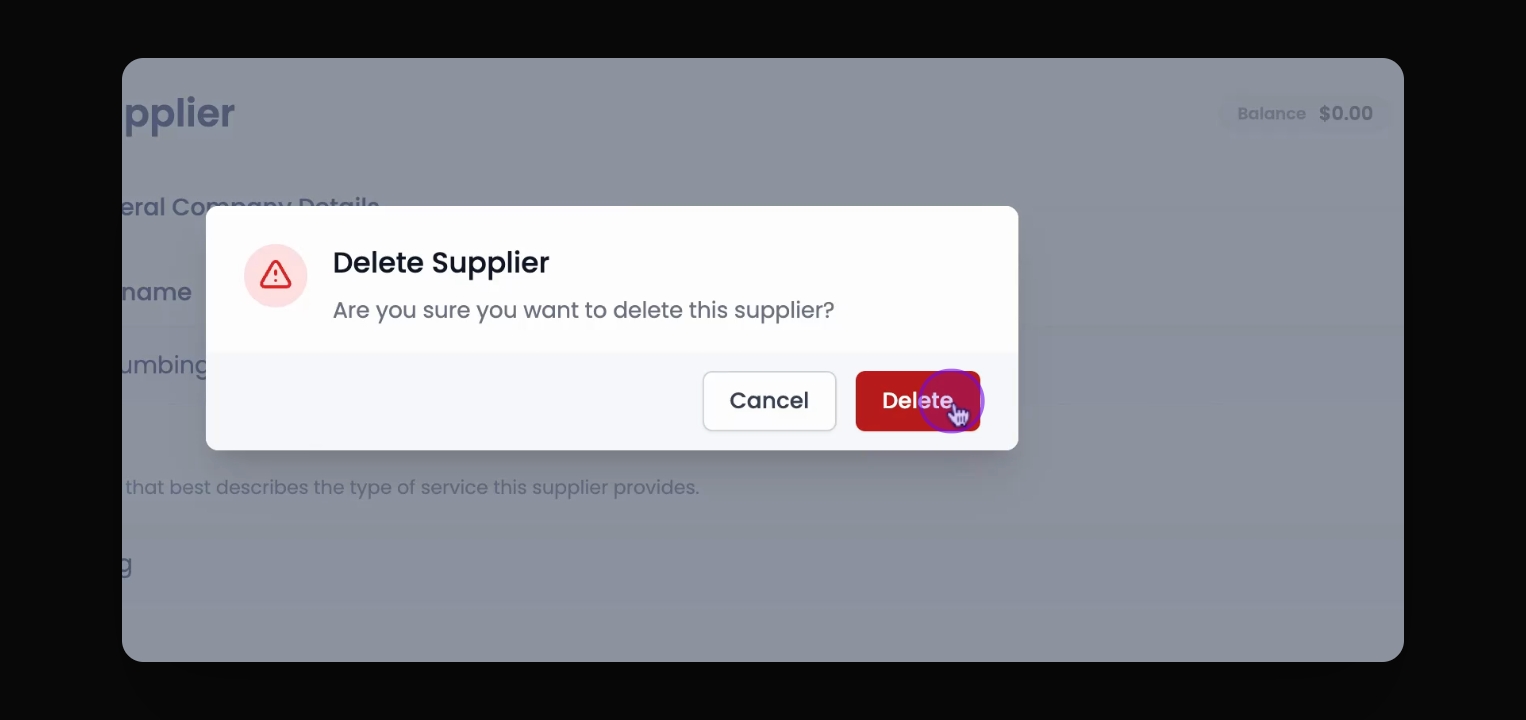
Step 6: Confirm Deletion
The system will ask for confirmation. Click Delete to proceed.
Step 7: Completion
You have successfully deleted the supplier.
If you cannot find what you are looking for or have any further questions, please feel free to contact us on support@keyhook.com — we're always here to help!