

TL;DR
Let's Do It Together!
Step 1: Open Charges Tab
Navigate to Financials and then select the Charges tab.
The Charges tab is now open.
Step 2: Click Create
Click on Create to start a new charge.
A new charge form appears.
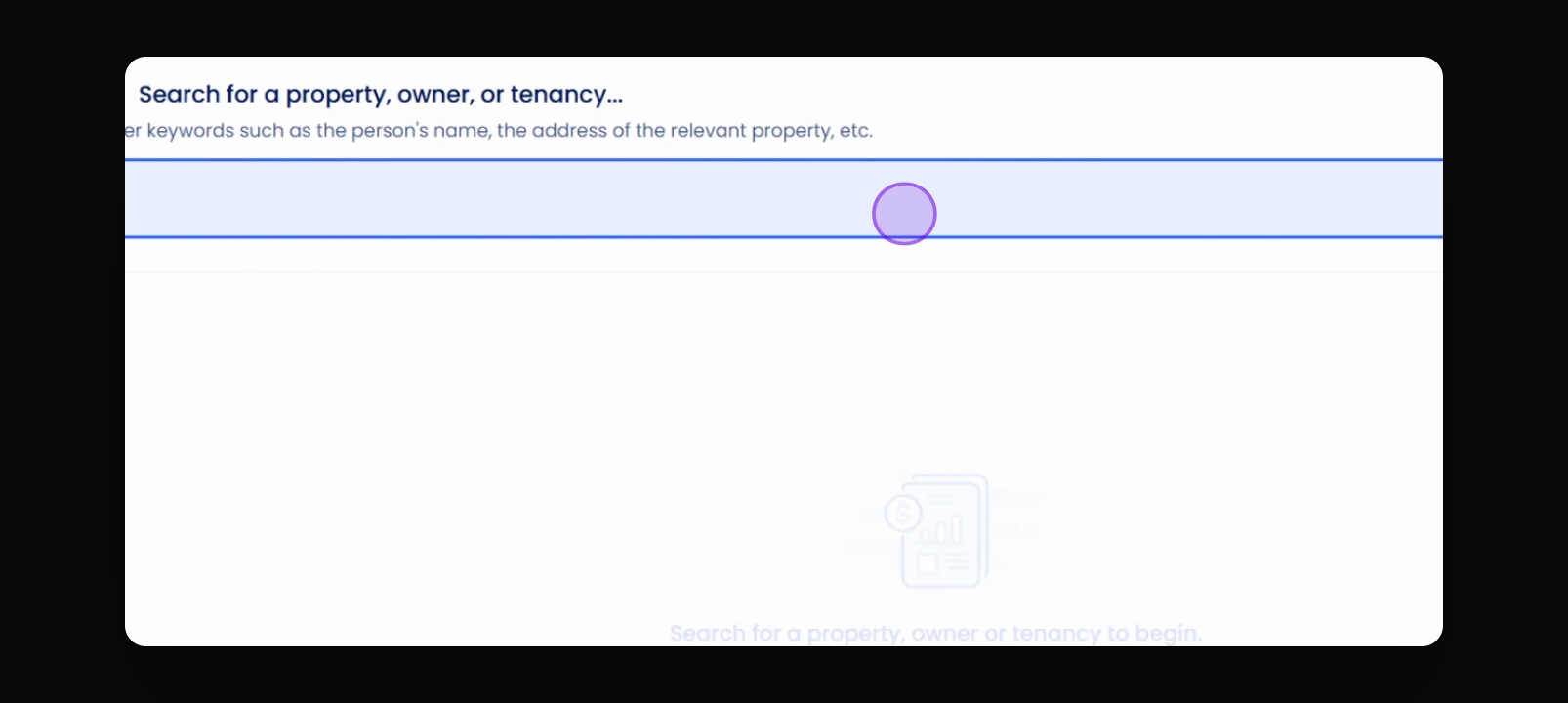
Step 3: Enter Property
Enter the property that you want to create the charge for.
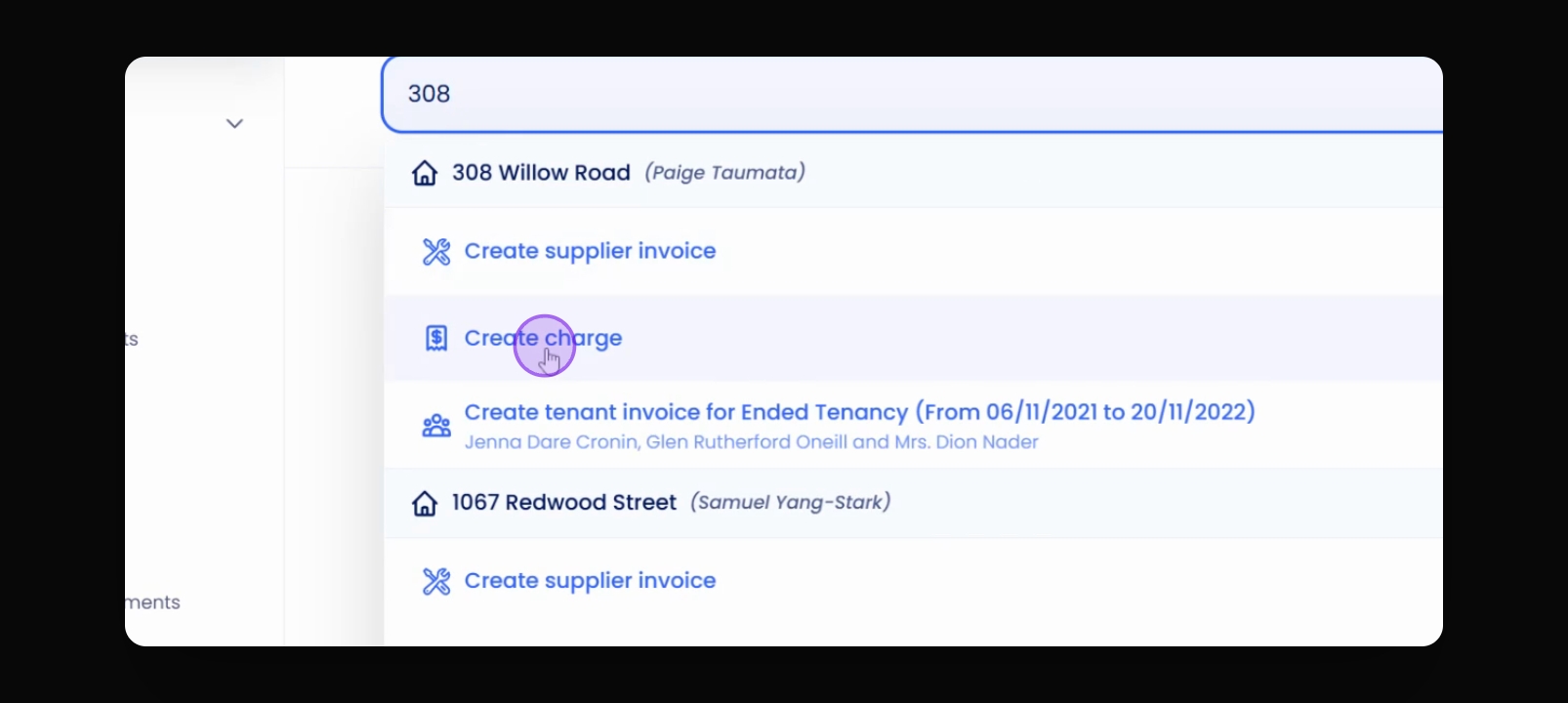
Step 4: Create Charge
Click on Create charge.
The charge is created.
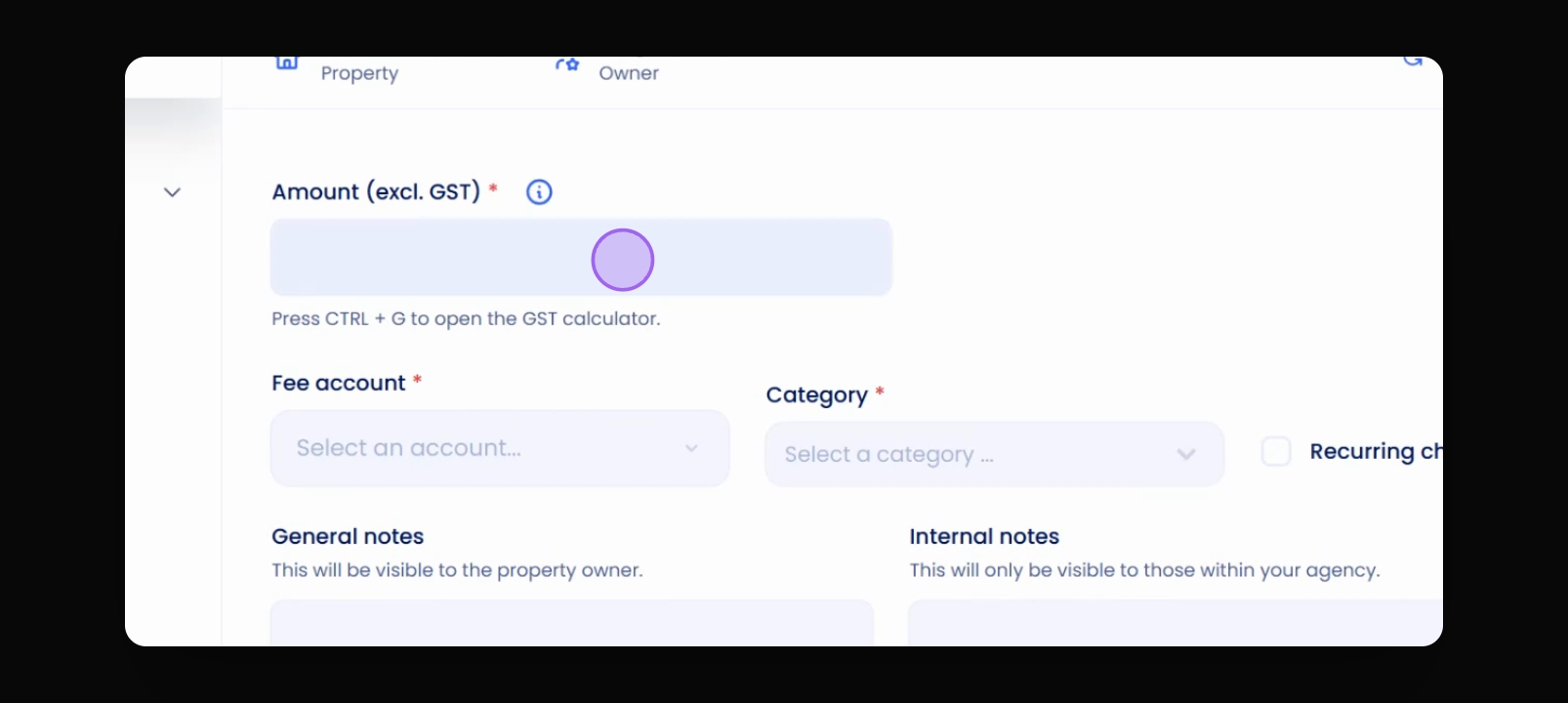
Step 5: Enter Amount
Enter the amount for the charge.
Step 6: Select Fee Account
Select a fee account for this charge.
Step 7: Set Fee Account
Set the fee account as advertising.
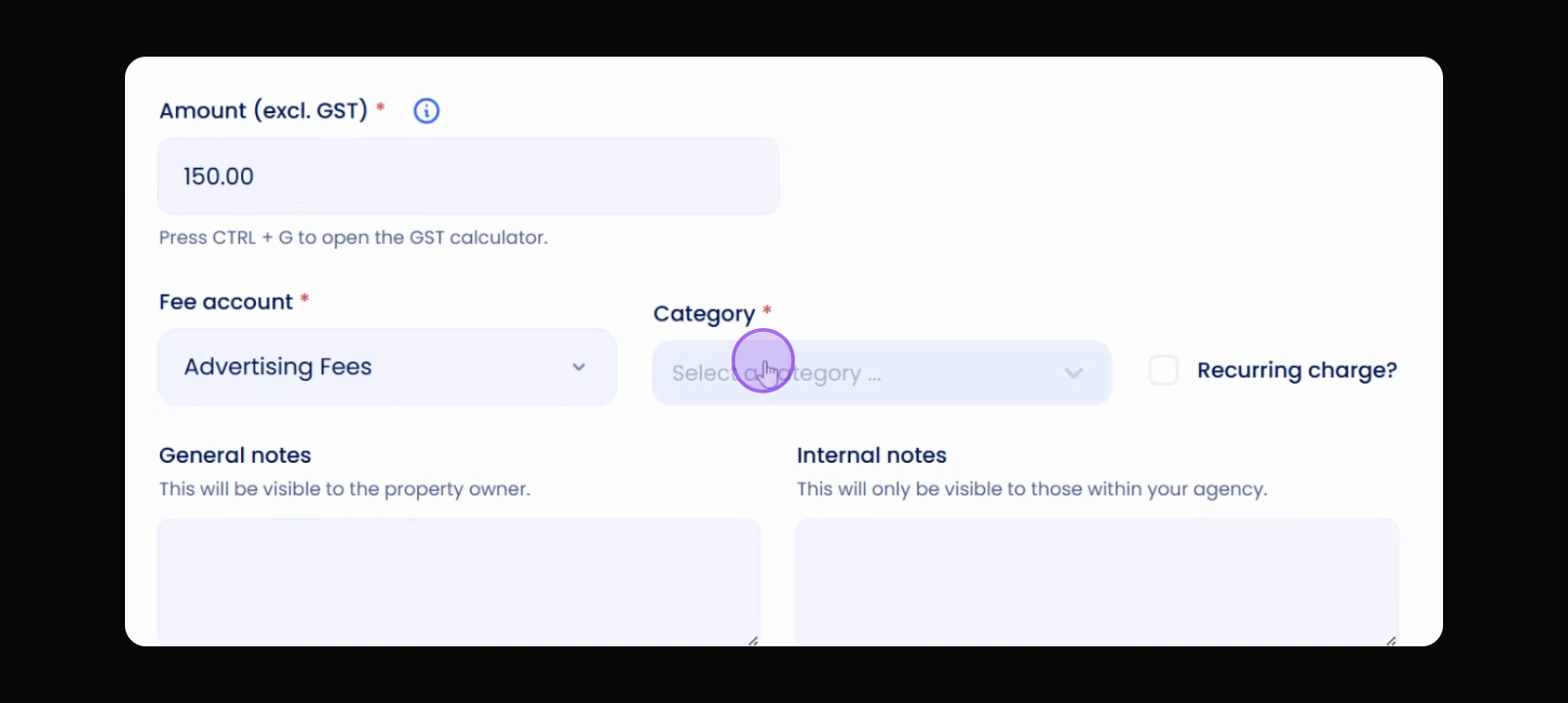
Step 8: Select Category
Select a category for the charge.
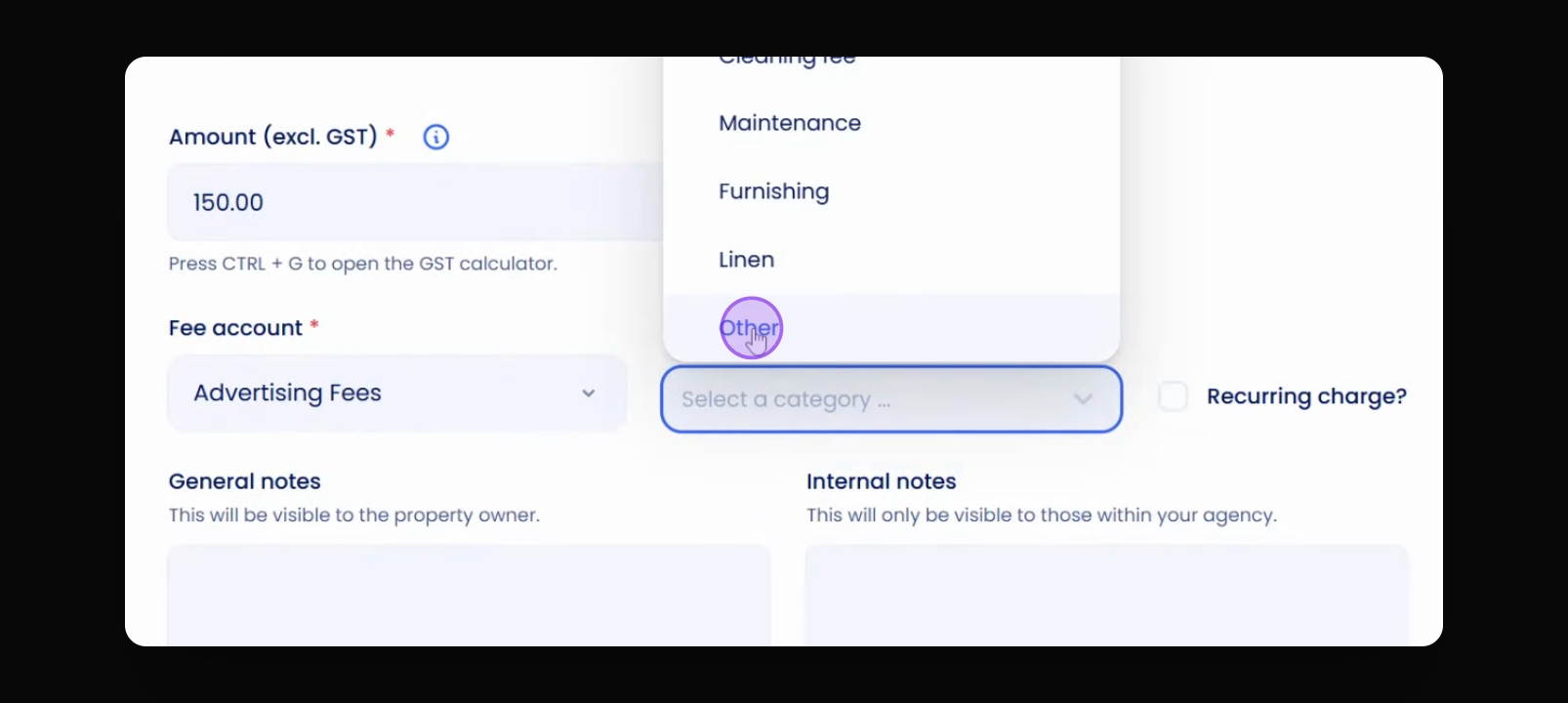
Step 9: Enter Description
Enter a description for the charge, such as trade me ad.
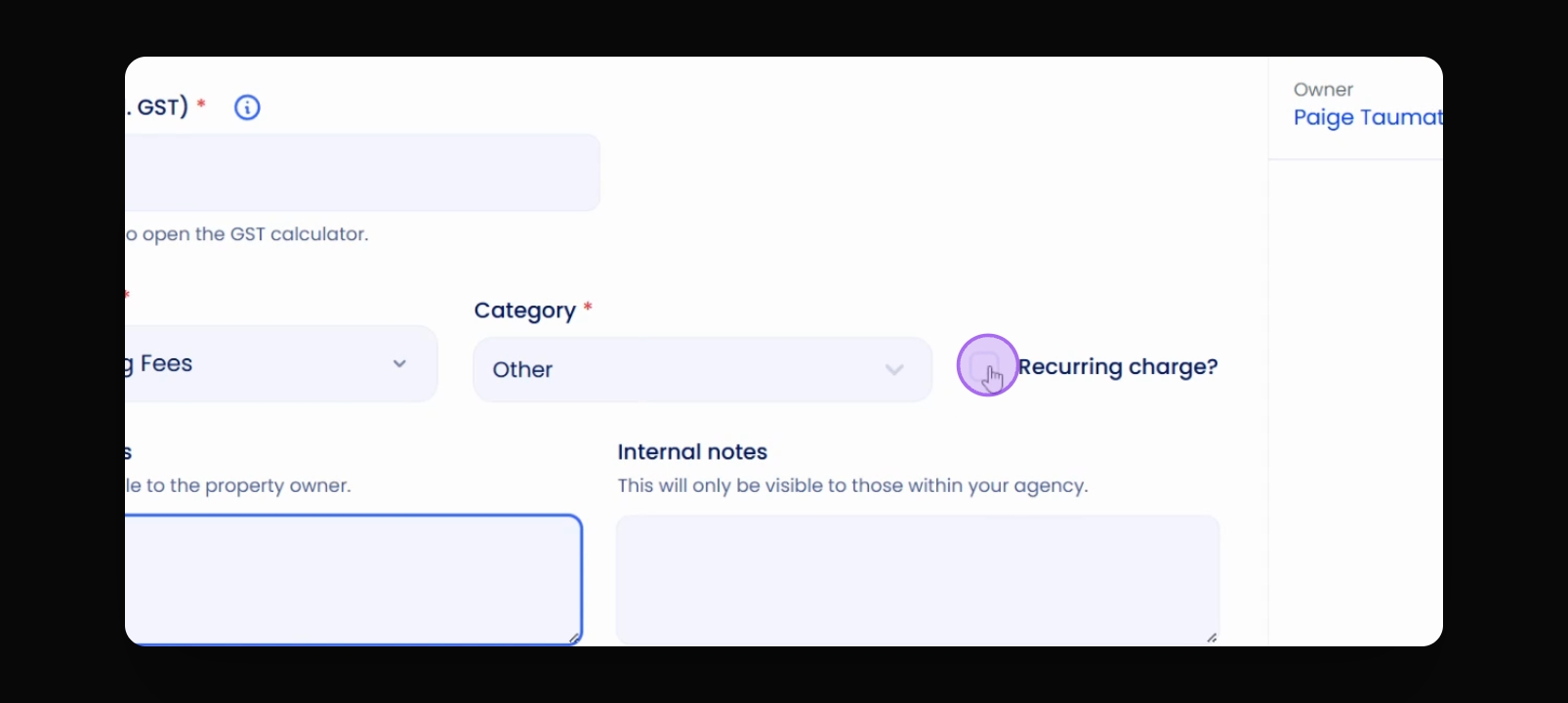
Step 10: Set Recurrence
Decide if the charge should be recurring or not.
Step 11: Set Recurrence Option
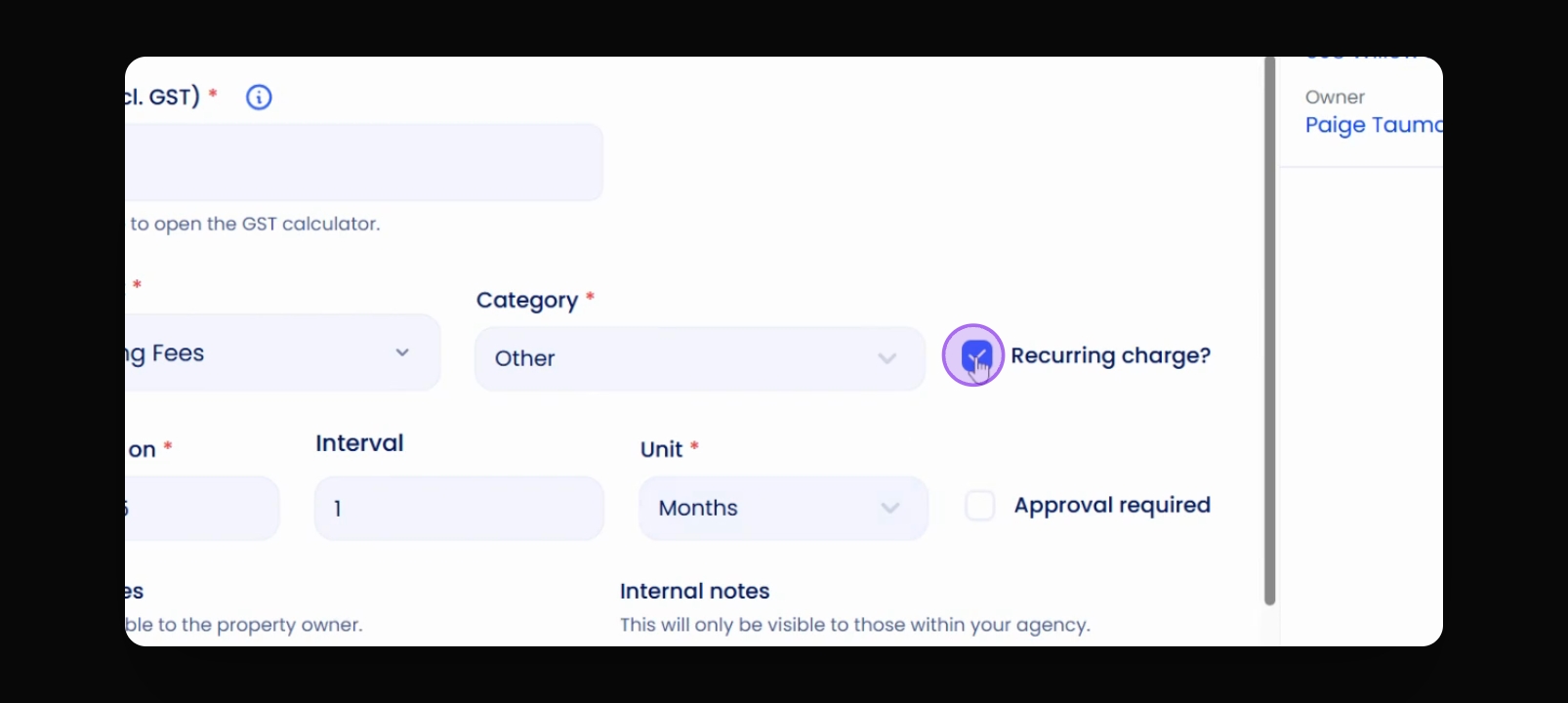
If making it recurring, click on the recurrence option.
Step 13: Set Recurrence Frequency
Select how often to charge.
Step 14: Save Charge
Click Save to finalise the charge.
The charge is now listed under charges.
Step 15: Review Charge Status
Check the status of the charge; it will remain unpaid until there’s money.
The charge status will update to paid when applicable.