

TL;DR
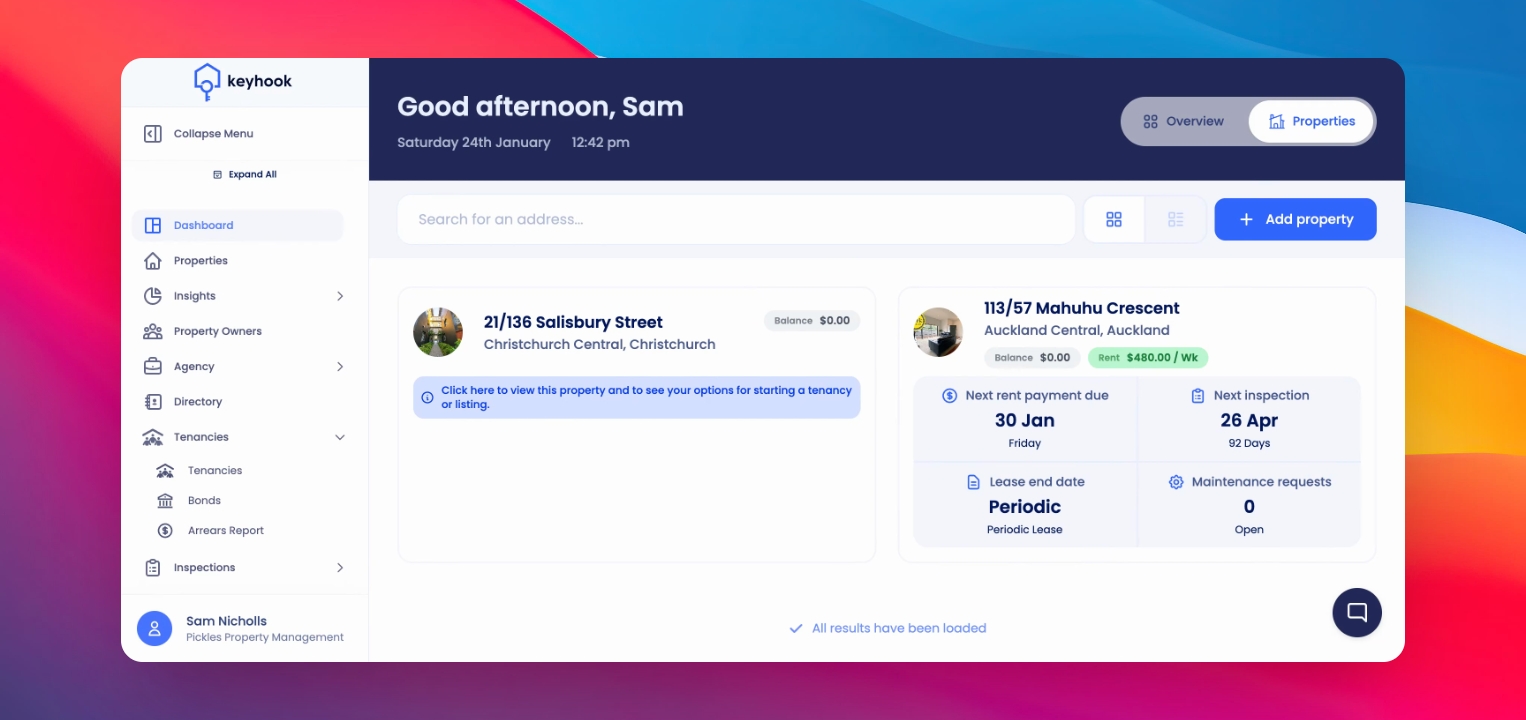
Find that Icon on the bottom right of the screen
Depending on how you would like to reach out to us
Make sure you include your name and agency name along with the query
Let's do it together!
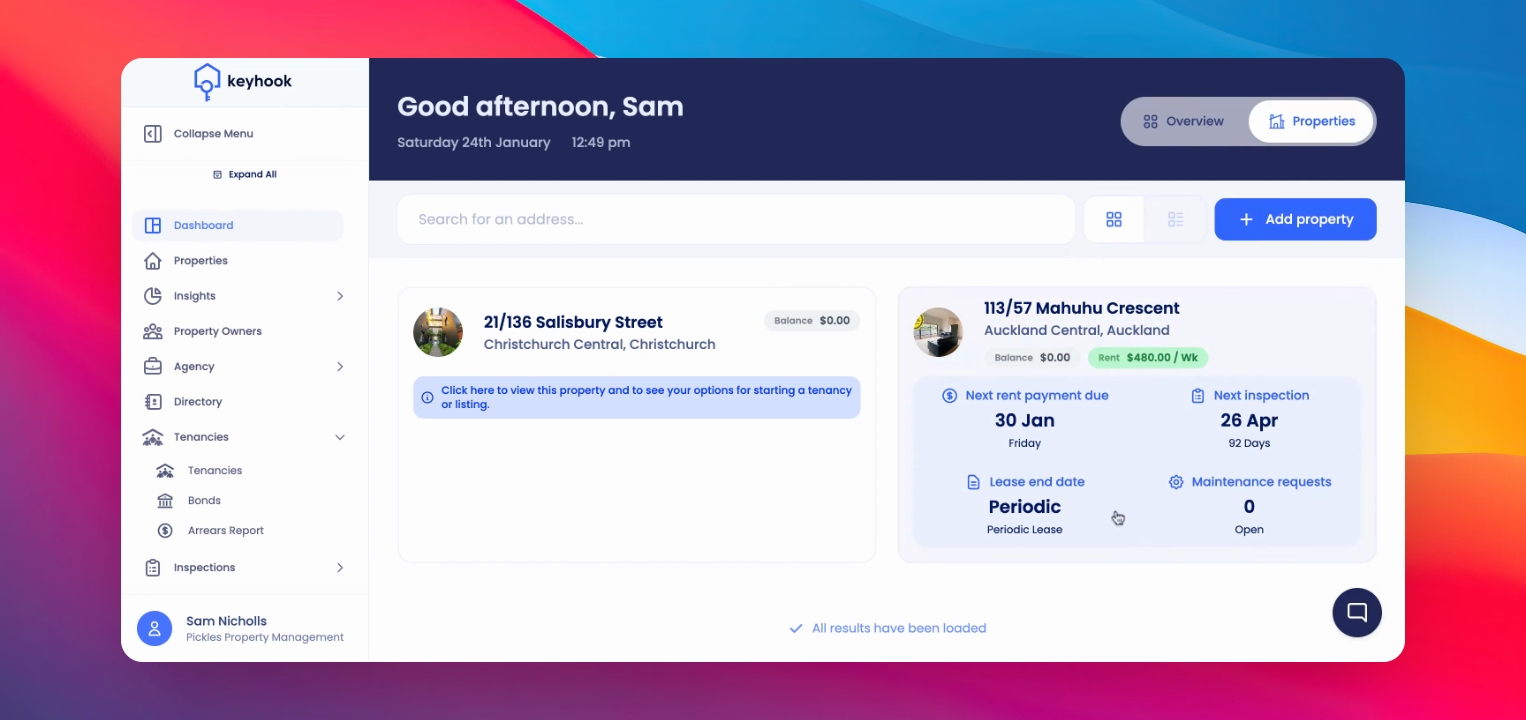
Step 1: Locate the icon
At the bottom right corner of the screen, find the chat or message icon.
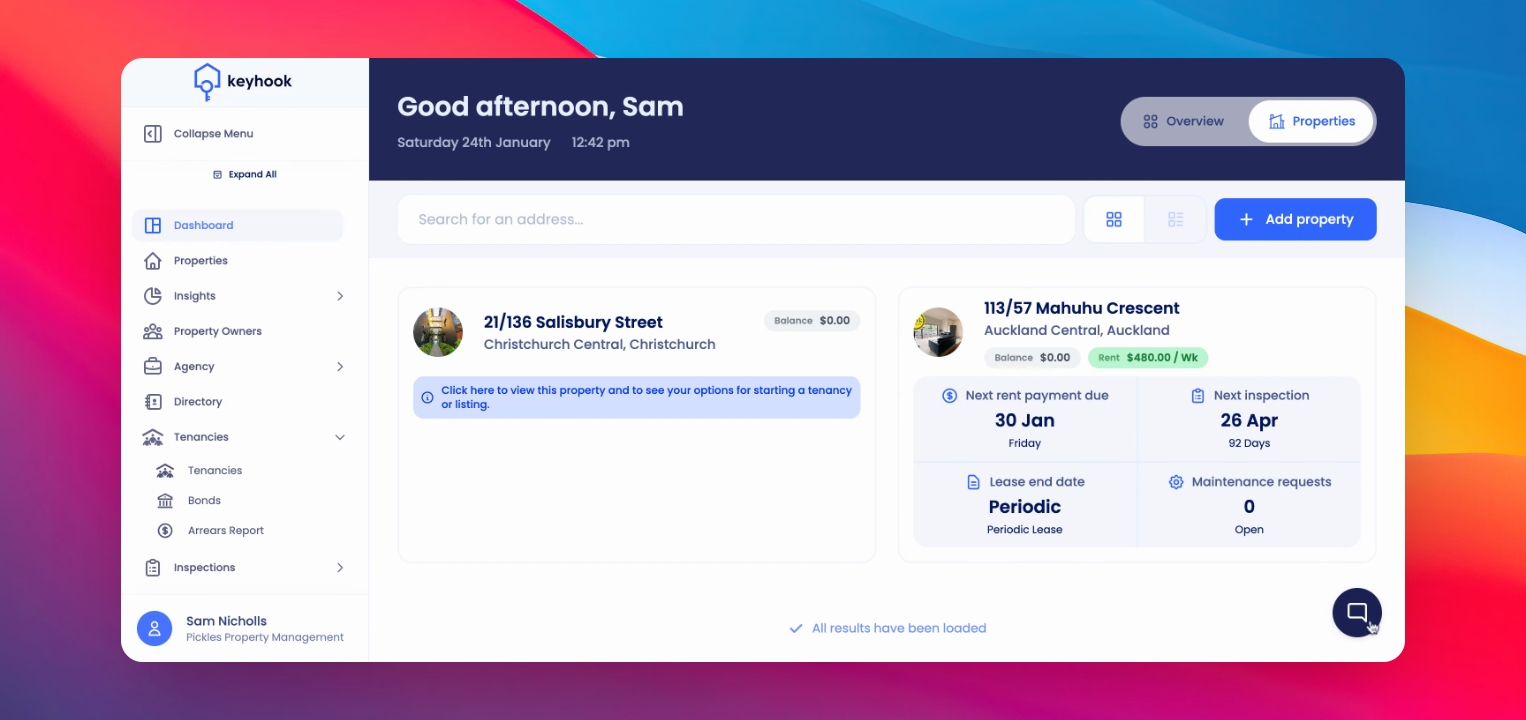
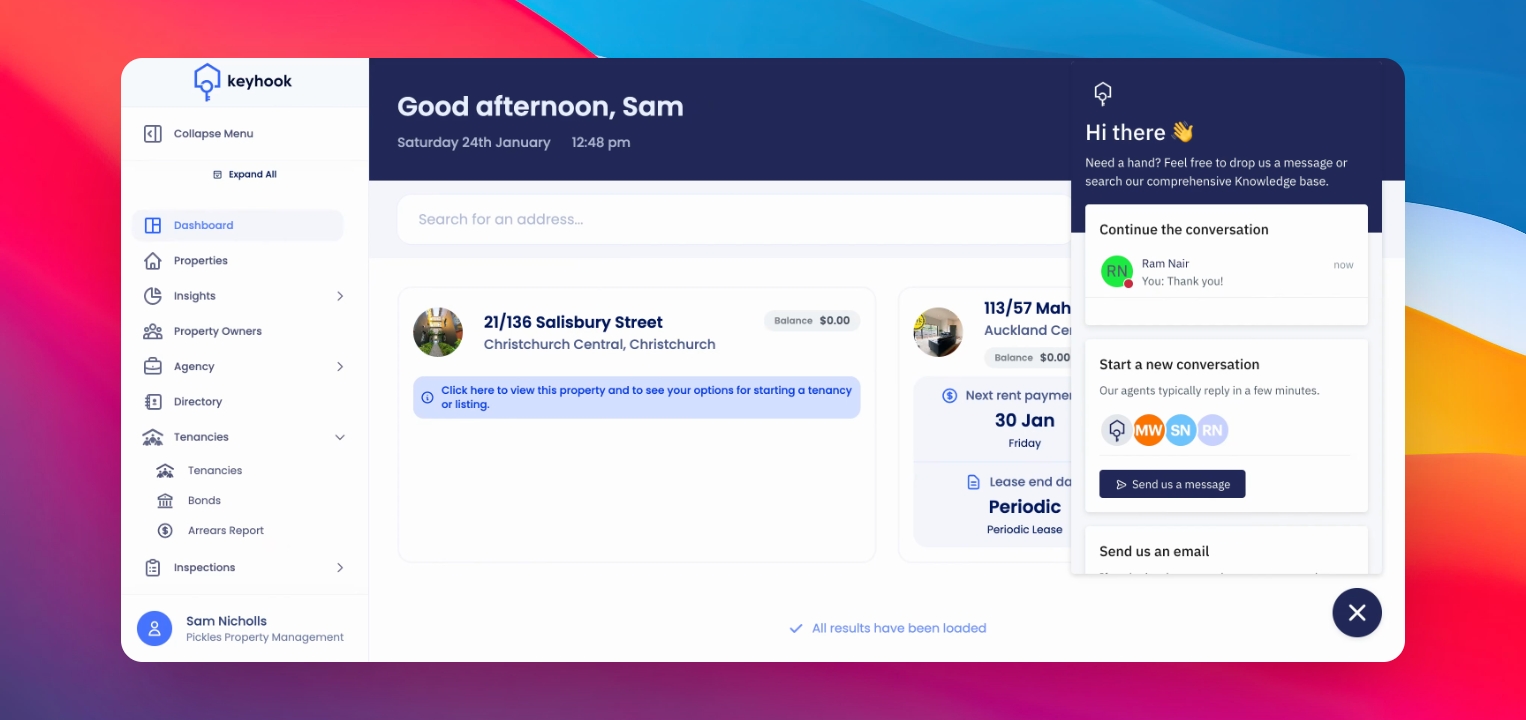
Step 2: Open support panel
Click on the icon to open the support panel.
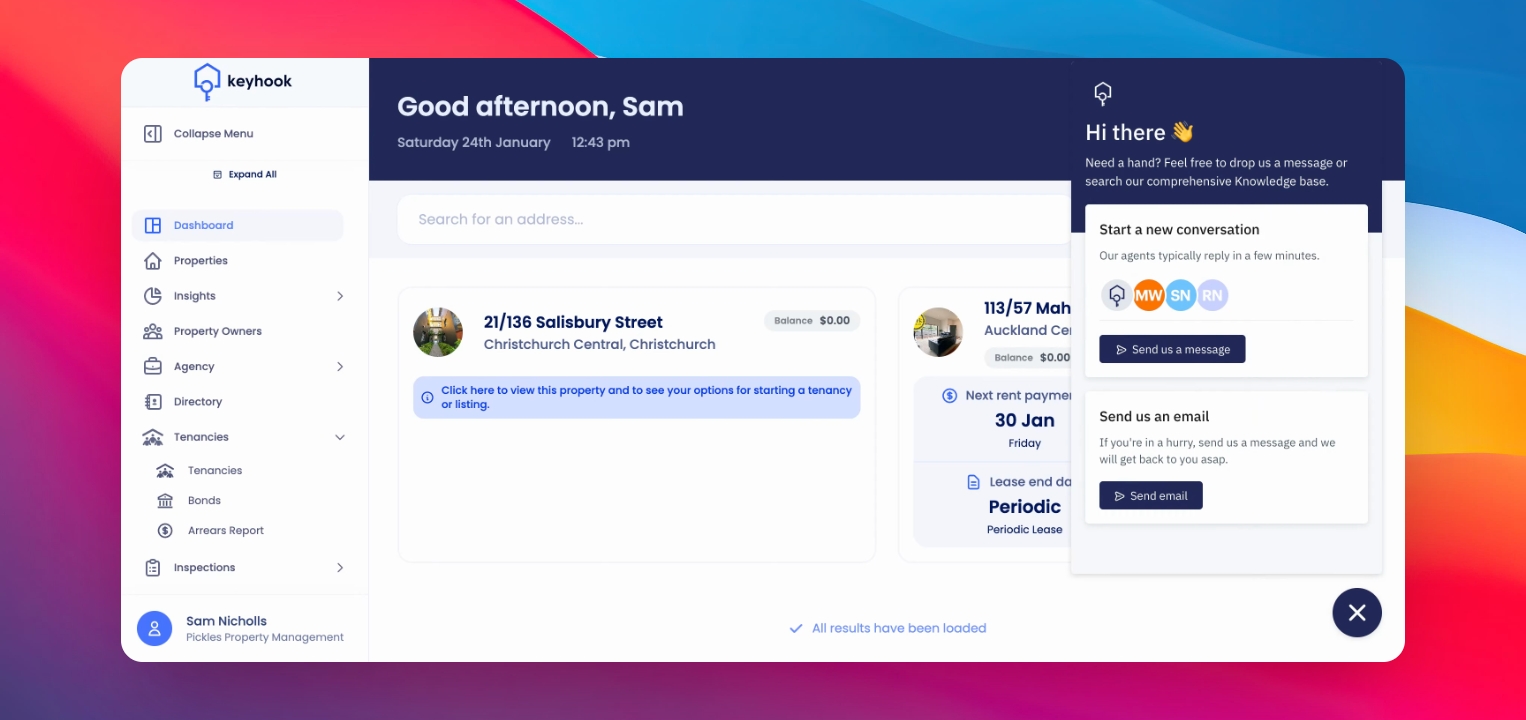
Step 3: Send a message
From the support panel, click Send us a message to start a new conversation.
Step 4: Start chatting
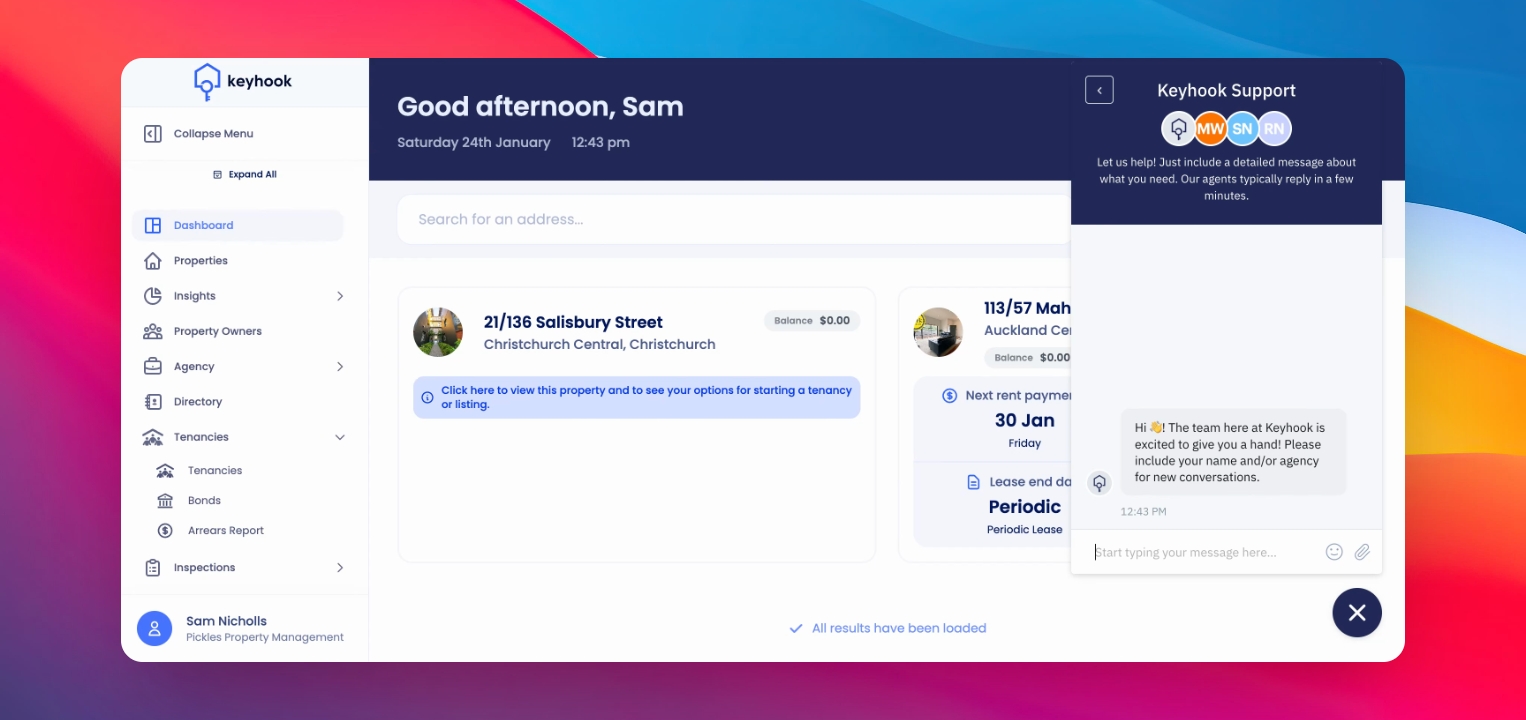
This opens a chat style support experience where you can message the support team directly.
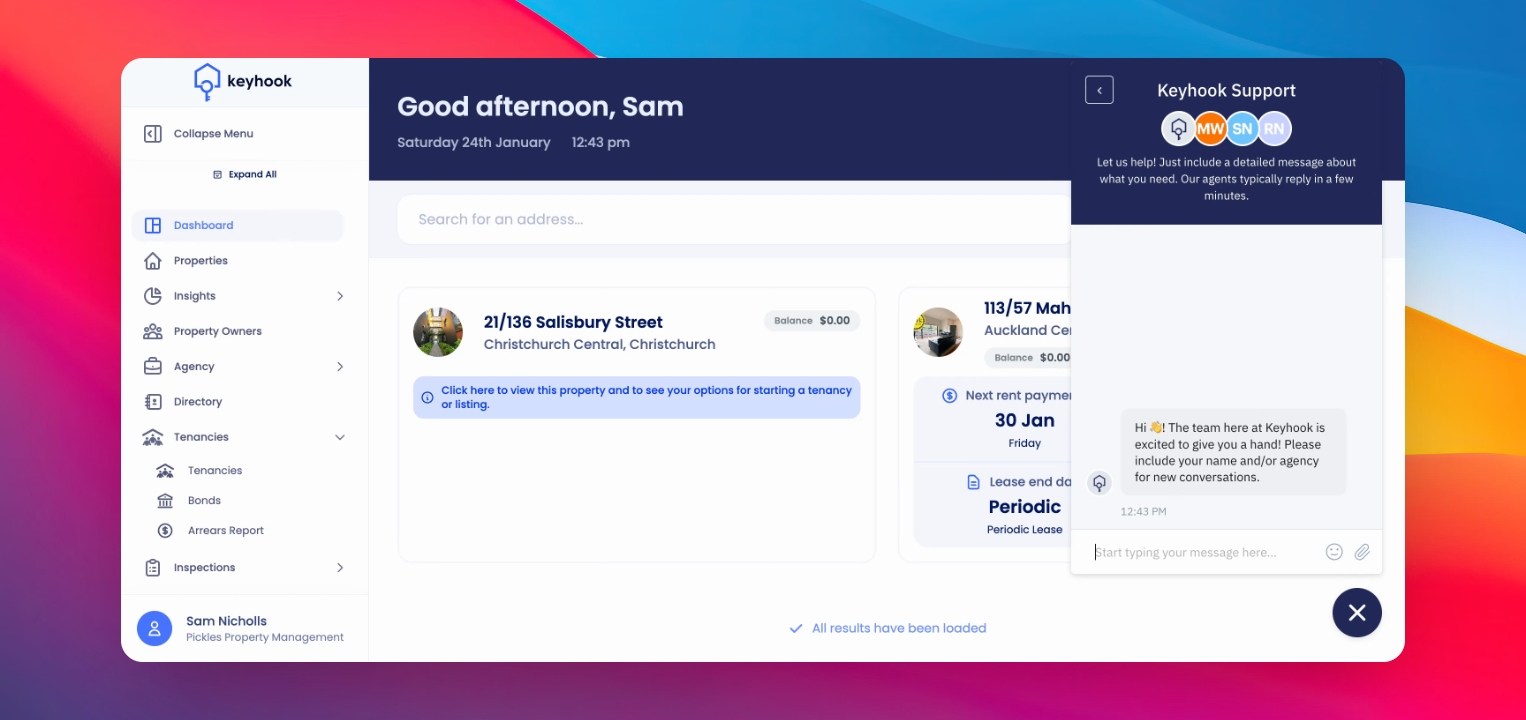
Step 5: Provide details
Include your name, agency name, and a clear description of your query to help the team respond faster.
Step 6: Email option
If needed, choose to send an email to the support team directly from Keyhook.
Step 7: Call for urgency
For urgent matters, call the support team directly using the contact numbers provided during onboarding.
If you need more help or have any questions, just reach out to us at support@keyhook.com — we're always here to help!