

Let's do it together!
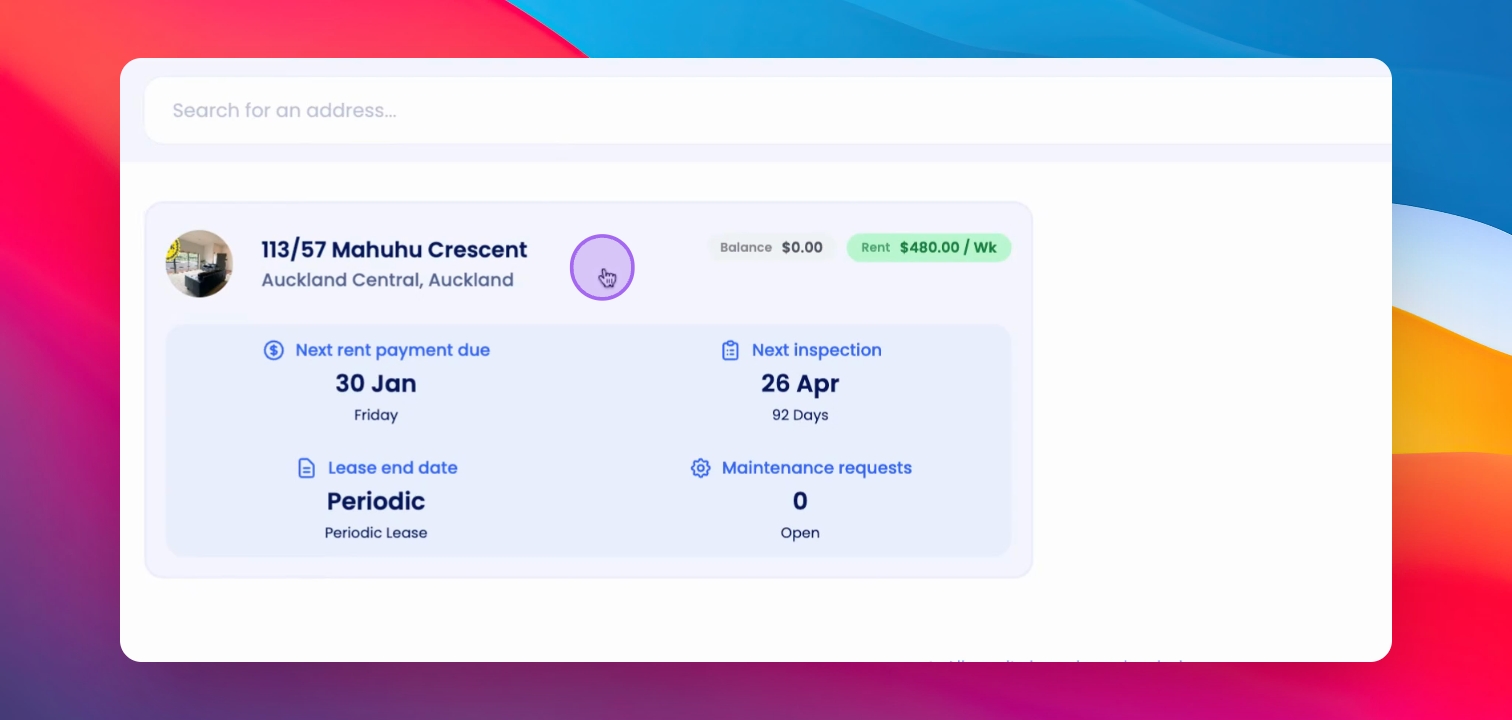
Step 1: Navigate to Property
Start by navigating to the property that contains the tenancy where you want to change the tenants.
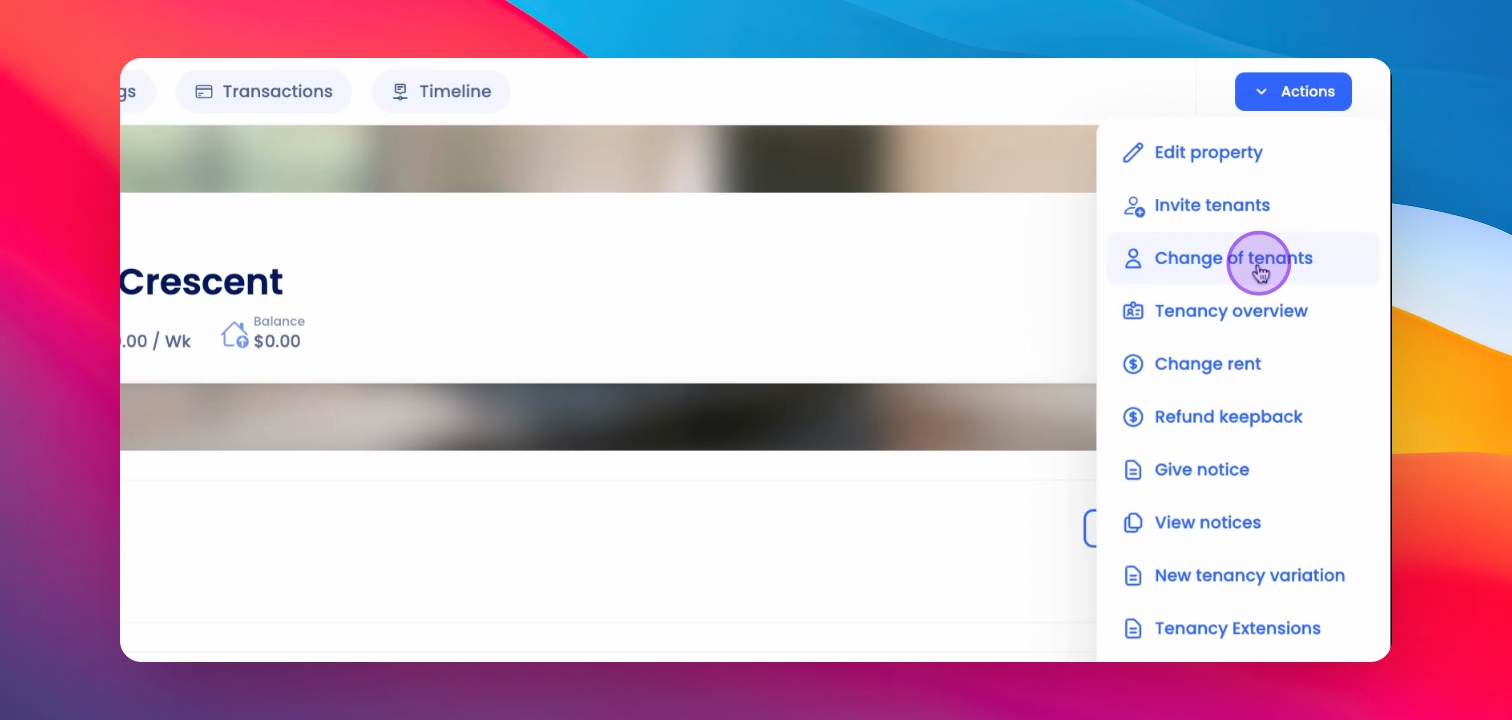
Step 2: Open Actions Menu
From the Property Overview page, click the Actions button at the top right corner.
Step 3: Select Change of Tenants
Select Change of Tenants from the menu to proceed to the Change of Tenants page.
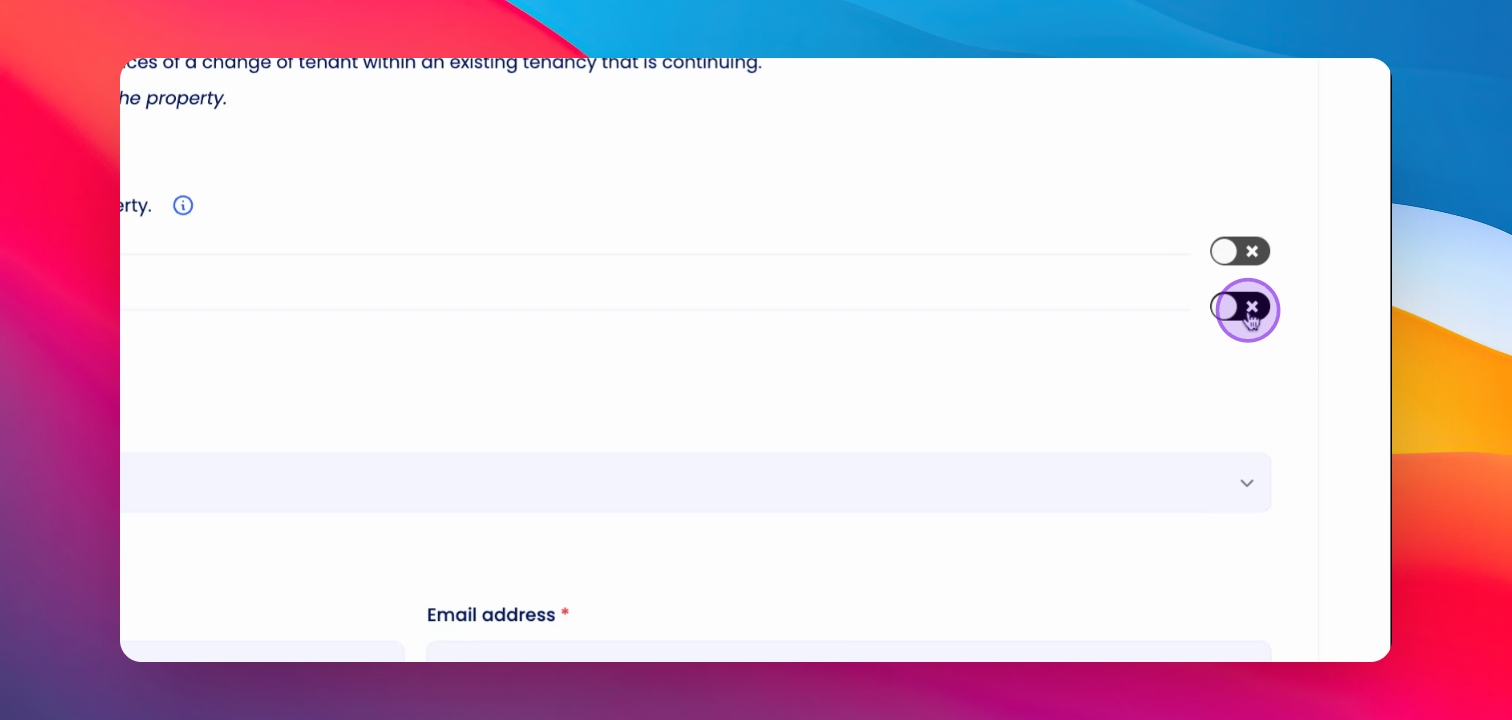
Step 4: Select Departing Tenants
Select the departing tenant or tenants for the tenancy change.
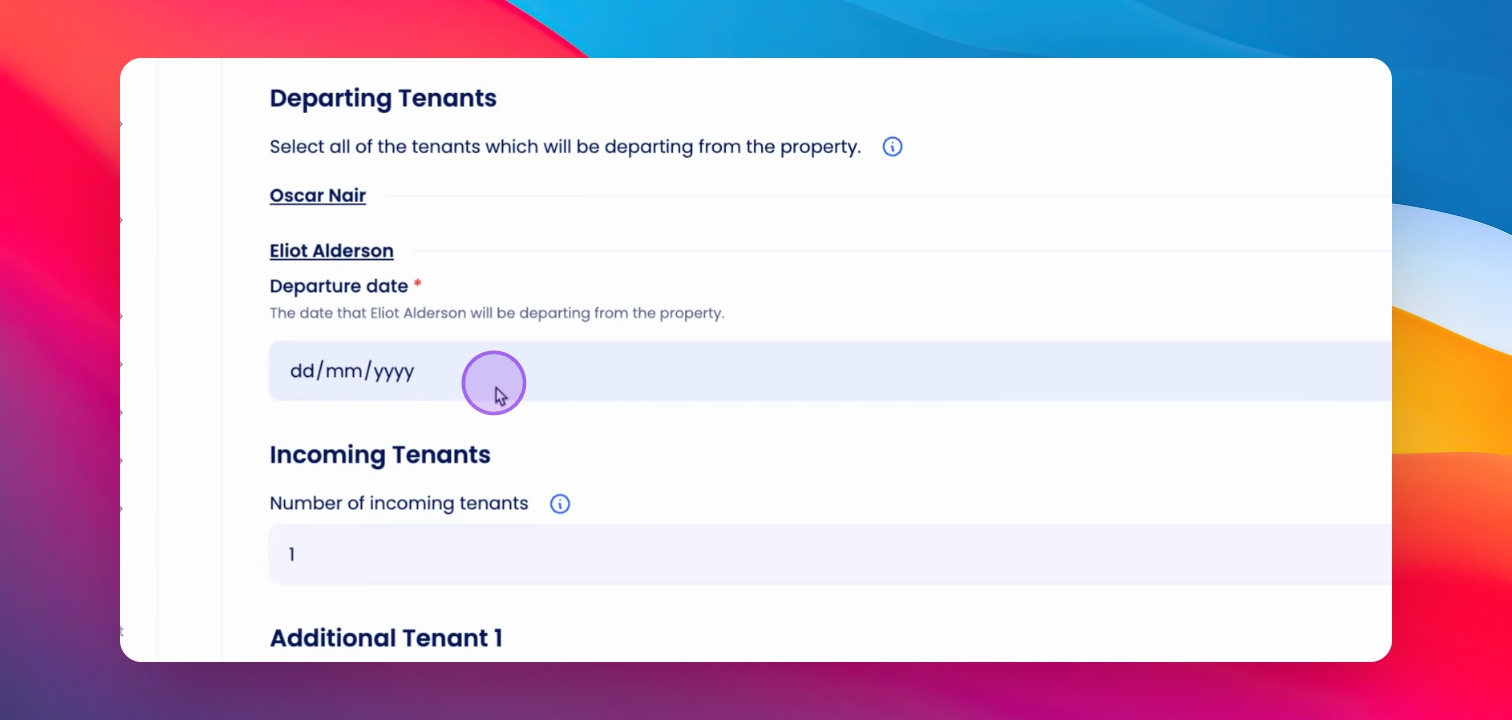
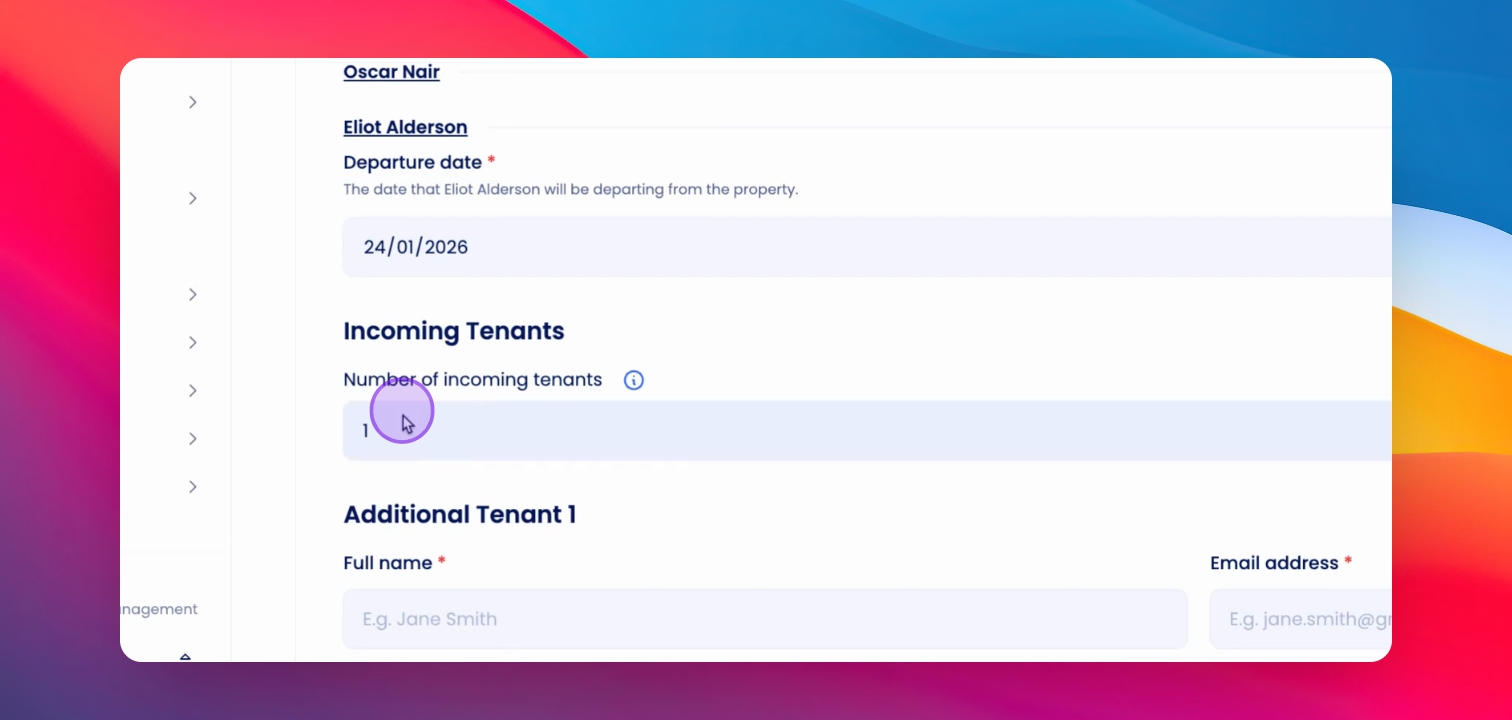
Step 5: Enter Departure Date
Enter the departure date for the outgoing tenants.
Step 6: Enter Incoming Tenants
Enter the number of incoming tenants and add their details as required.
Step 7: Proceed to Next Step
Once all tenant details are added, click Next.
Step 8: Review Variation Notice
Review the Change of Tenant variation notice carefully to ensure all information is accurate.
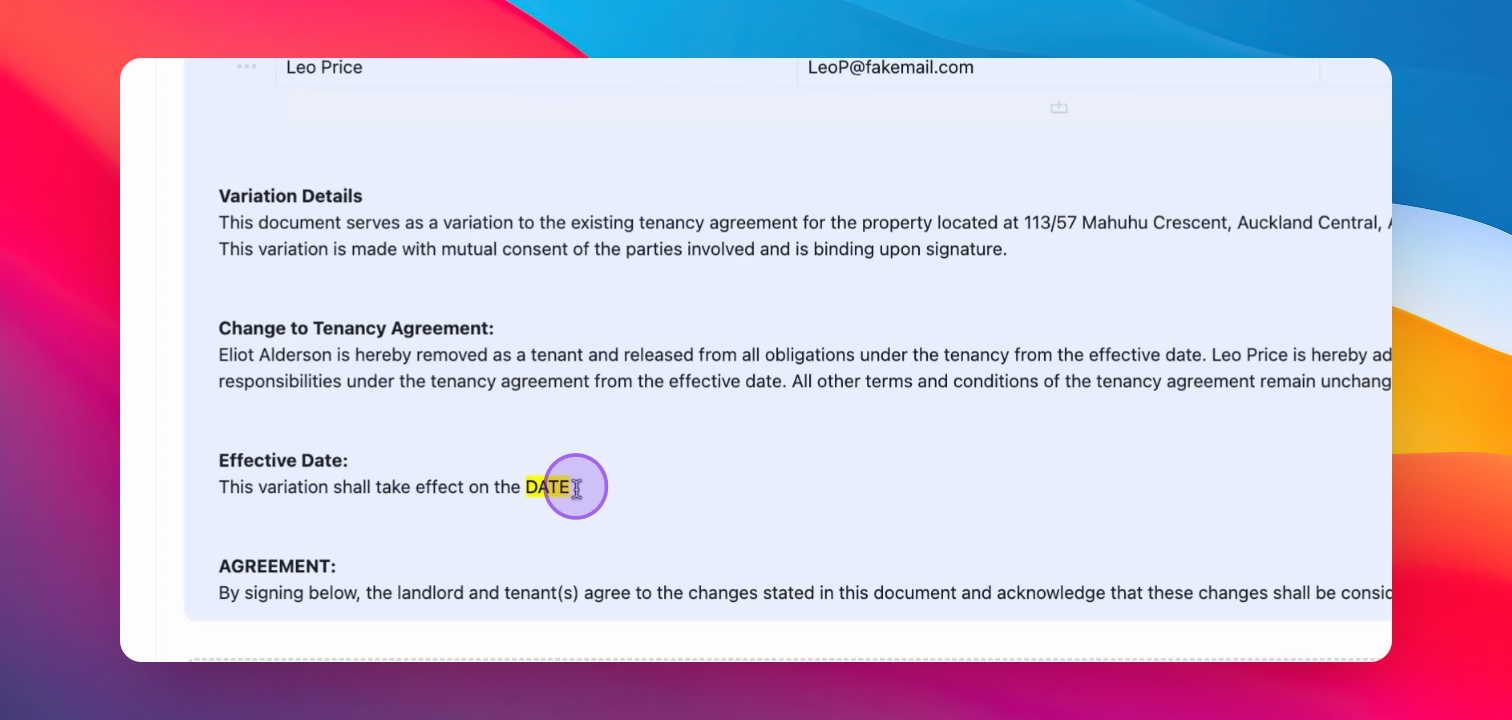
Step 9: Sign Variation Notice
Proceed to sign the Tenancy Variation Notice.
Step 10: Generate Documents
Once everything is reviewed, click Generate Documents to finalize the process.
Step 11: Notify Stakeholders
Relevant stakeholders will be notified of the change in the tenancy agreement.
Step 12: New Tenant Email
The new tenant will receive an email inviting them to log in to Keyhook and sign the tenancy agreement.
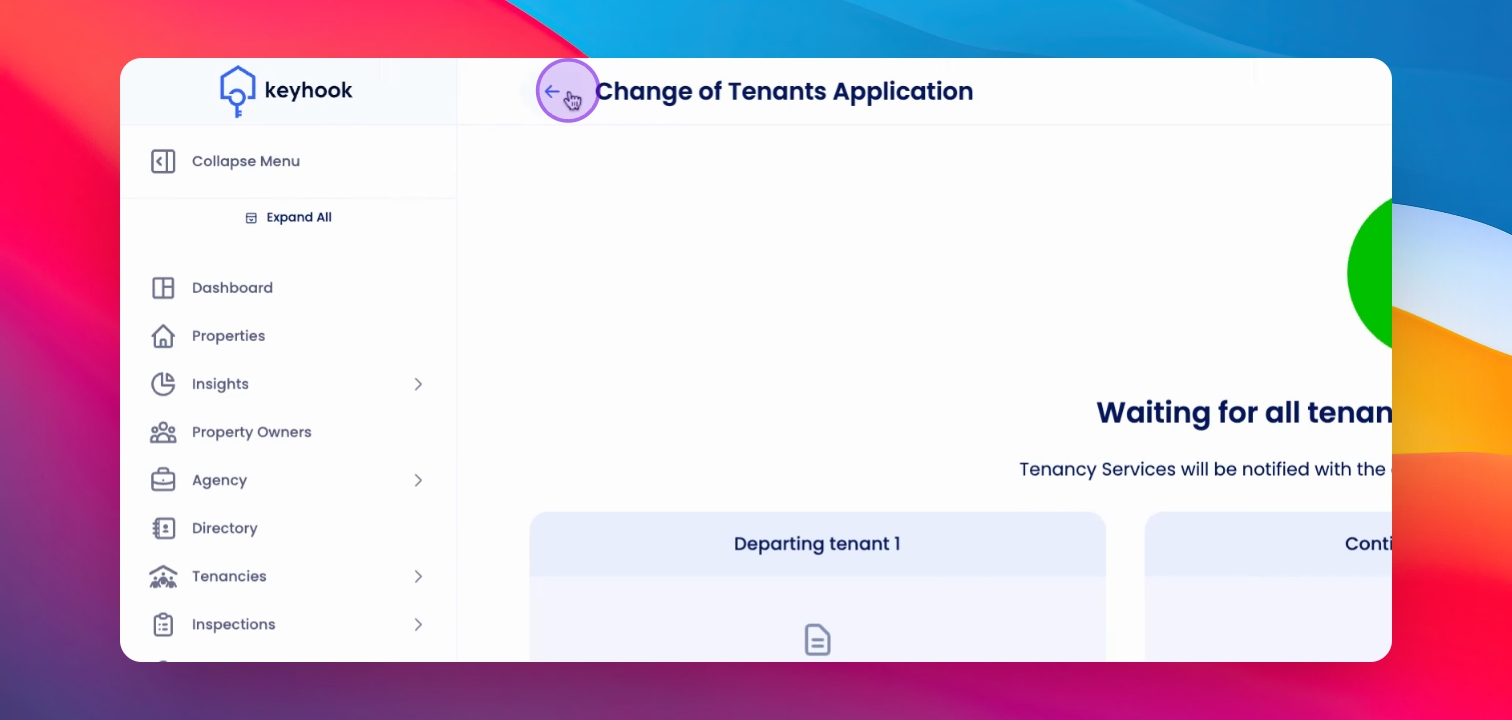
Step 13: View Pending Variations
Return to the Property Overview page and scroll down to see the Pending Tenancy Variation section.
Step 14: View Variation Notice
Click on the View button to see the variation notice.
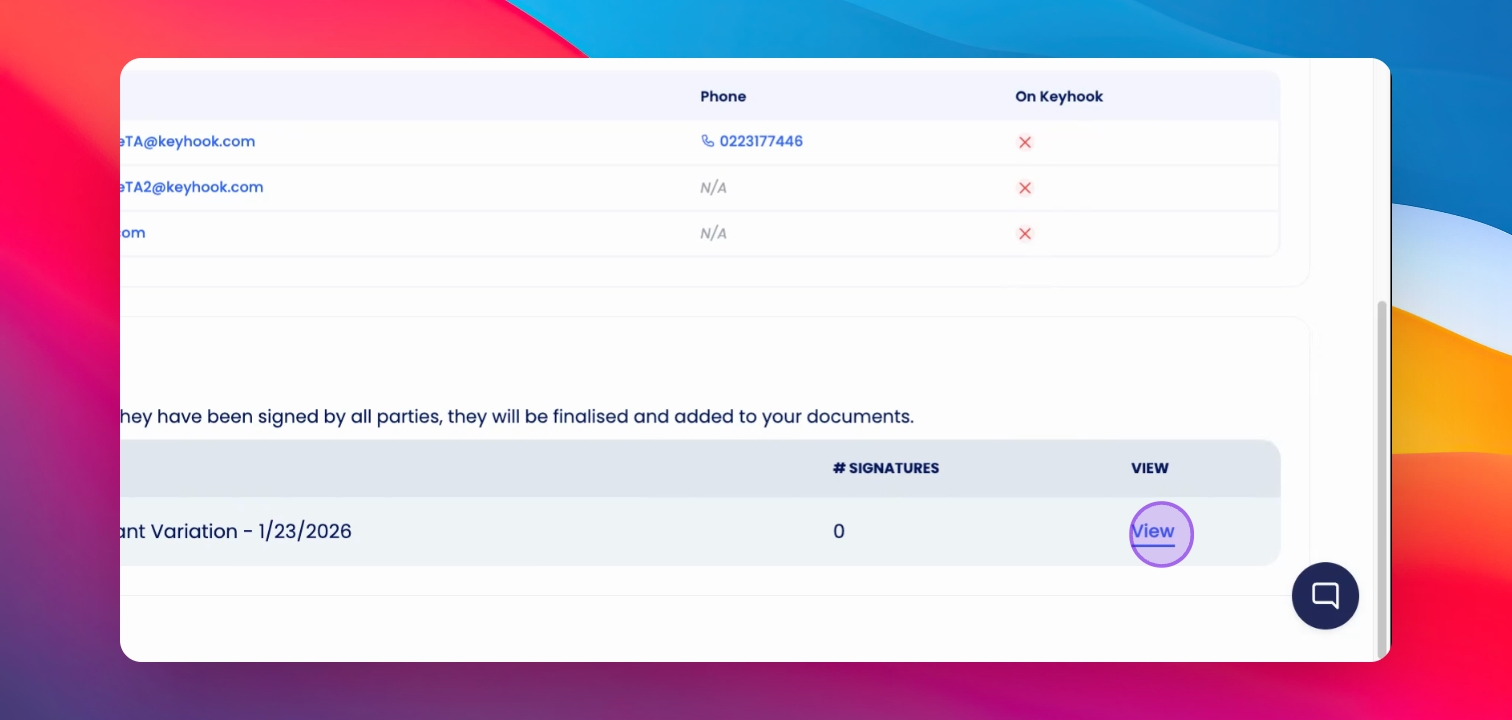
Once the new tenants has signed the Tenancy Agreement, notice will be moved to documents section.
If you need more help or have any questions, just reach out to us at support@keyhook.com — we're always here to help!