

Let's do it together!
Step 1: Identify transactions
In your bank feed, look for green bars indicating confident AI matches for transactions.
Step 2: Click reconcile
Click the Reconcile button located on the right side of the screen to start the reconciliation process.
Step 3: Choose debt to track
Select which debt to track for reconciling Tree's transactions up to the desired date.
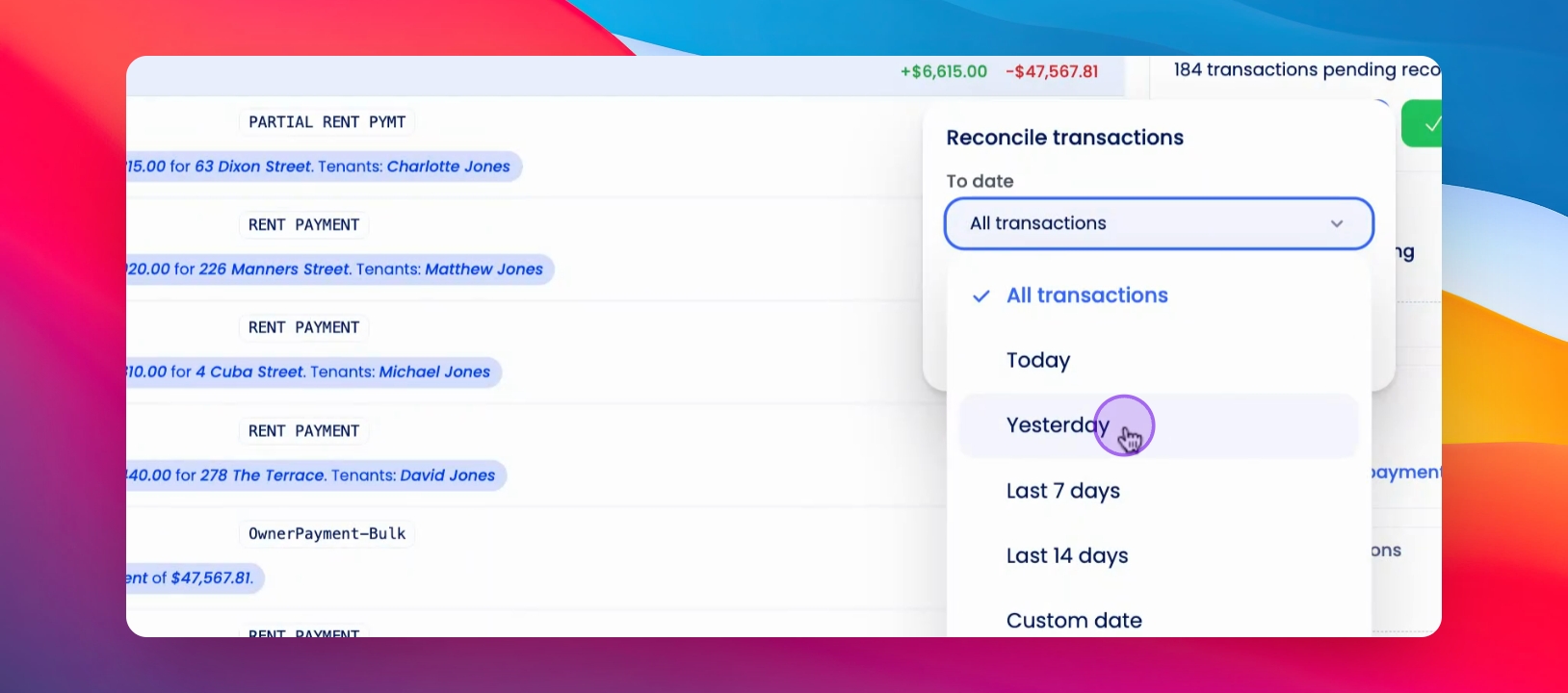
Step 4: Set reconciliation date
Specify the date up to which you want to reconcile transactions; for example, all transactions up to yesterday.
Step 5: Ensure correct pay run
Confirm that you are not reconciling money with an incorrect pay run.