

Let's do it together!
Step 1: Access Bank Feed
Go to the bank feed section in Keyhook to start exporting your transactions.
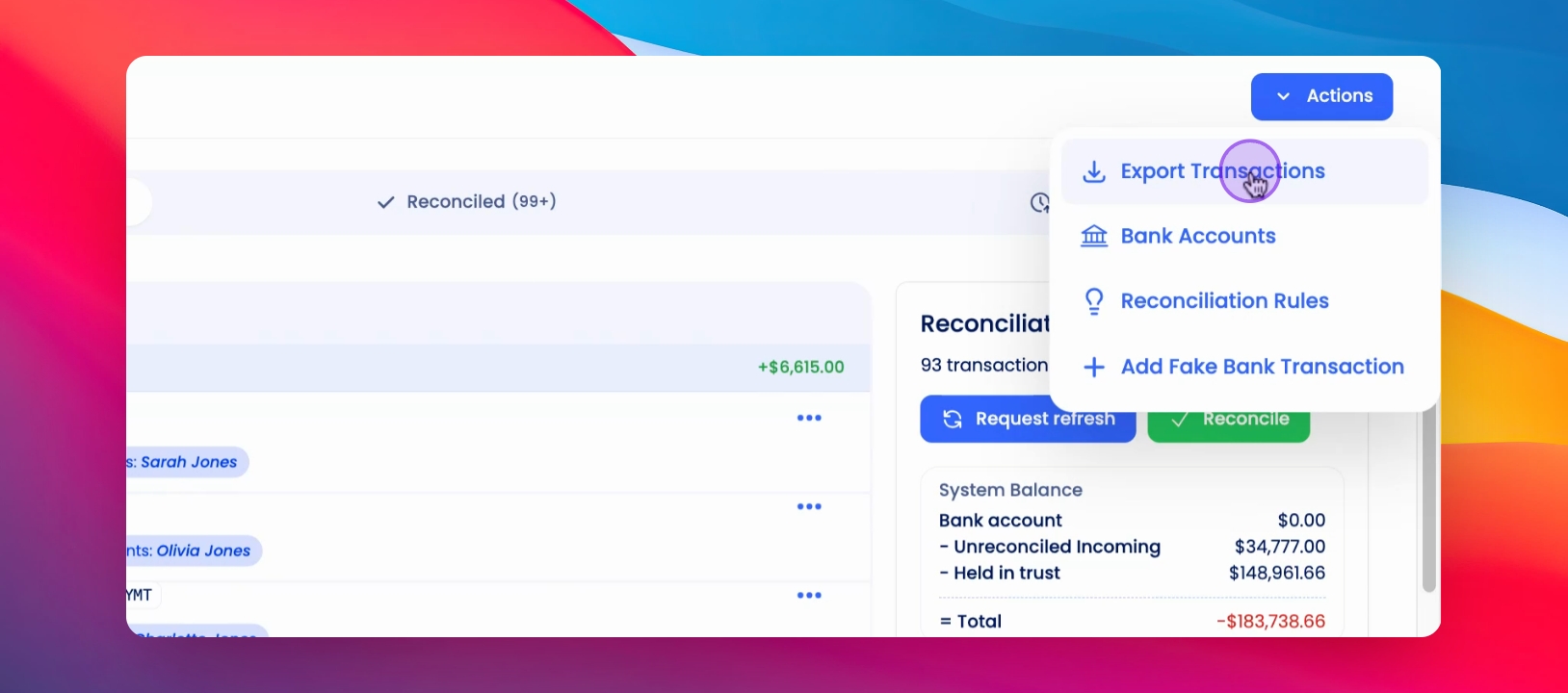
Step 2: Use Actions Button
Click the Actions button located at the top of the bank feed.
Step 3: Export Transactions
Select Export Transactions and choose the desired date range for your export.
Step 4: Confirm Export
Click the Export button to finalize your transaction export.