TL;DR
1
Create a new invoice
Begin by creating a new invoice.
2
Select the tenancy
Choose the relevant tenancy linked to the invoice.
3
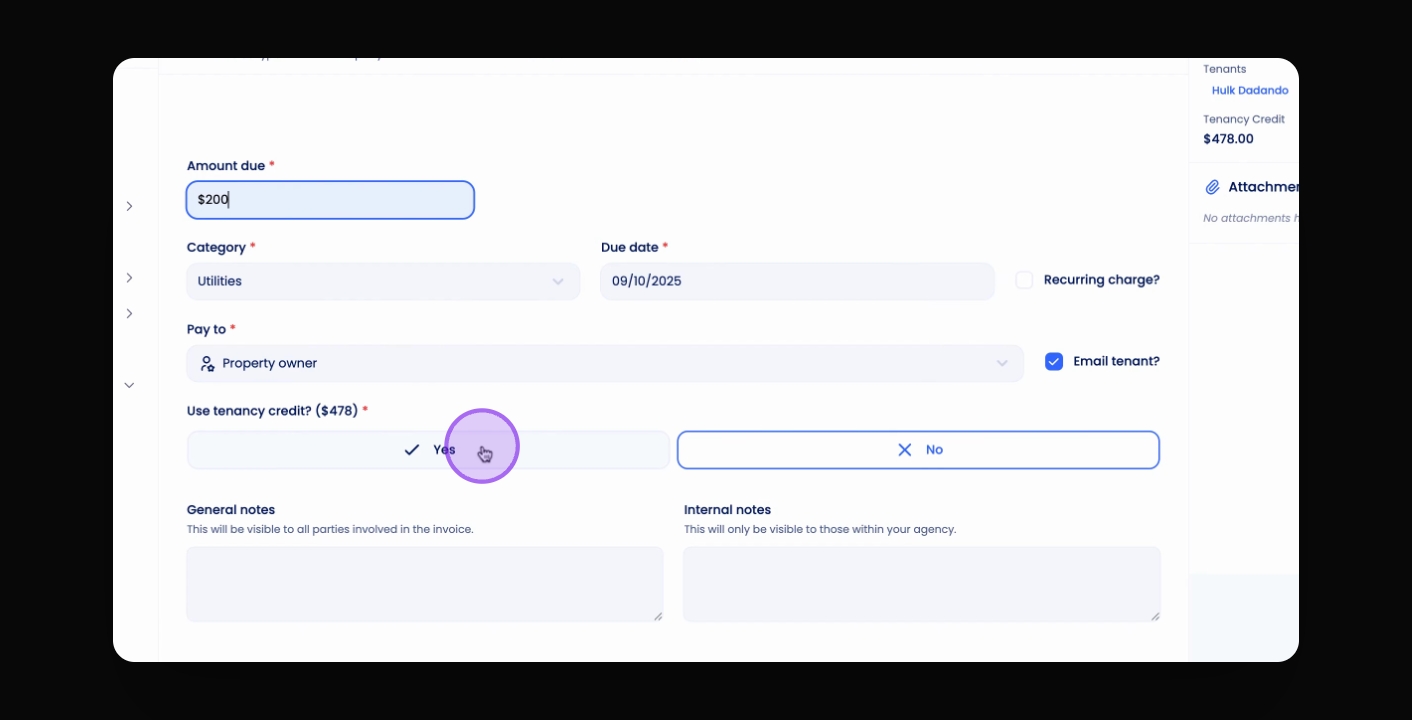
Use tenancy credit
Select Yes for using tenancy credit and save the invoice.
Let's Do It Together!
Step 1: Create the Invoice
Create a new invoice in the system.
Select the relevant tenancy associated with the invoice.
Step 2: Use Tenancy Credit
On the invoice page, select Yes, use tenancy Credit.
Click Save to finalise the invoice.