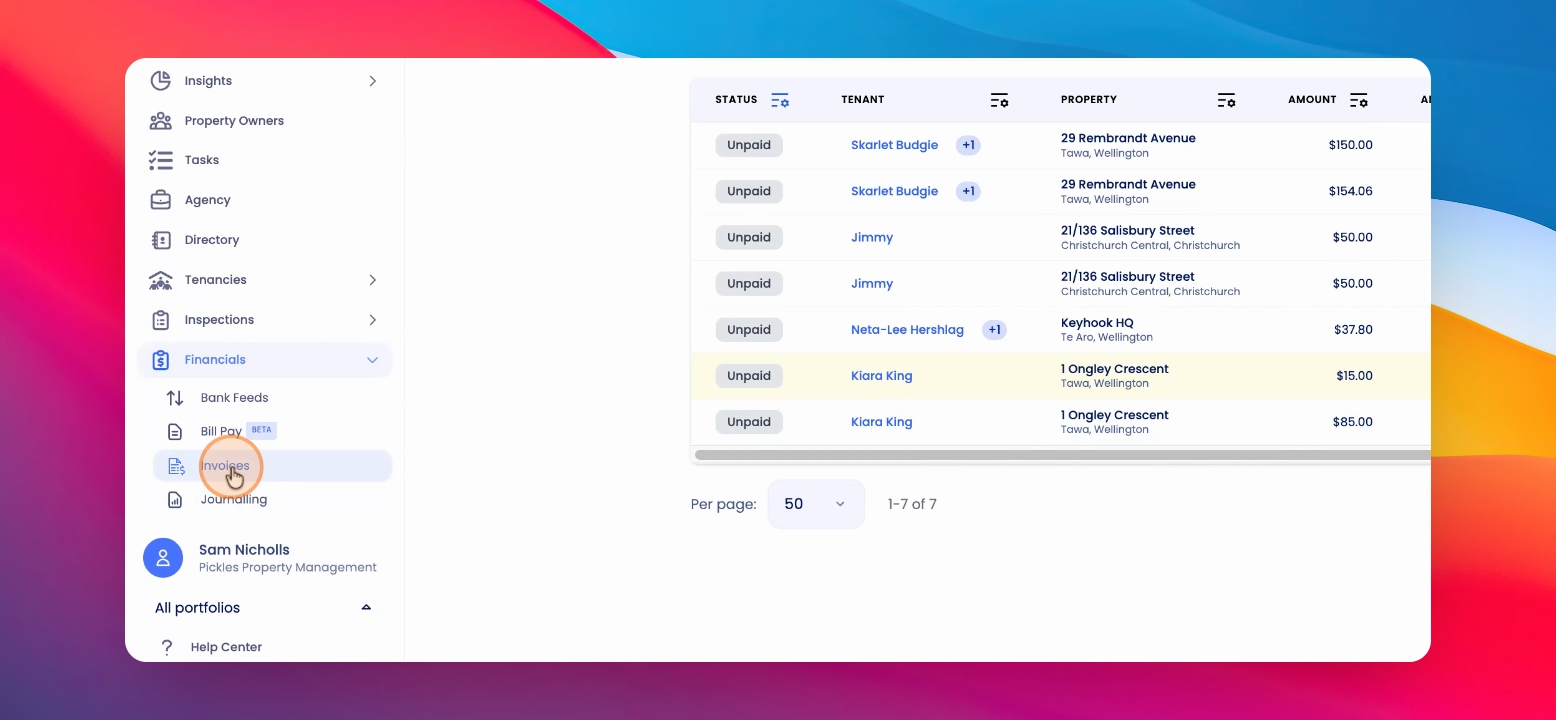
To resend a tenant invoice, start by navigating to the Invoice section under Financials. Make sure you are on the Tenants tab. Let's look at the steps:
Step 1: Find the Invoice
Locate the relevant invoice for the tenant.
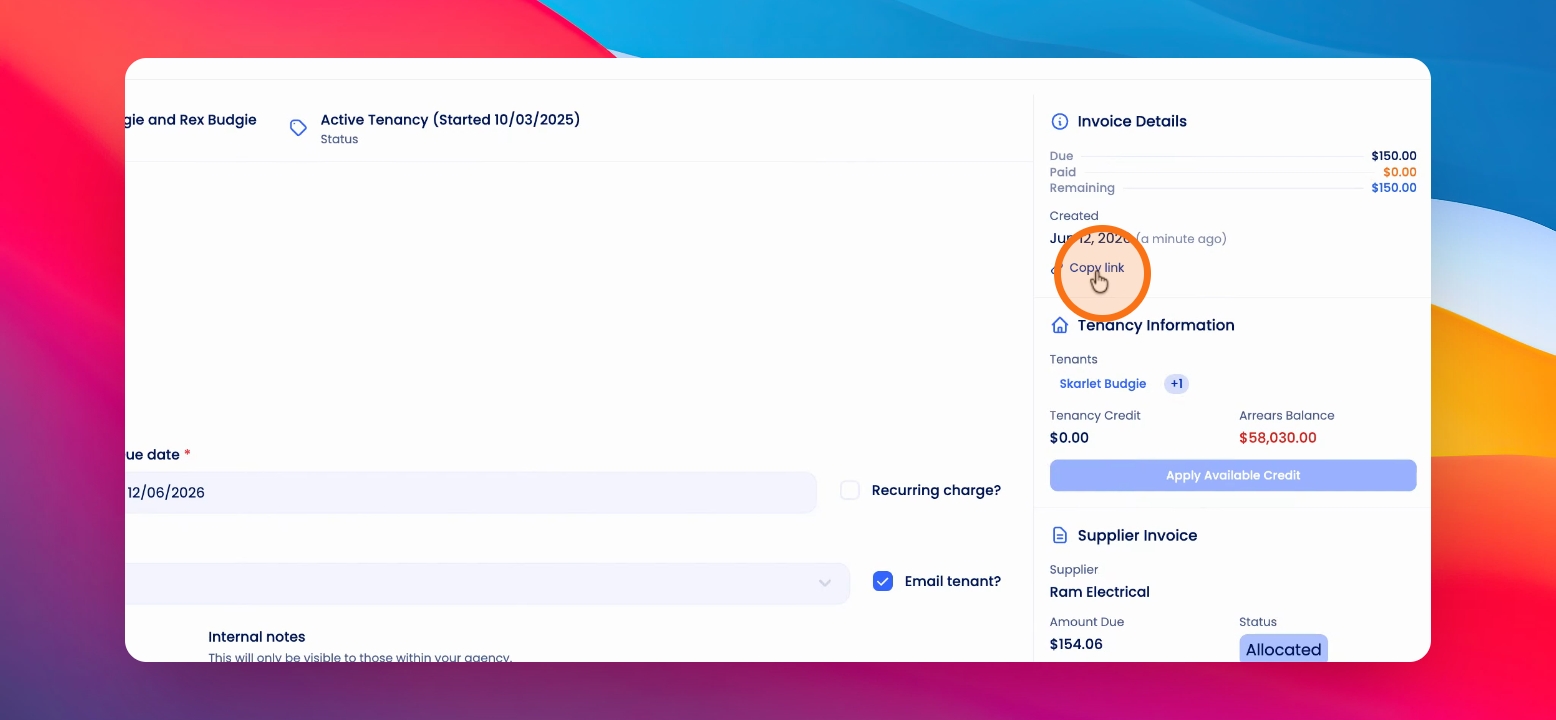
Step 2: Copy the Invoice Link
Click the Copy link on the right-hand corner under Invoice Details. This will copy a URL that you can send to the tenant, linking them directly to their invoice.
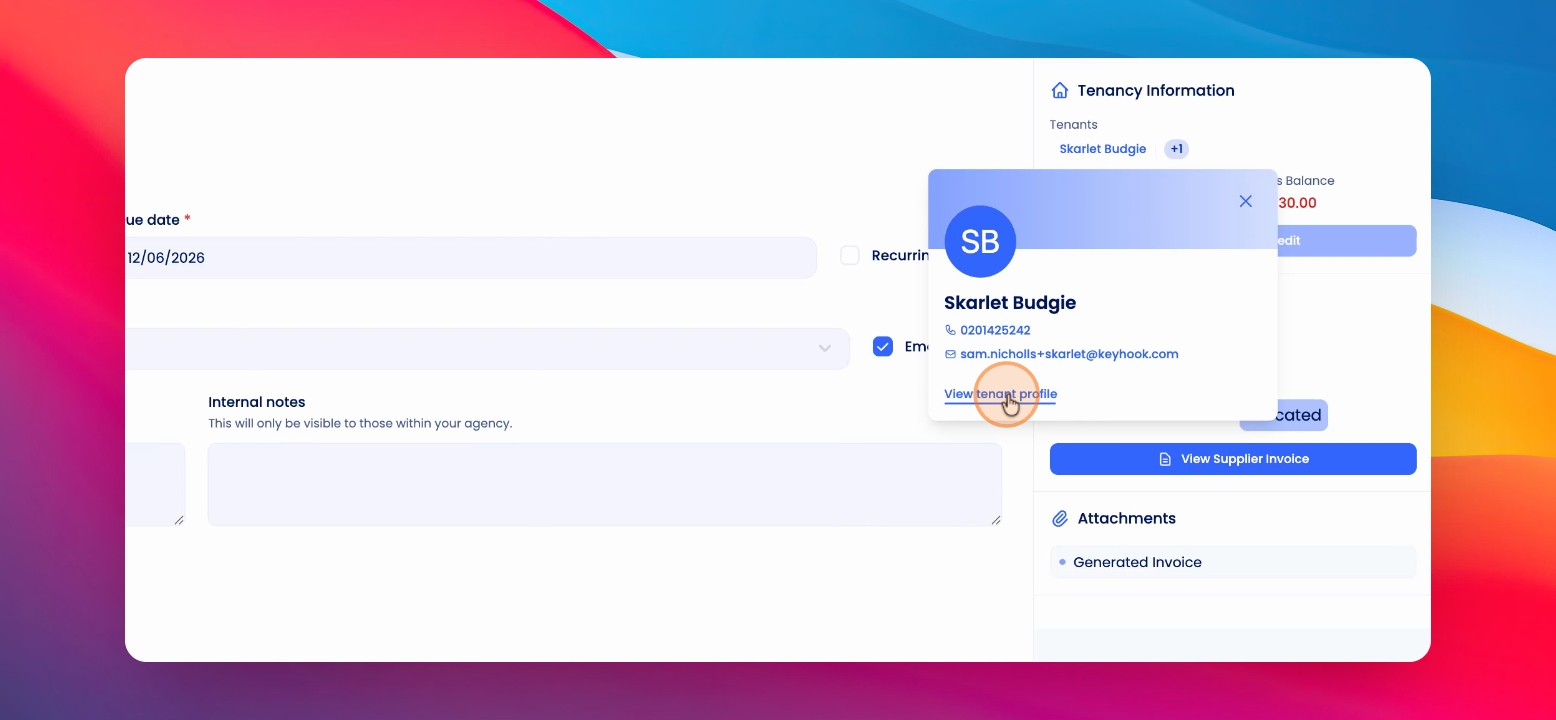
Step 3: Use Tenancy Overview as Alternative
You can also access the invoice from the Tenancy Overview page. Under the Invoices section, click View to go directly to the invoice.
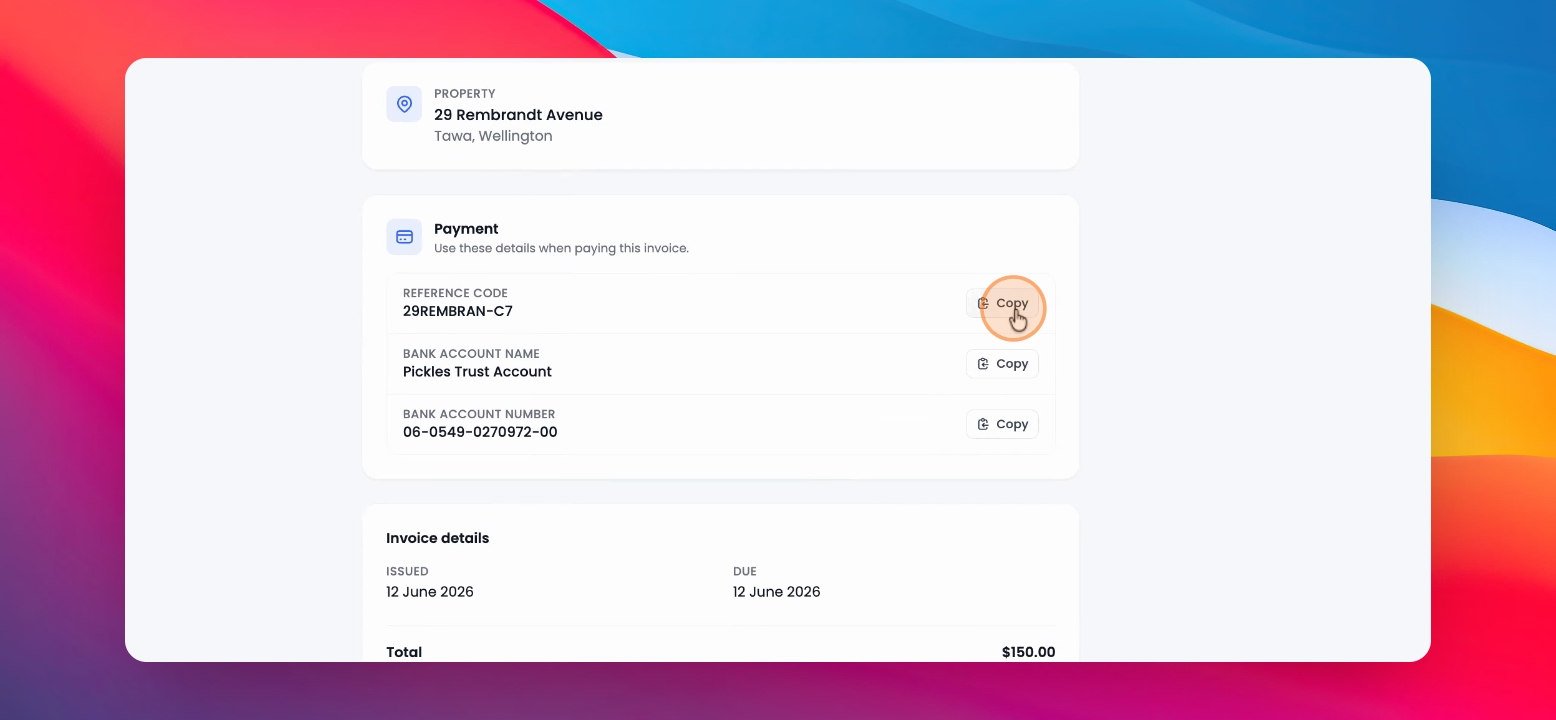
When the tenant receives or clicks on the link, they will be taken to a page showing the invoice details. The page provides quick copy links for payment details, as well as links to the invoice generated by Keyhook and the original supplier invoice, if included.