

Follow these steps to add a default agency email address, which will serve as a fallback for outgoing emails and owner statements. Let's look at the steps:
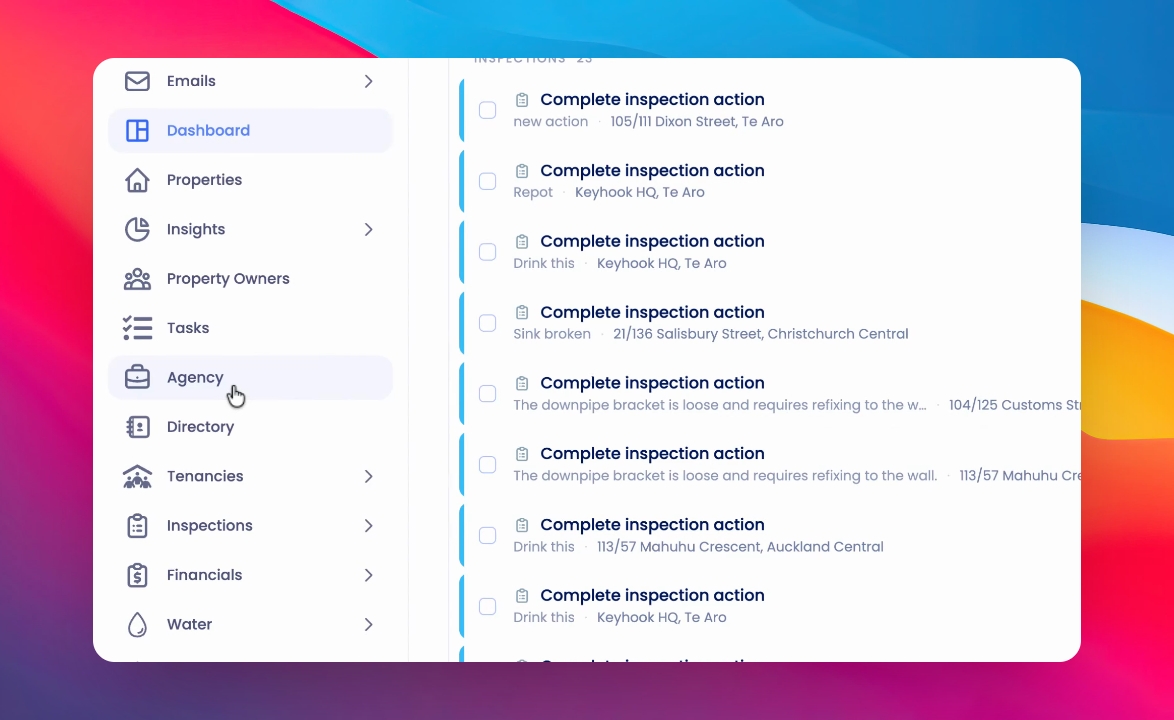
Step 1: Open Agency Section
Click on Agency in the main menu.
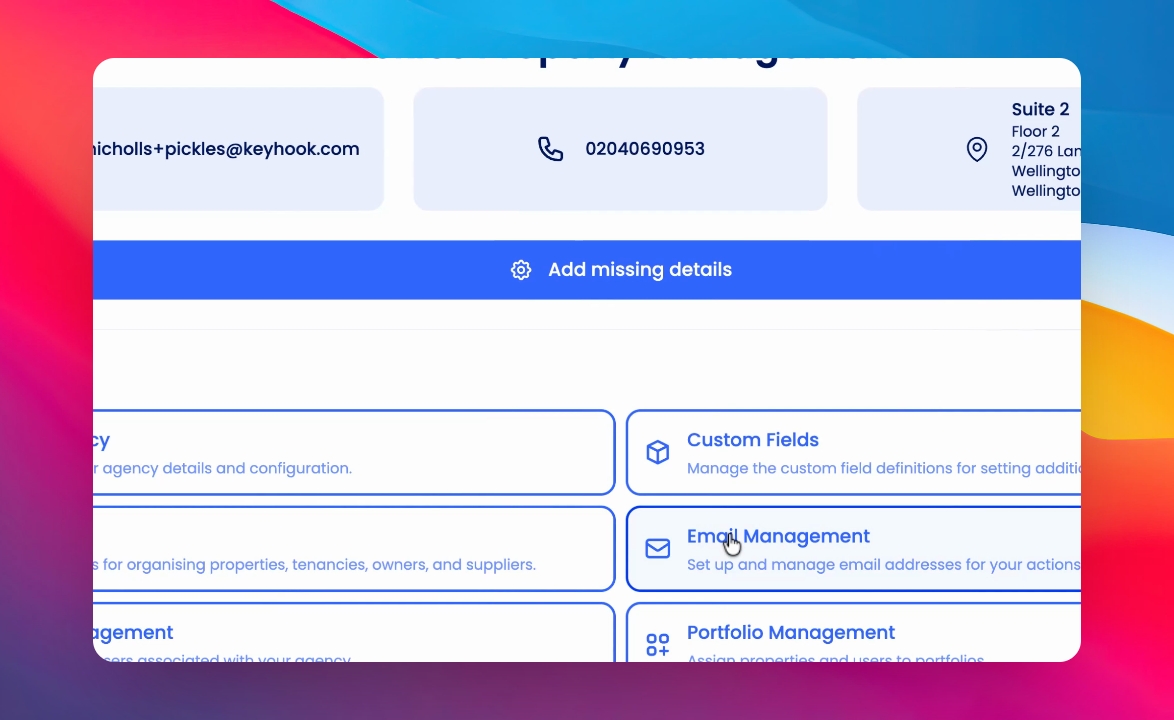
Step 2: Go to Email Management
Click on Email Management. Make sure you have a domain connected and verified before proceeding.
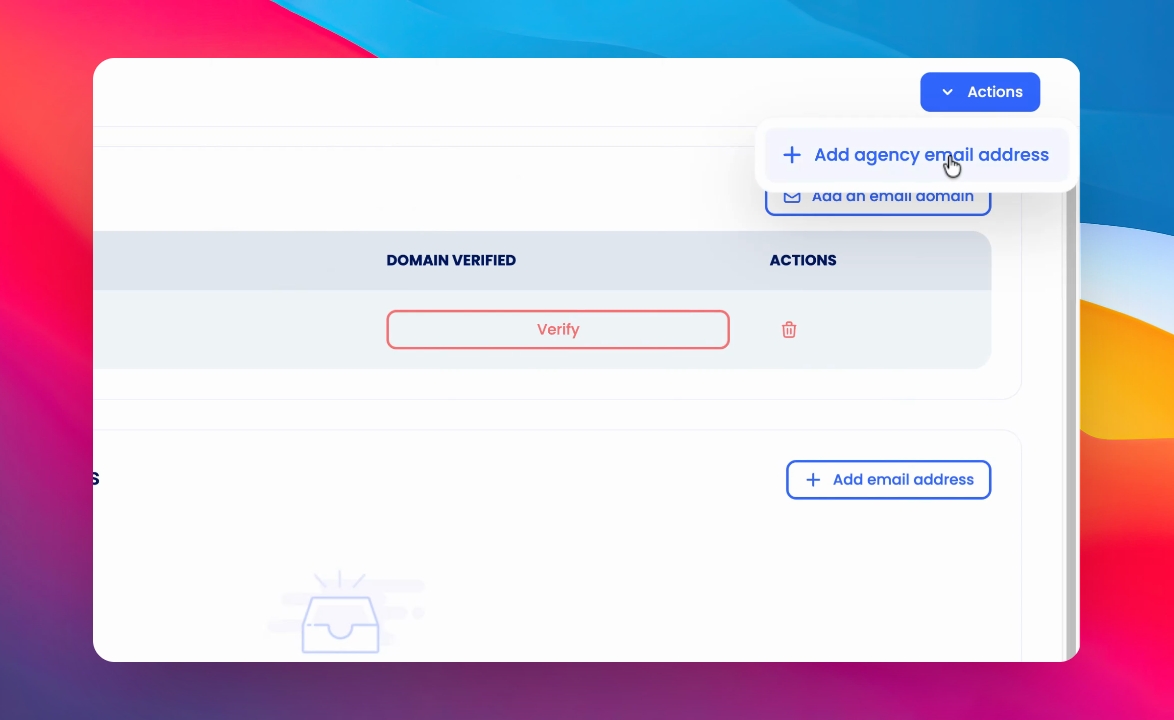
Step 3: Open Actions Menu
Once your domain is ready, click Actions.
Step 4: Add Agency Email
At the top right corner, click Add Agency Email.
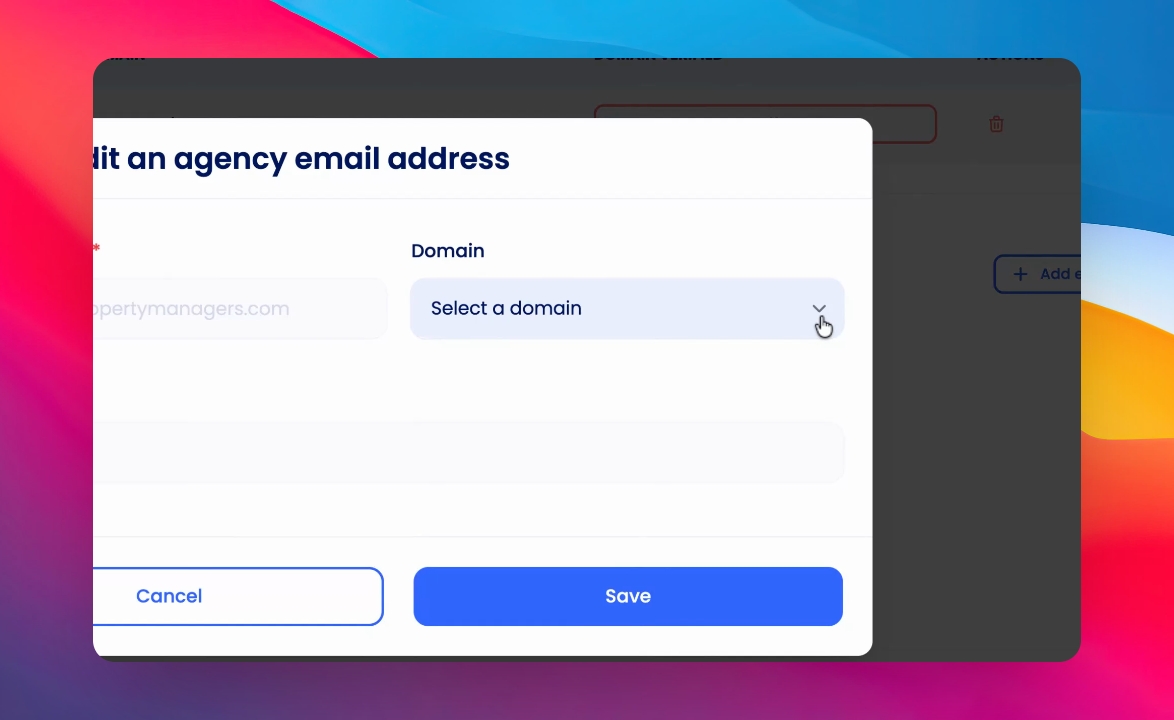
Step 5: Enter Email Address
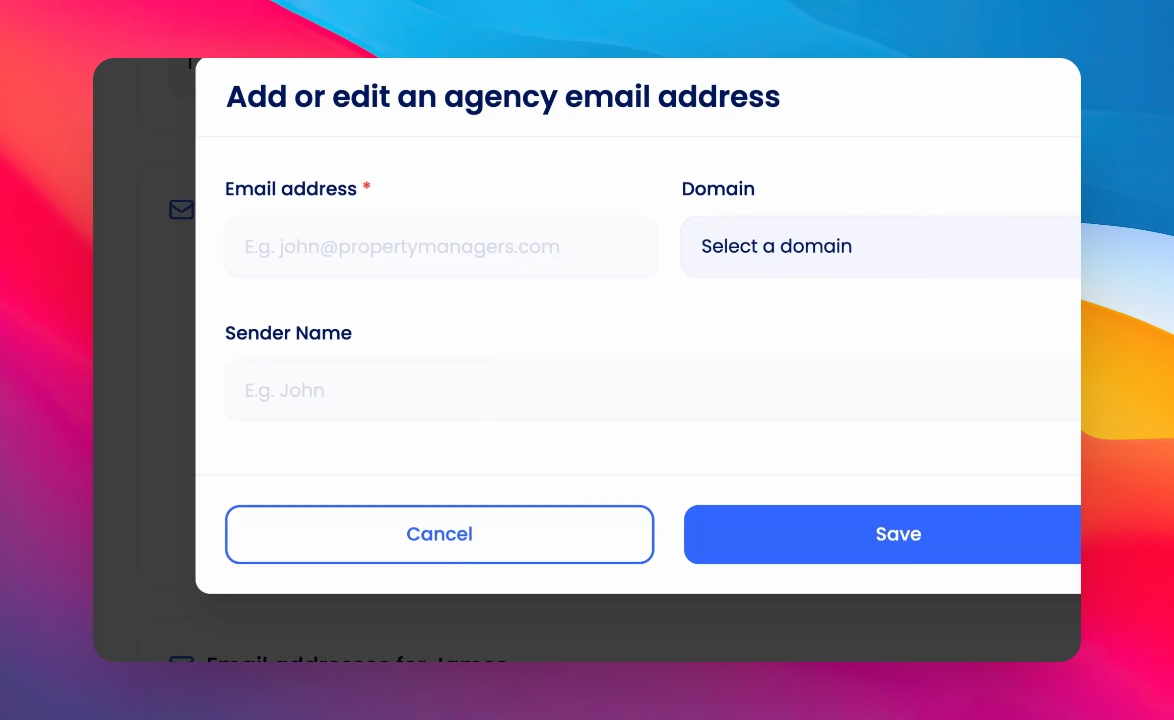
Select your domain. Begin typing your default agency email address. When you type the @ symbol, the domain will auto-fill.
Step 6: Enter Sender Name and Save
Enter the sender name and click Save to finish adding your agency email.
This email address will be used as a fallback for any emails that are sent, including owner statements and similar communications.