

TL;DR
1
Select the tenancy
Go to the property and choose the pending tenancy.
2
View tenants
Check pending invitations and tenant statuses.
3
Edit email
Click Edit and update the email address.
4
Resend agreement
Click Update Request to resend the agreement.
Let's Do It Together!
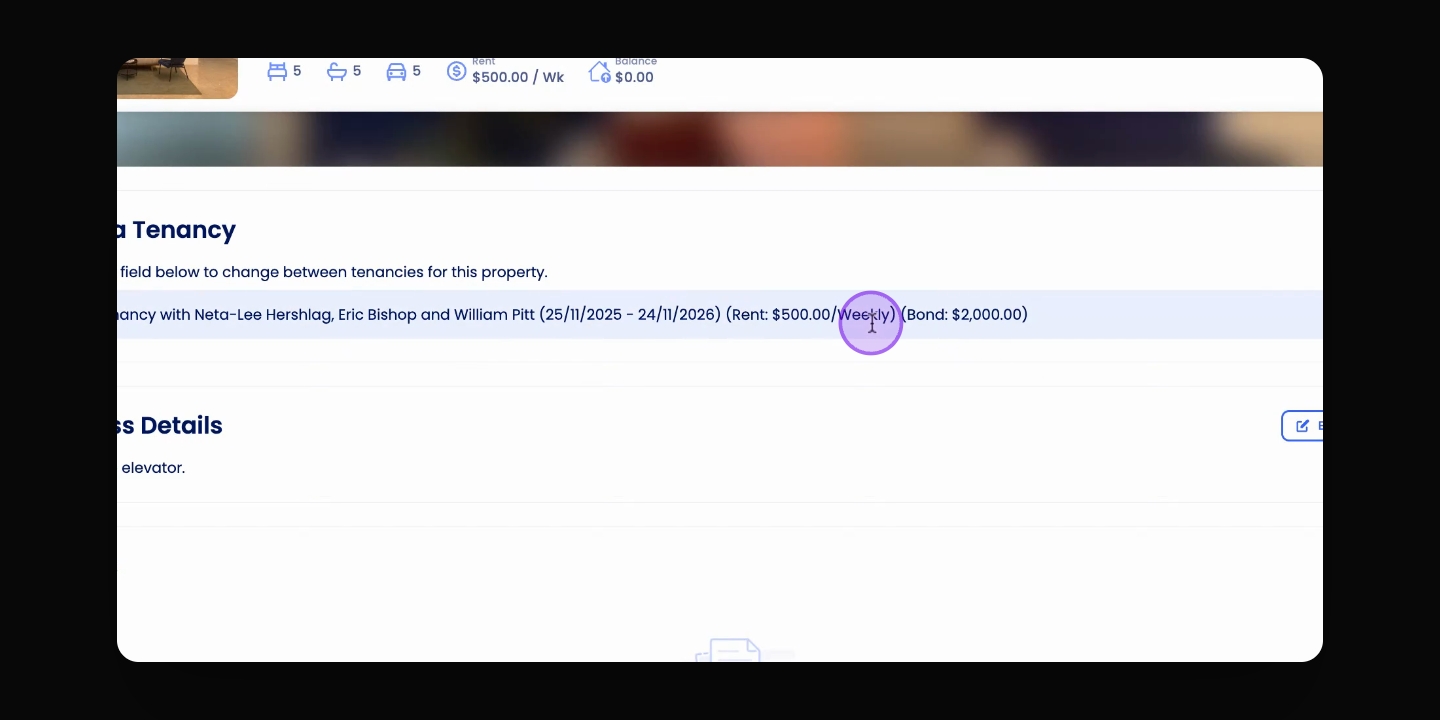
Step 1: Select the Tenancy
Go to the relevant property and ensure the pending tenancy is selected under the Choose a tenancy dropdown.
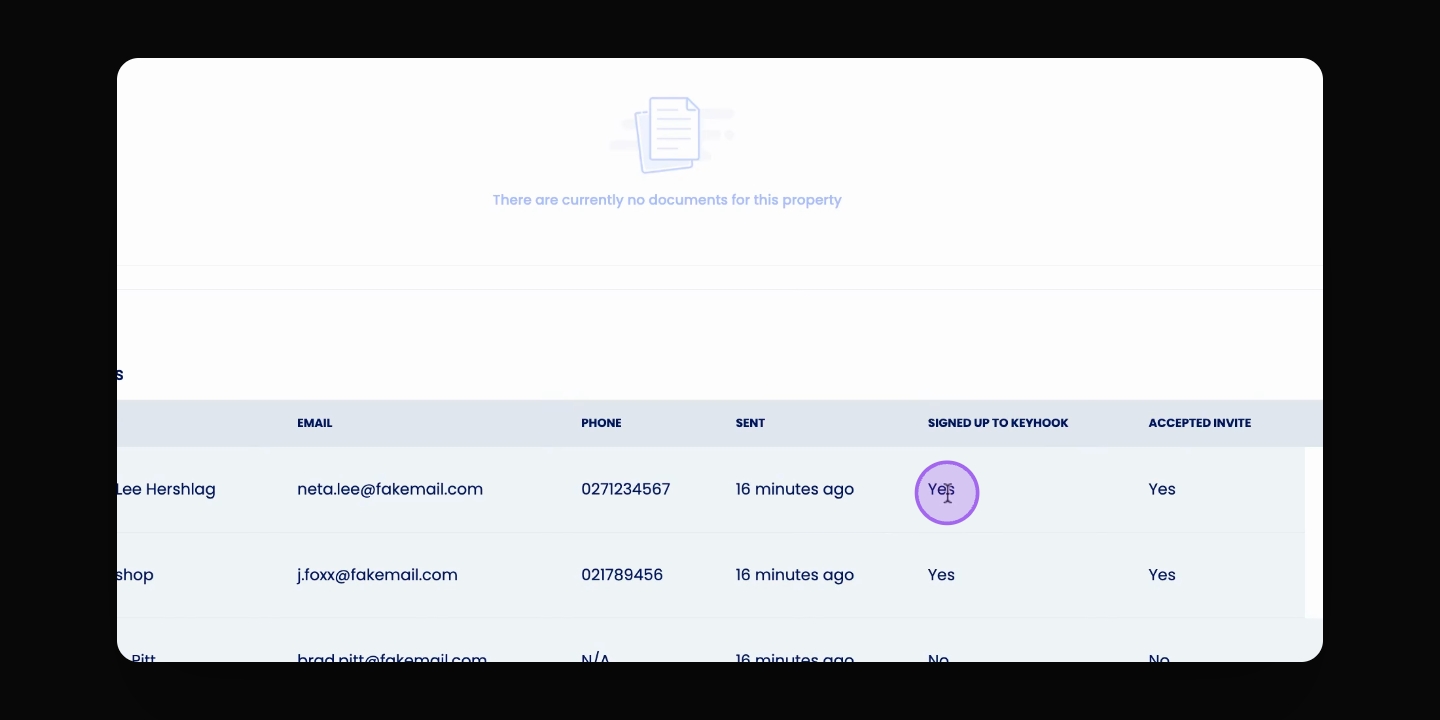
Step 2: View Pending Invitations
Scroll down to the Tenant section to see the pending invitations and the status of Keyhook accounts.
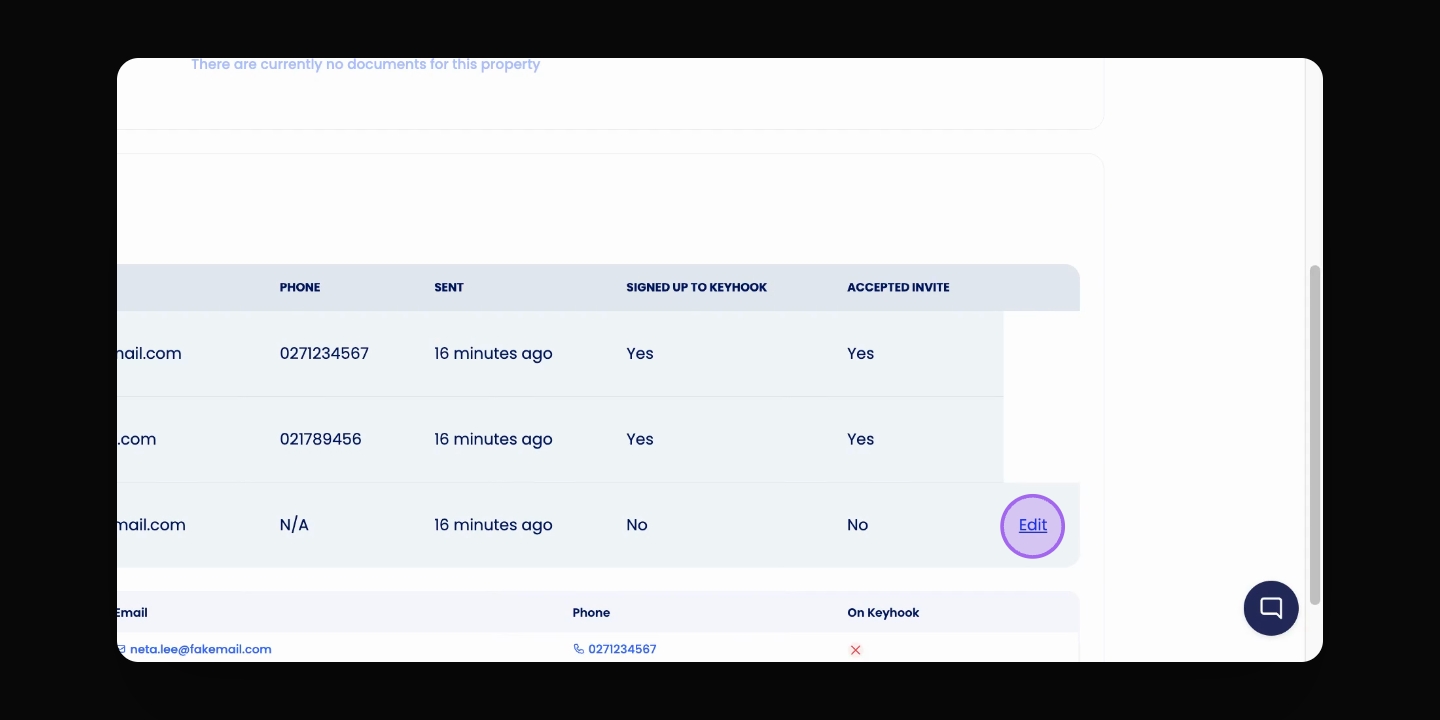
Step 3: Edit Email Address
To change the email address for sending tenancy agreements, click the Edit button and update the email or name.
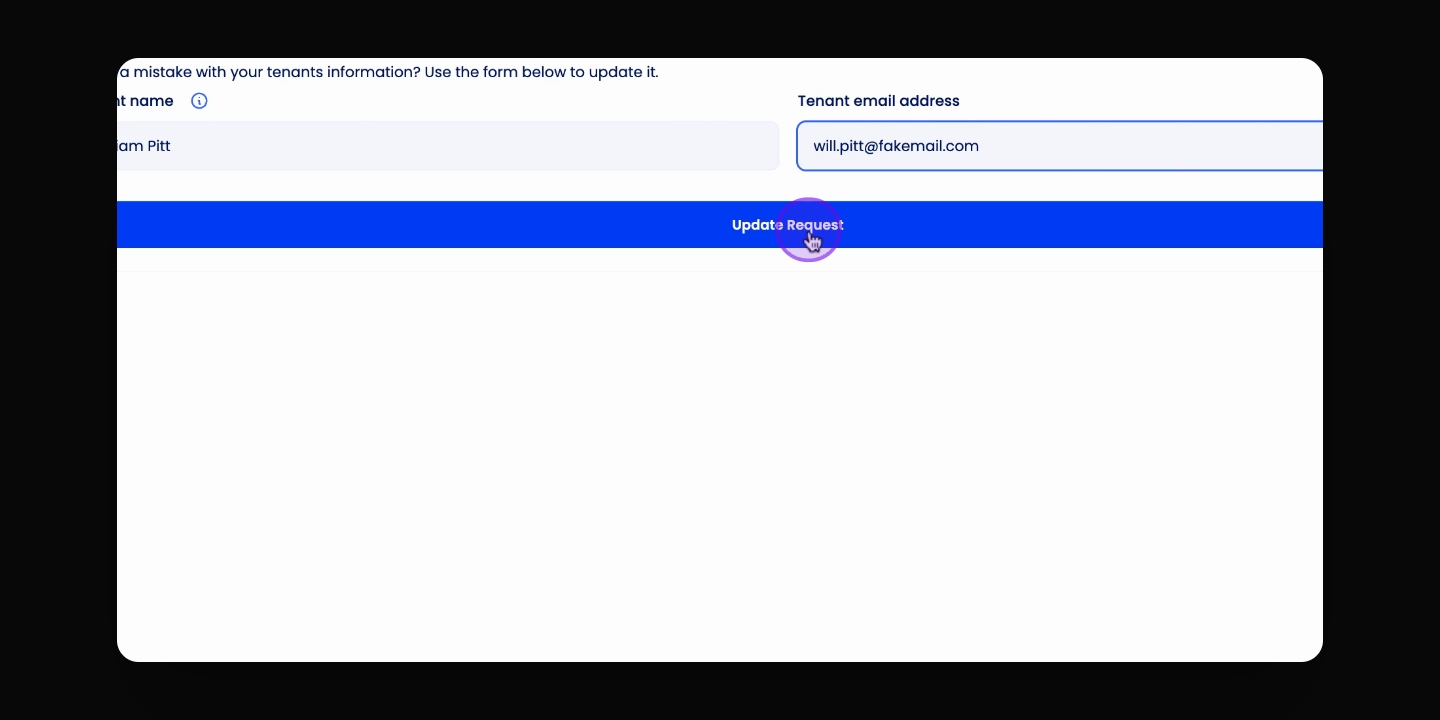
Step 4: Resend Tenancy Agreement
Click Update Request to resend the tenancy agreement to the updated email address.
The tenancy agreement will be sent to the relevant email.
Troubleshooting
Cannot edit email for accepted tenants
Ensure the tenant has not accepted the tenancy agreement.
FAQ
Can I change an email after acceptance?
No, emails of accepted tenants cannot be edited.