

Let's Do It Together!
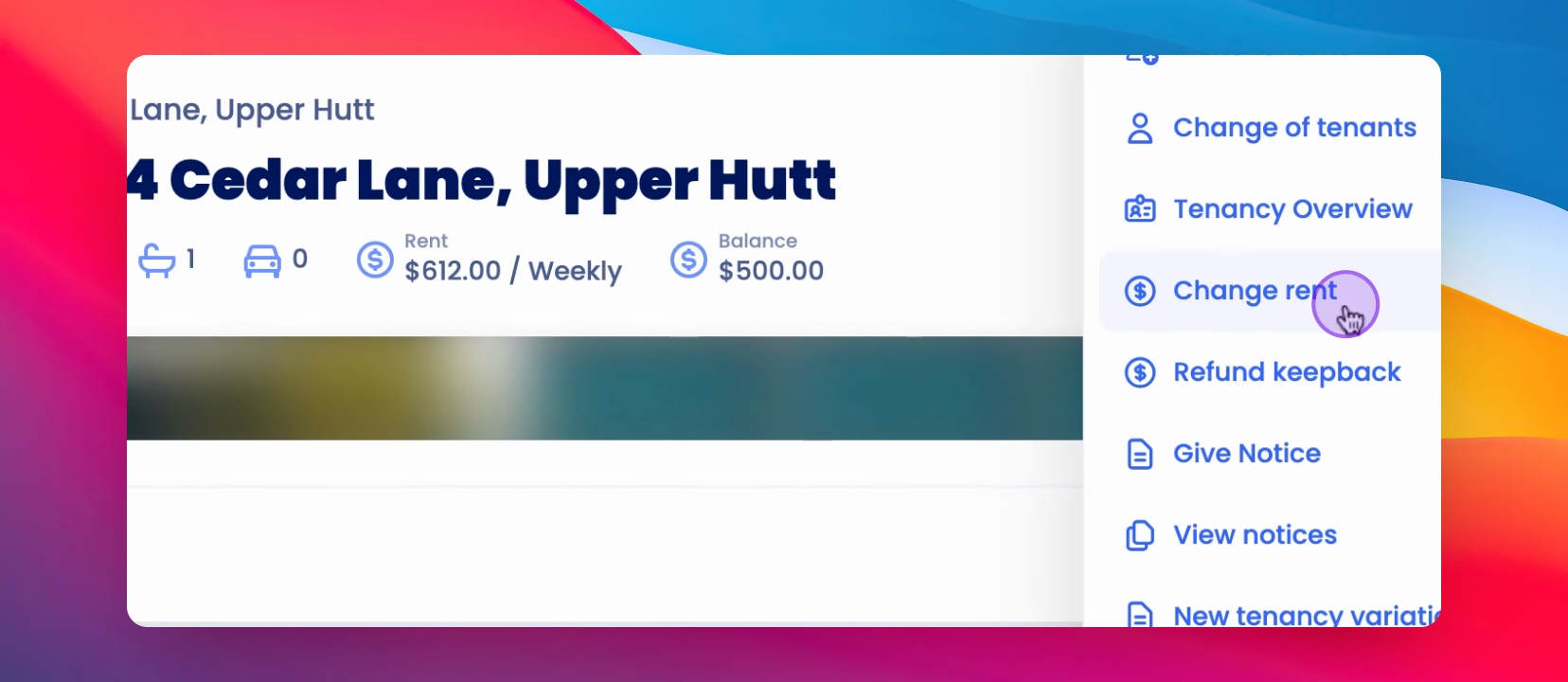
From the property overview, select Actions located at the top right corner of the page.
Then, choose Change Rent.
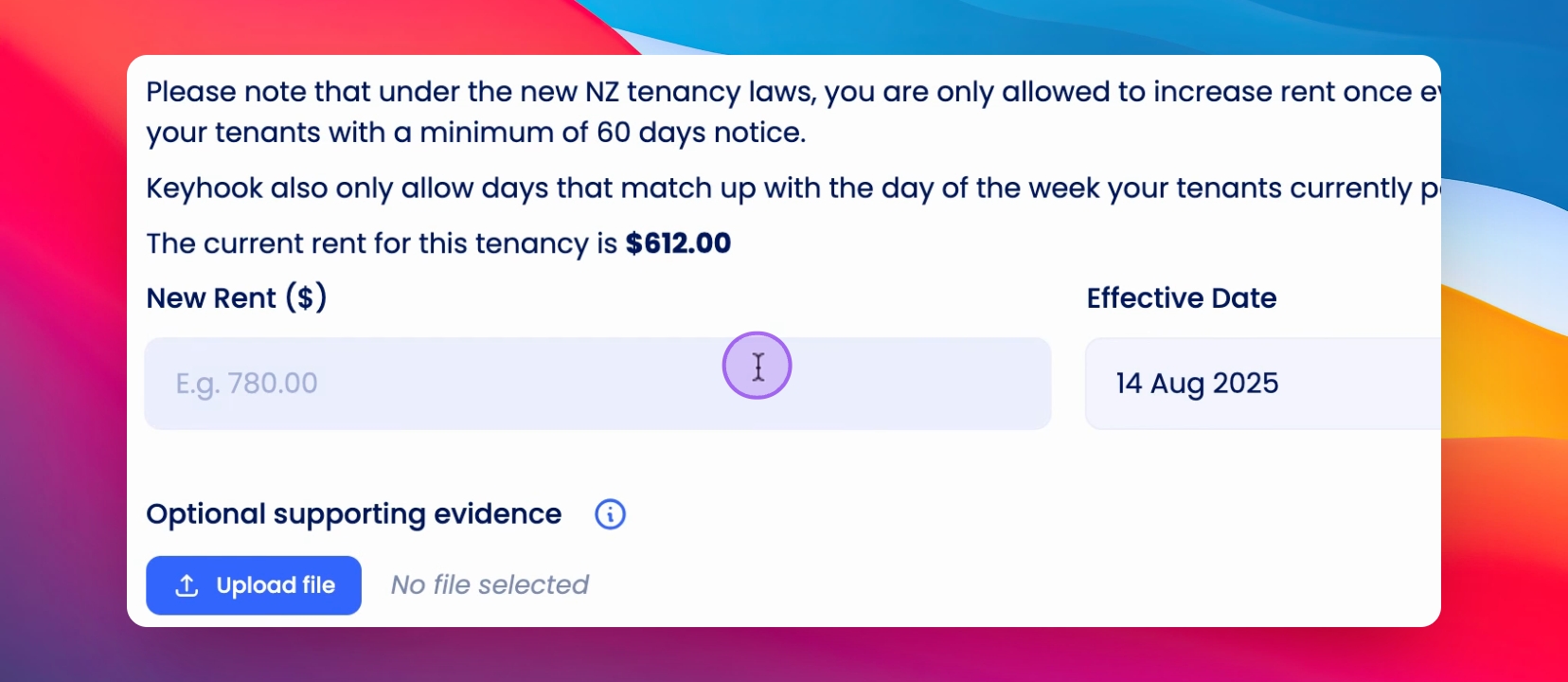
Enter your new rent value in the designated field.
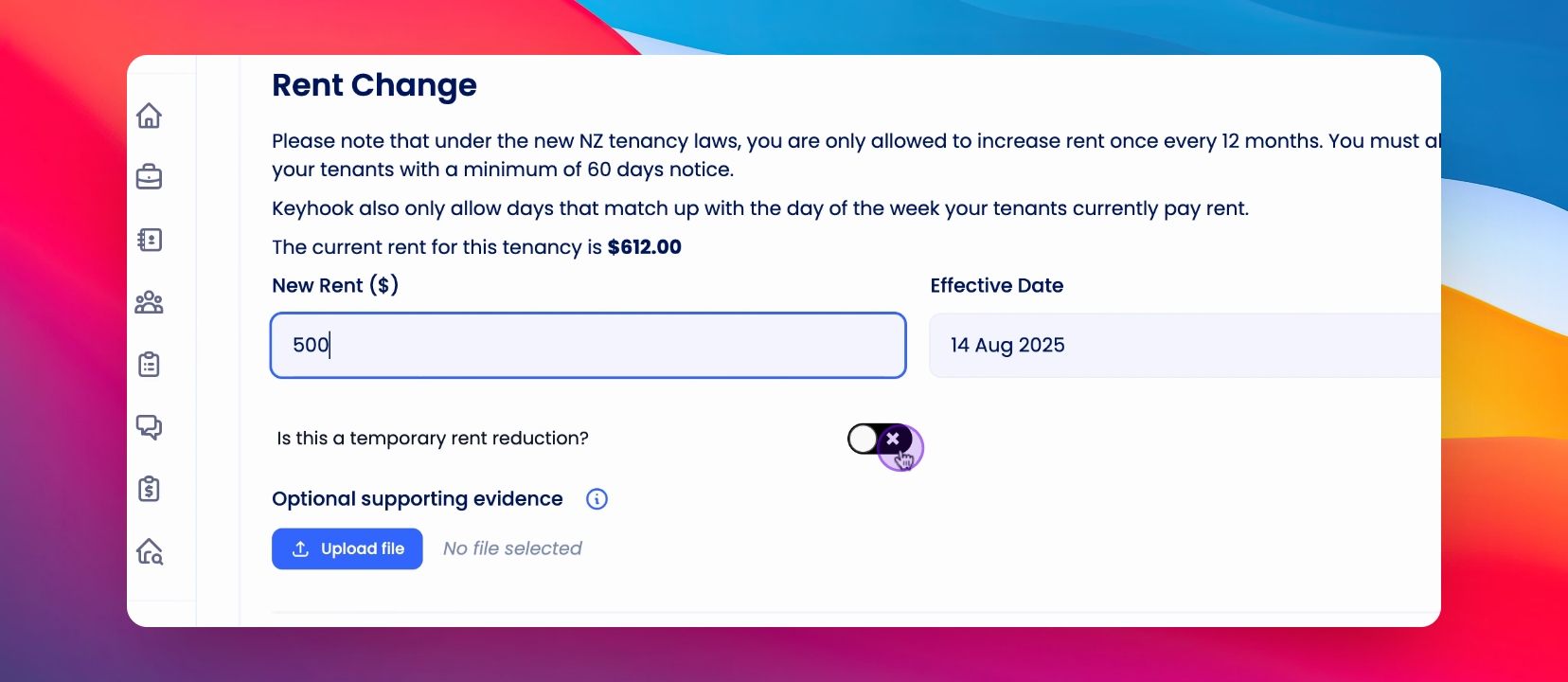
If the change entails a rent reduction, you have the option to specify whether it is temporary or permanent.
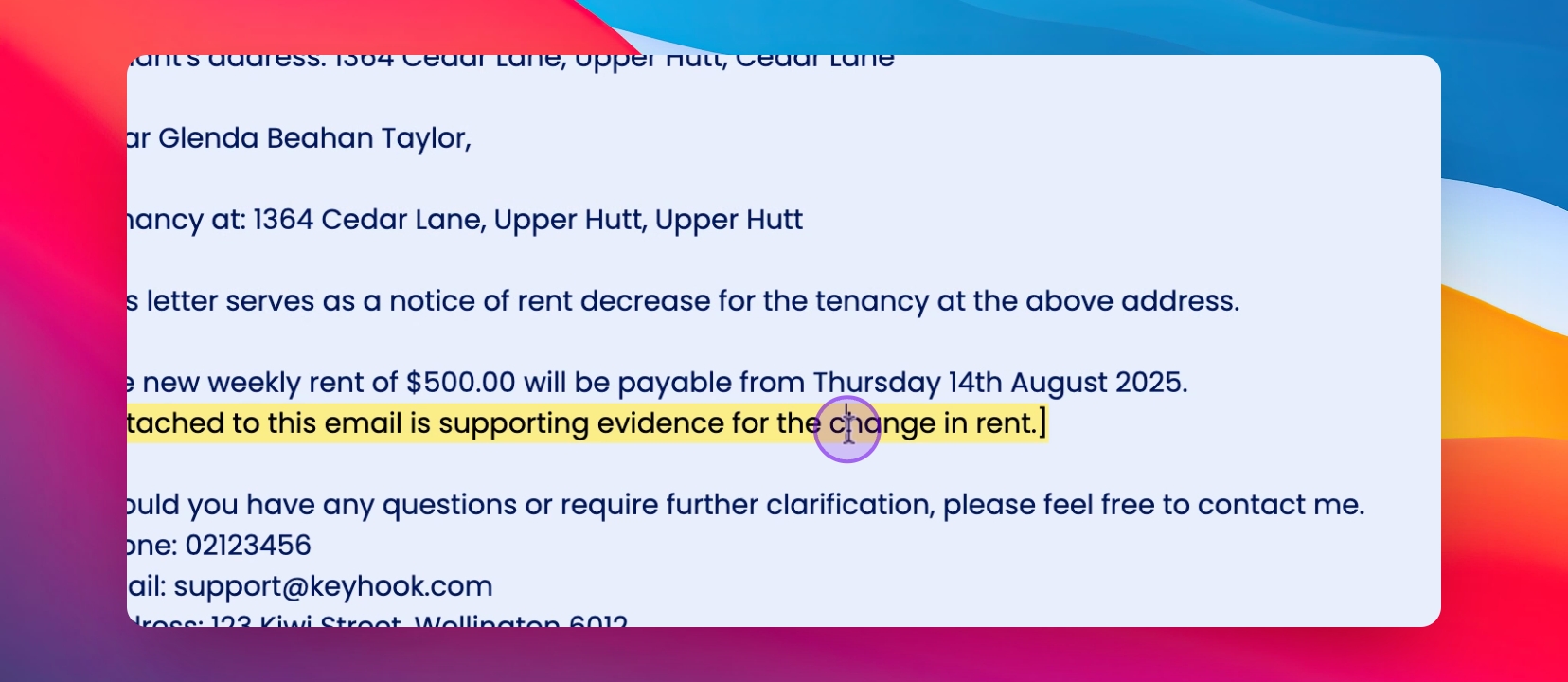
Next, scroll down to edit the letter that will be sent to the tenants.
Once you are satisfied with the letter, scroll further down and click to sign.
After signing, you can save and send the notice.
Now, on your timeline, you will be able to see the notice for the rent change as well as the letter that was sent.
You can also view any upcoming rent changes by returning to the Change Rent page and scrolling to the bottom.
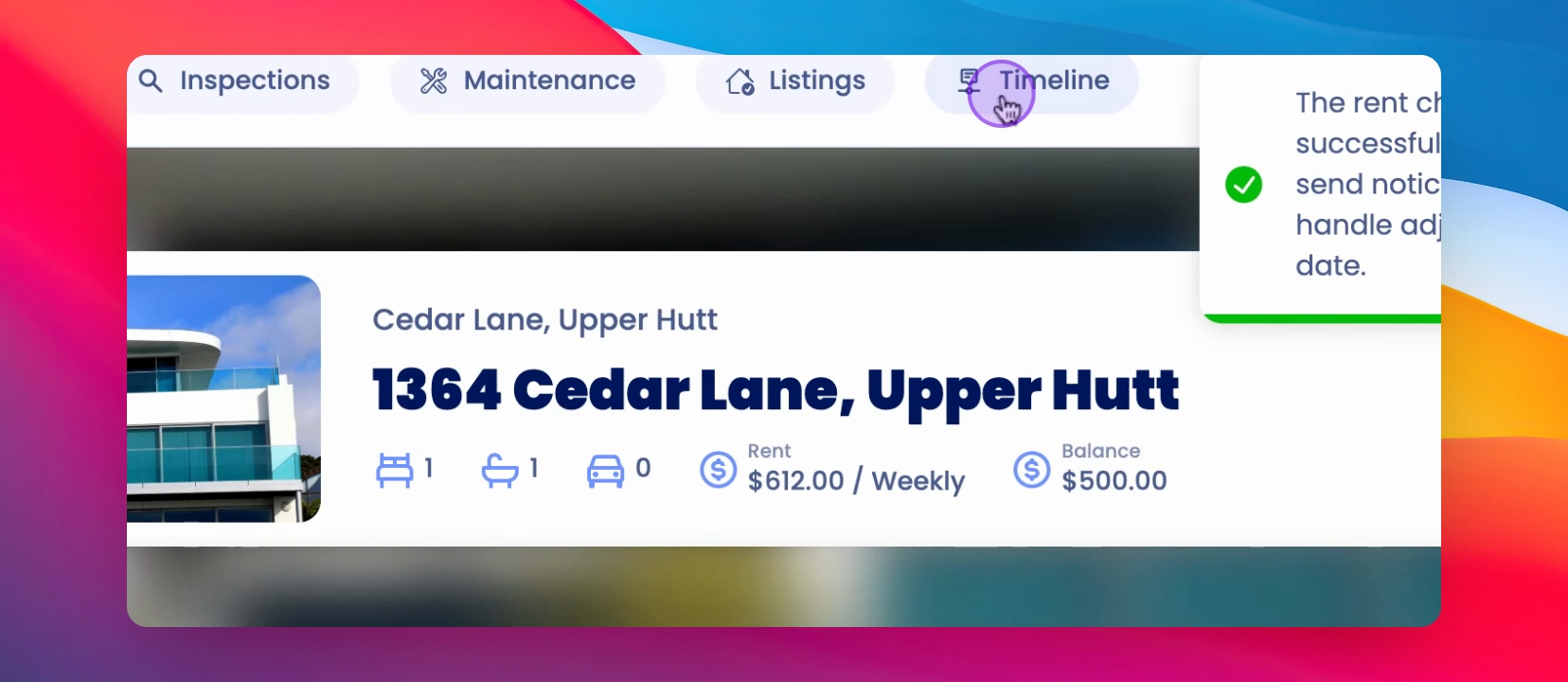
At the bottom of the page, you will find the effective date for the new rent change, which is 13th of August 2025.
By following these steps, you can effectively manage and communicate rent changes to tenants on Keyhook.