

This guide explains how to update the default Arrears view for your agency in the Trust Accounting Settings. Let's look at the steps:
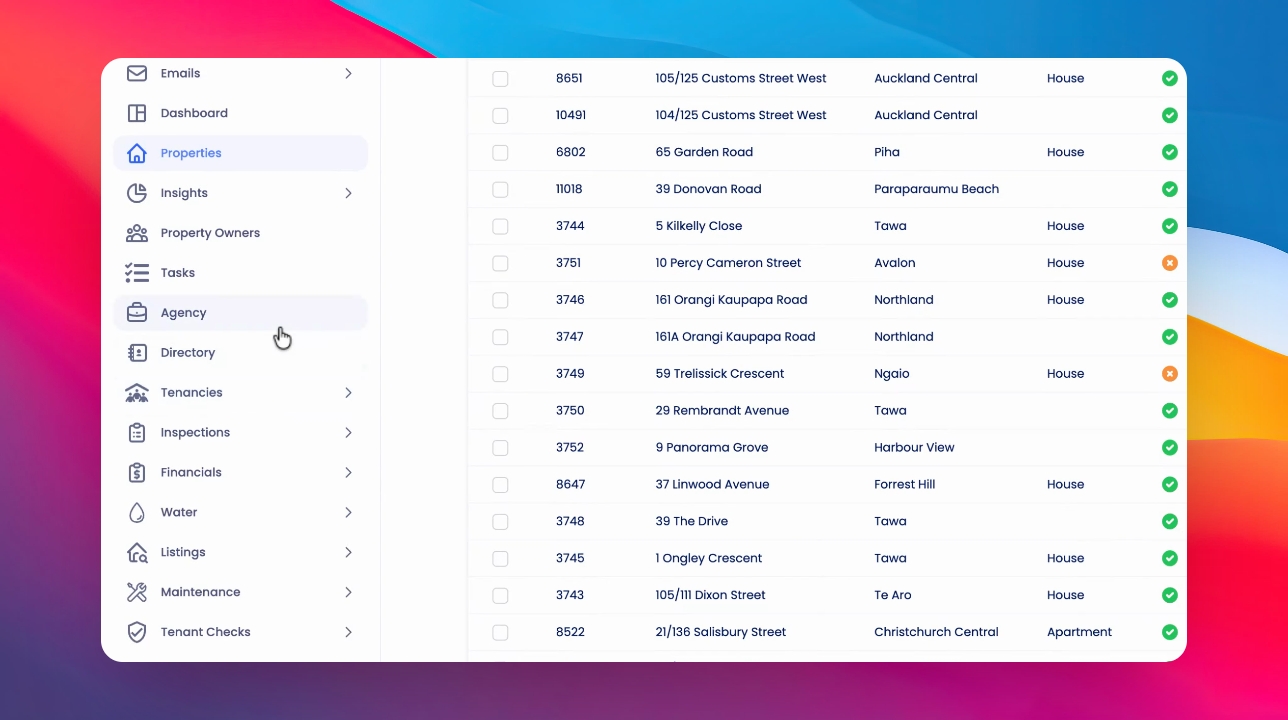
Step 1: Open Agency Settings
Click on Agency in your navigation menu.
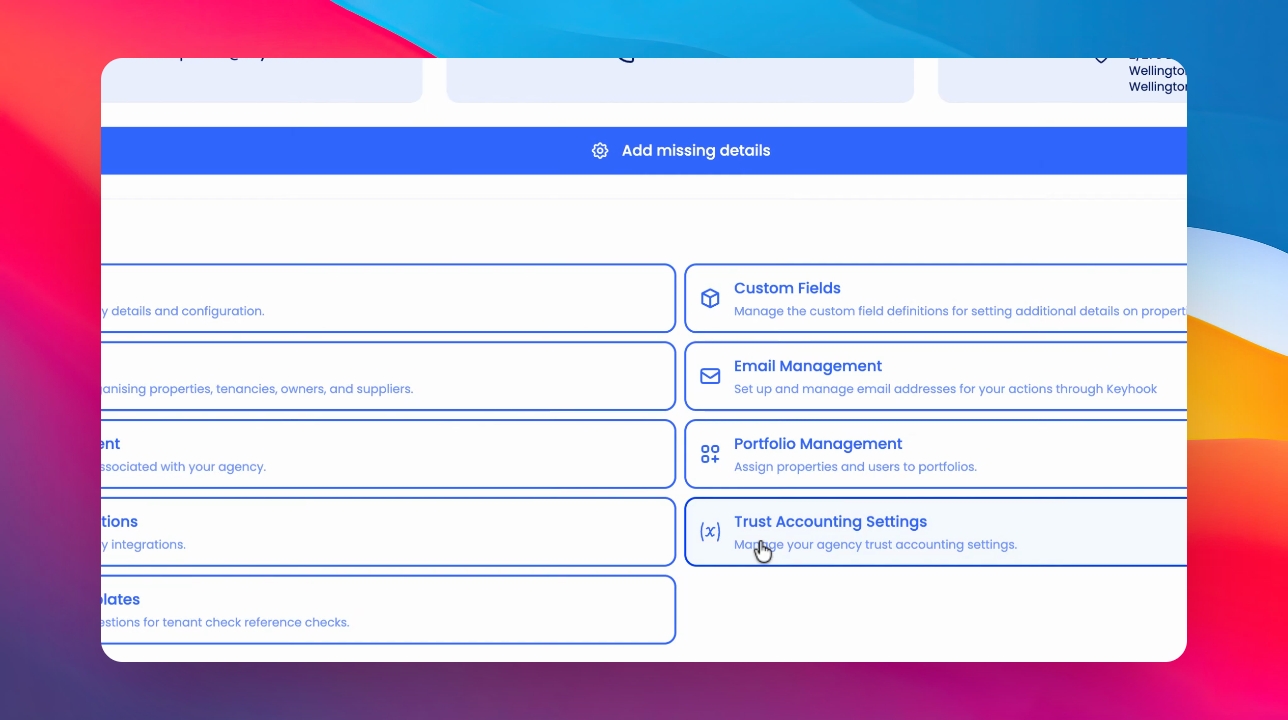
Step 2: Access Trust Accounting Settings
Click on Trust Accounting Settings.
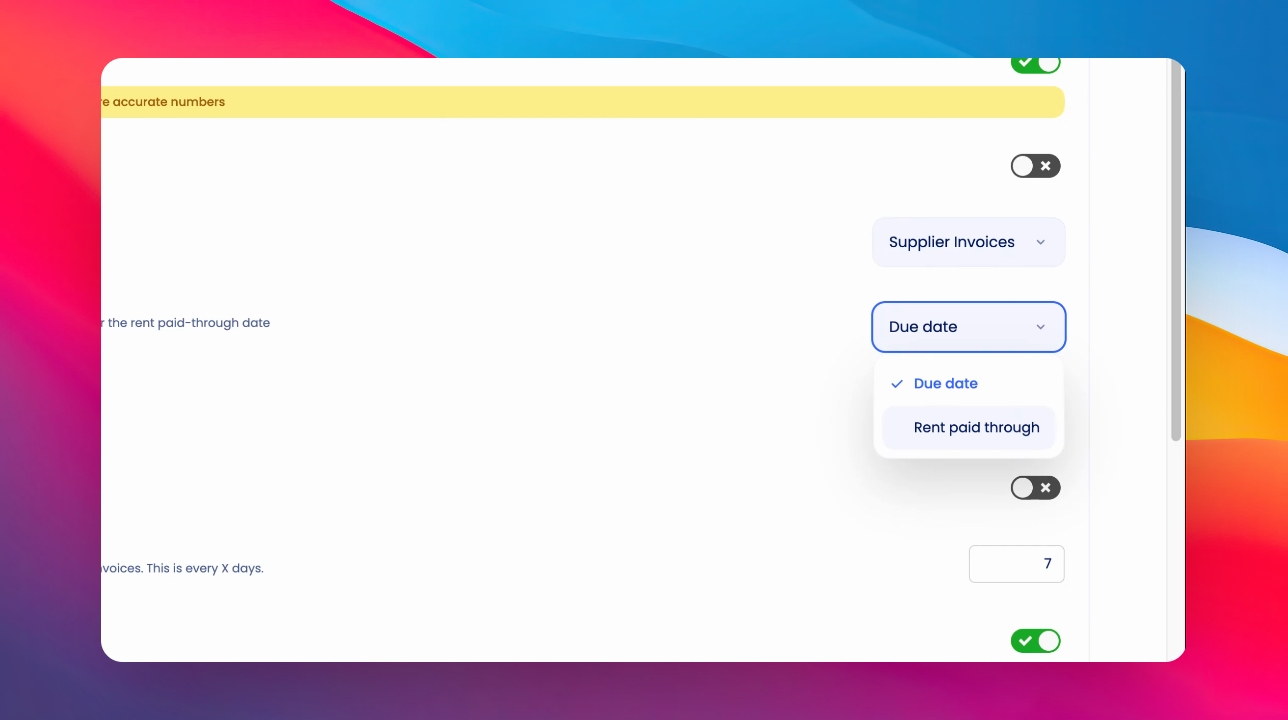
Step 3: Open Default Arrears View Dropdown
In the Default Arrears view section, open the dropdown menu.
Step 4: Choose Arrears Calculation Method
Select either Due Date or Rent paid through as the default method.
Due Date counts arrears from the due date of the rent period owing. Rent Paid through counts arrears from the day after the rent paid through date.
Step 5: Save Changes
Click Save to apply your changes.