

In this tutorial, we will cover the steps to send inspection reports to property owners. Let's look at the steps:
Step 1: Navigate to Property
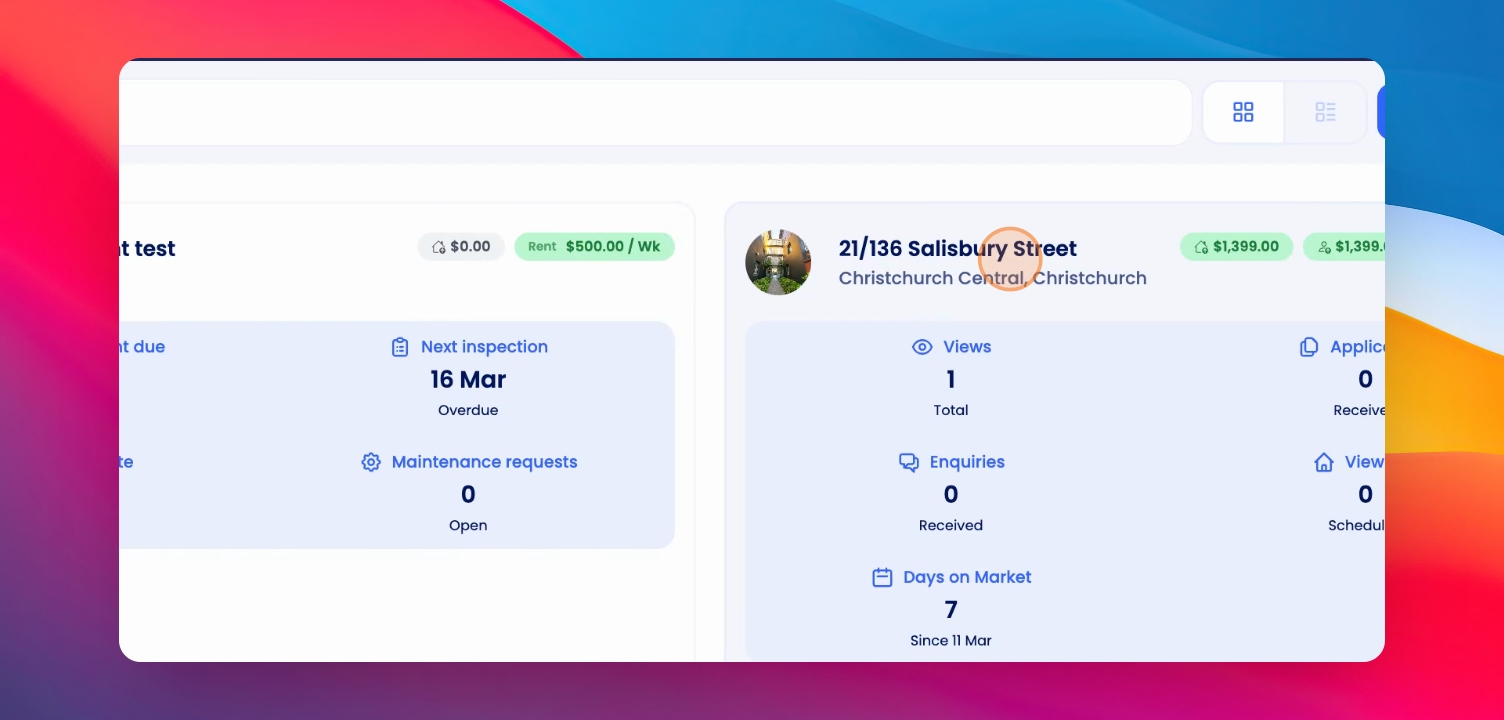
Navigate to the property, scroll down and select the inspection from here.
Step 2: Finalize Inspection
Once you have done the inspection, collected the pictures and added notes, scroll down to finalize the inspection.
Step 3: Share Report
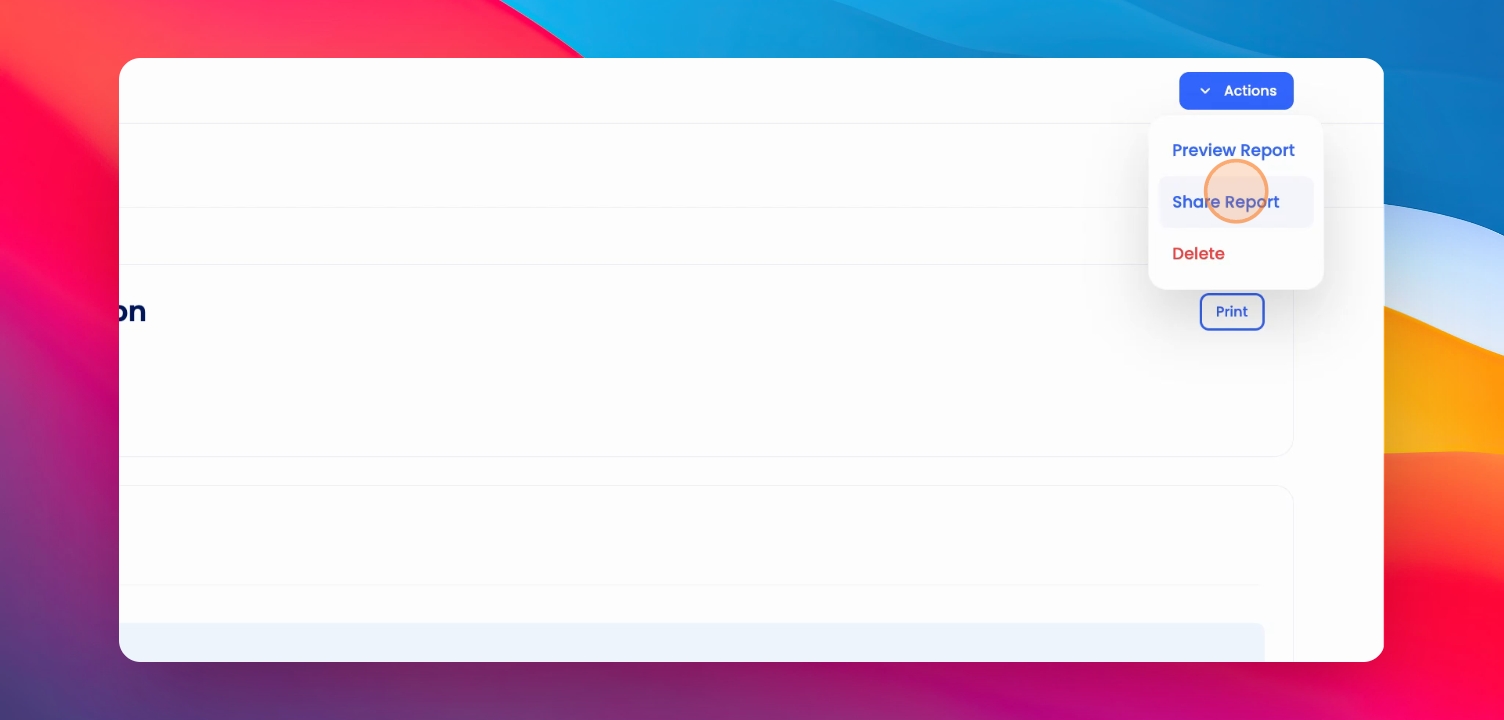
Now to send this to the owner, click on the Actions button at the top right corner and select Share Report.
Step 4: Choose Sharing Option
From here, you'll have two options: share a shareable link or click on the button to directly send it to the owner.
Step 5: Add Optional Notes
You can also add optional notes which will be reflected in the email that is sent to the owner.
And that is how you share the inspection report to the owner.
Thanks for watching!