

To create agent profiles for your property listings on Trademe and RealEstate.co.nz, click on Listings and then click on the Agents tab. Let's look at the steps:
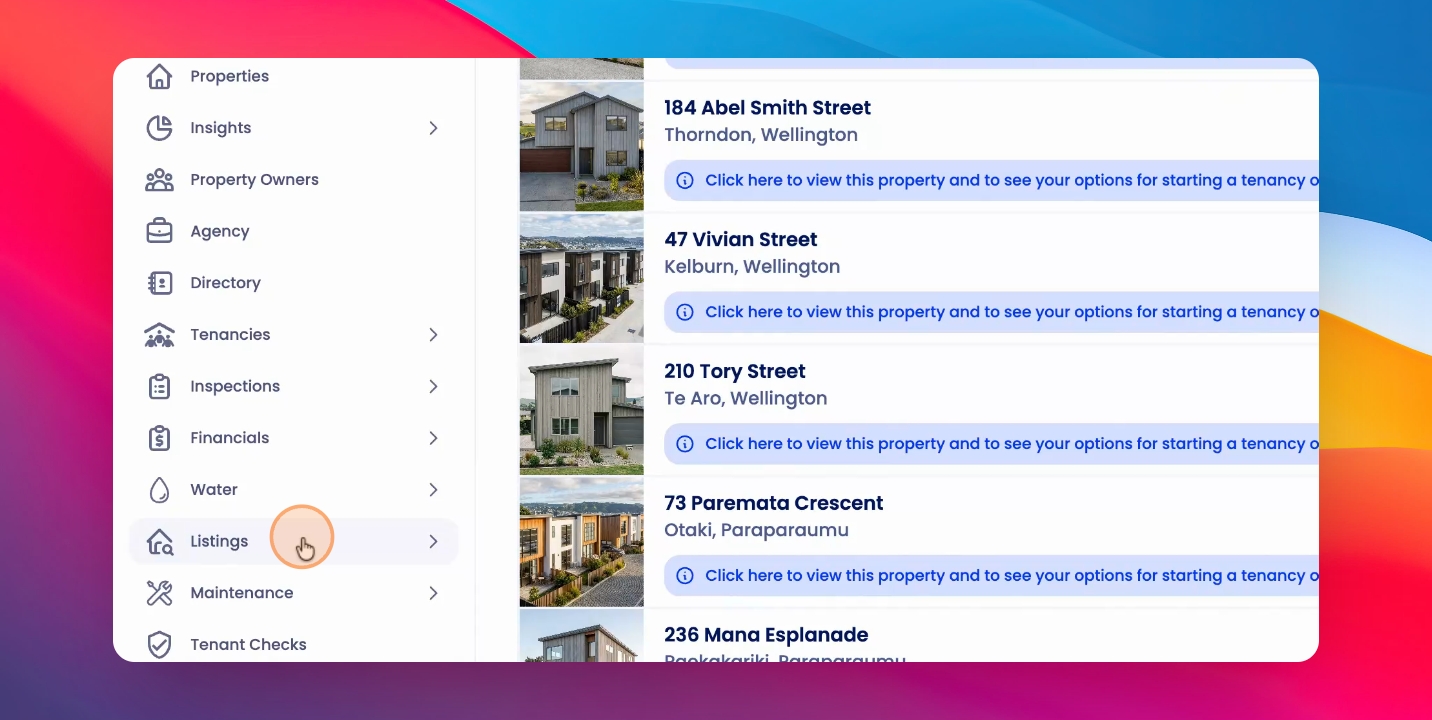
Step 1: Add an Agent
Here you can add an agent.
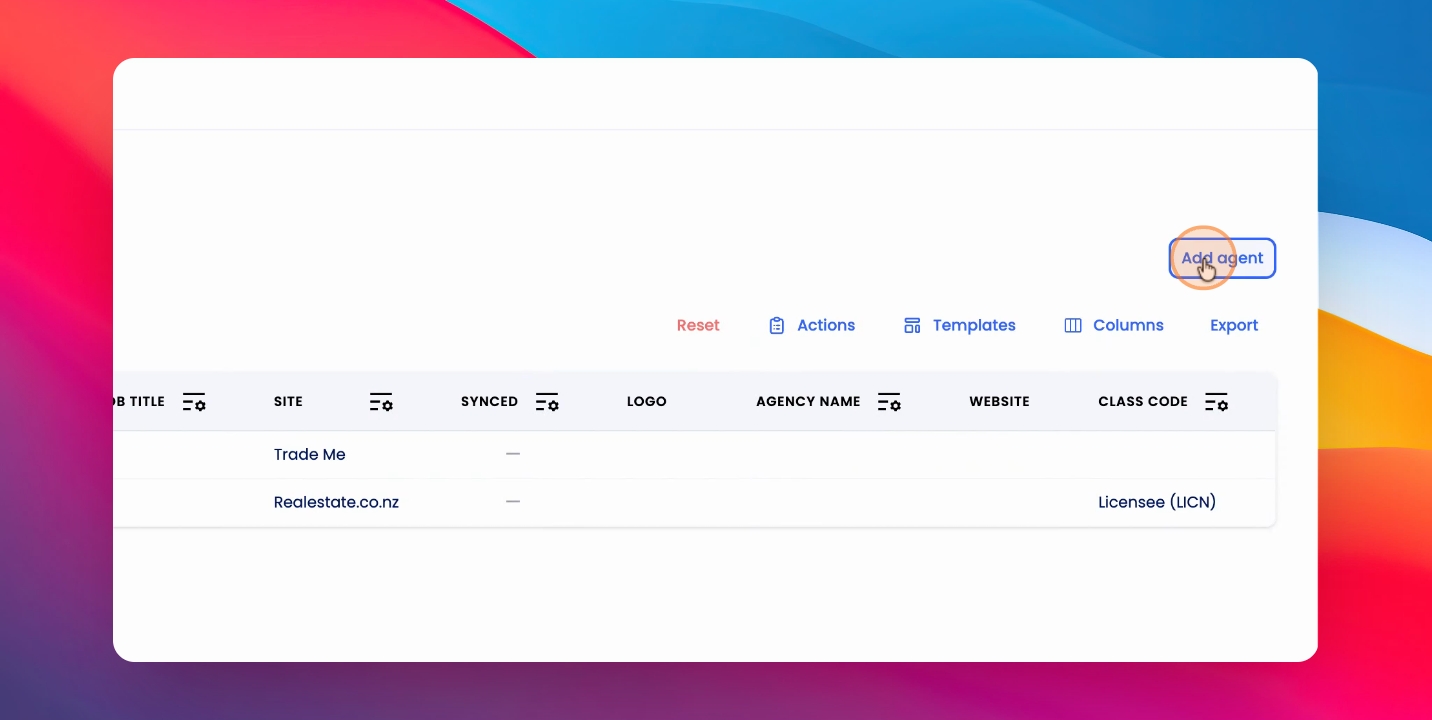
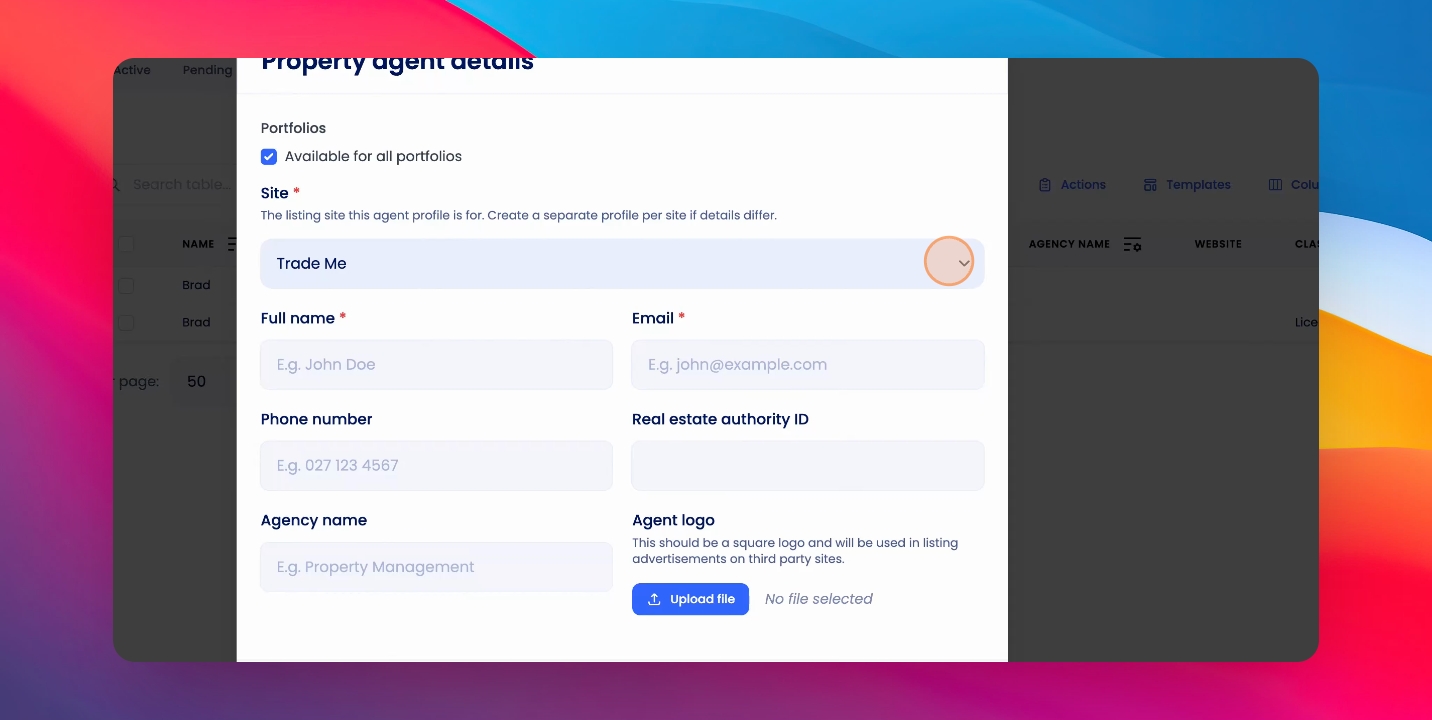
Step 2: Select Functionality
Select whether you want to use Trade Me Real Estate or Trade Me In Real Estate functionality.
Step 3: Enter Agent Information
Add your name, email, and class code, along with any other information you'd like, and then click Save.
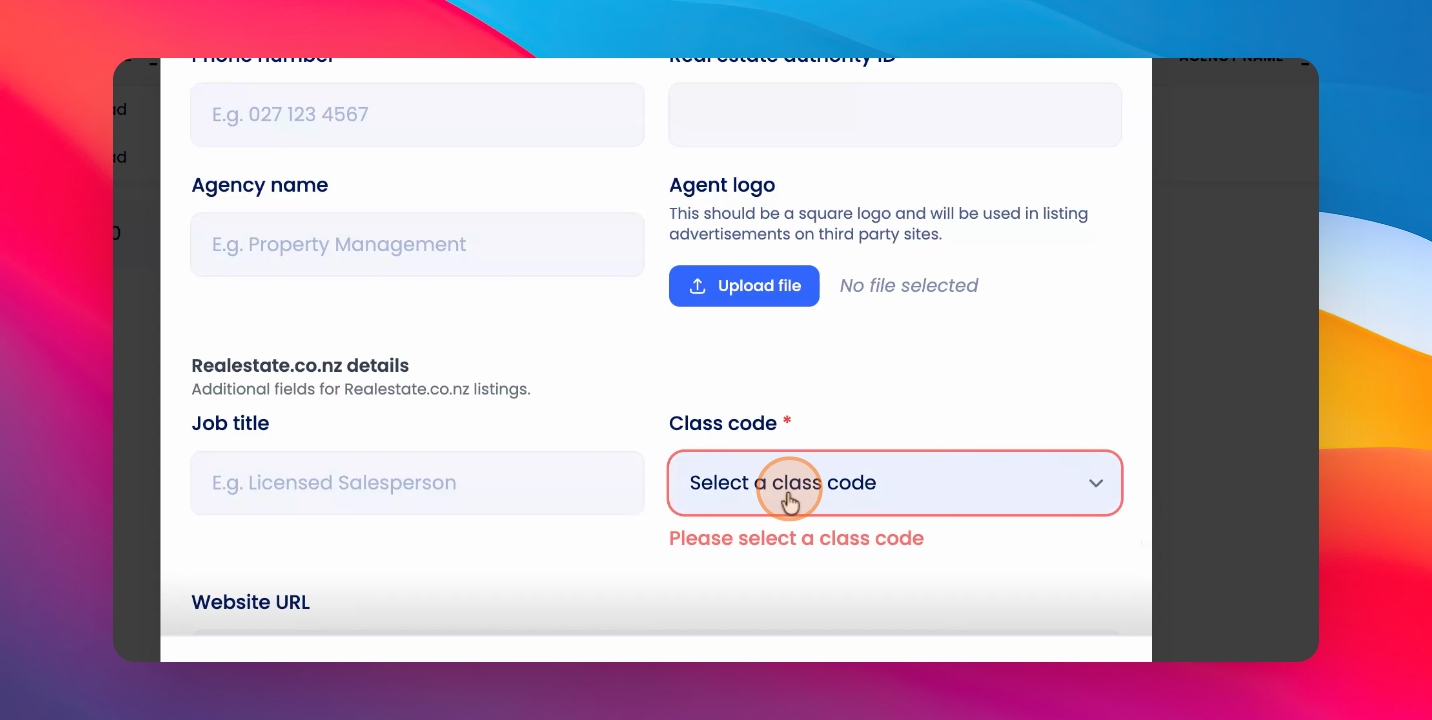
This will create one agent per integration.
You'll be able to connect those as you create your listings.