

Let's do it together!
Step 1: Access Property
Go to the Property Overview page to start scheduling a reminder.
Step 2: Add Note
Click on Add Note to create a new reminder note.
Step 3: Write Reminder
Write your reminder in the note field.
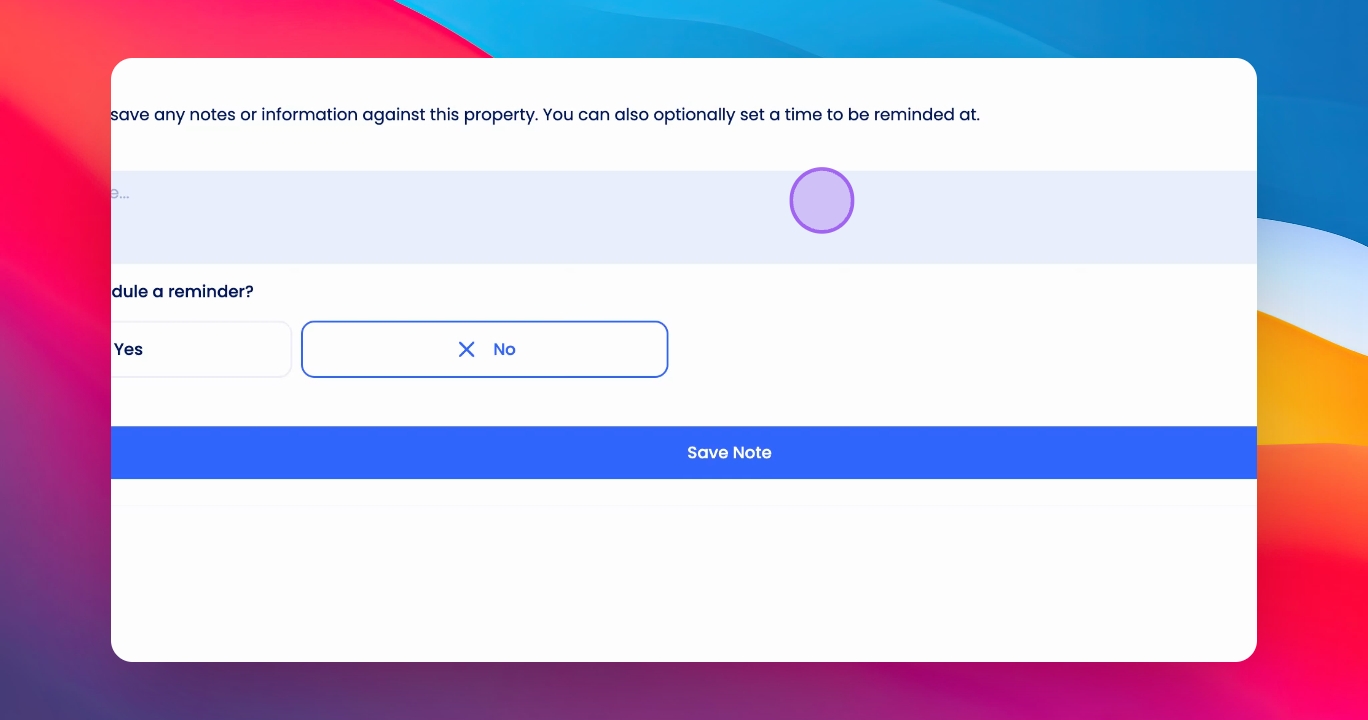
Step 4: Schedule Reminder
Click Schedule a Reminder, select the first day and time for the reminder.
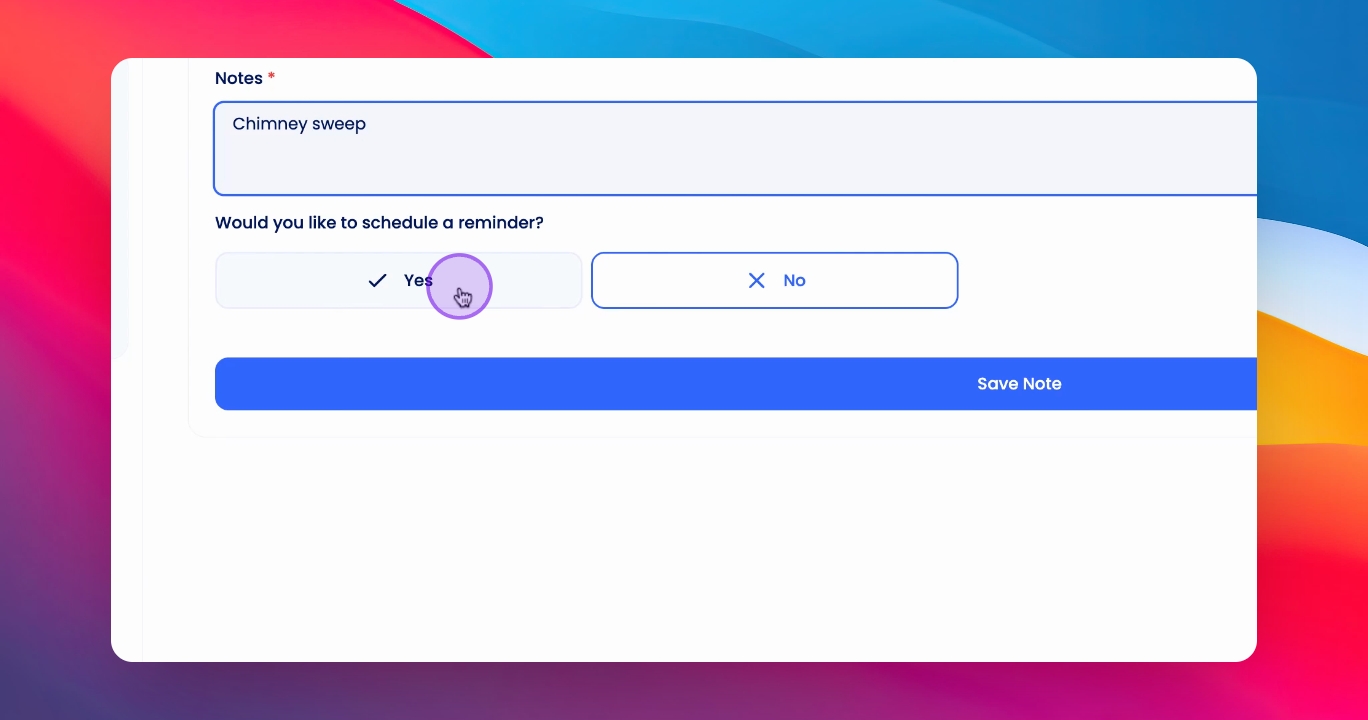
Step 5: Make Recurring
Select Make Recurring Reminder to set it as a recurring reminder.
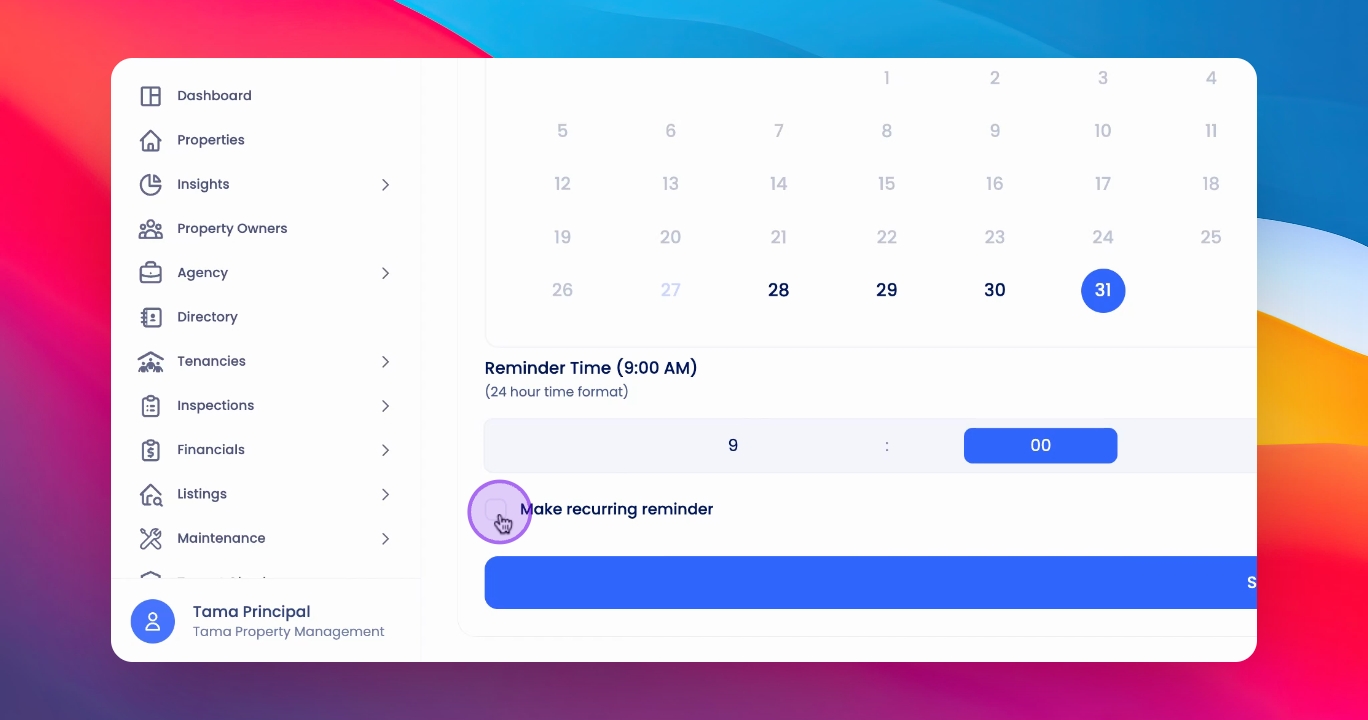
Step 6: Set Interval
Choose the interval for the recurring reminder and click Save Note.
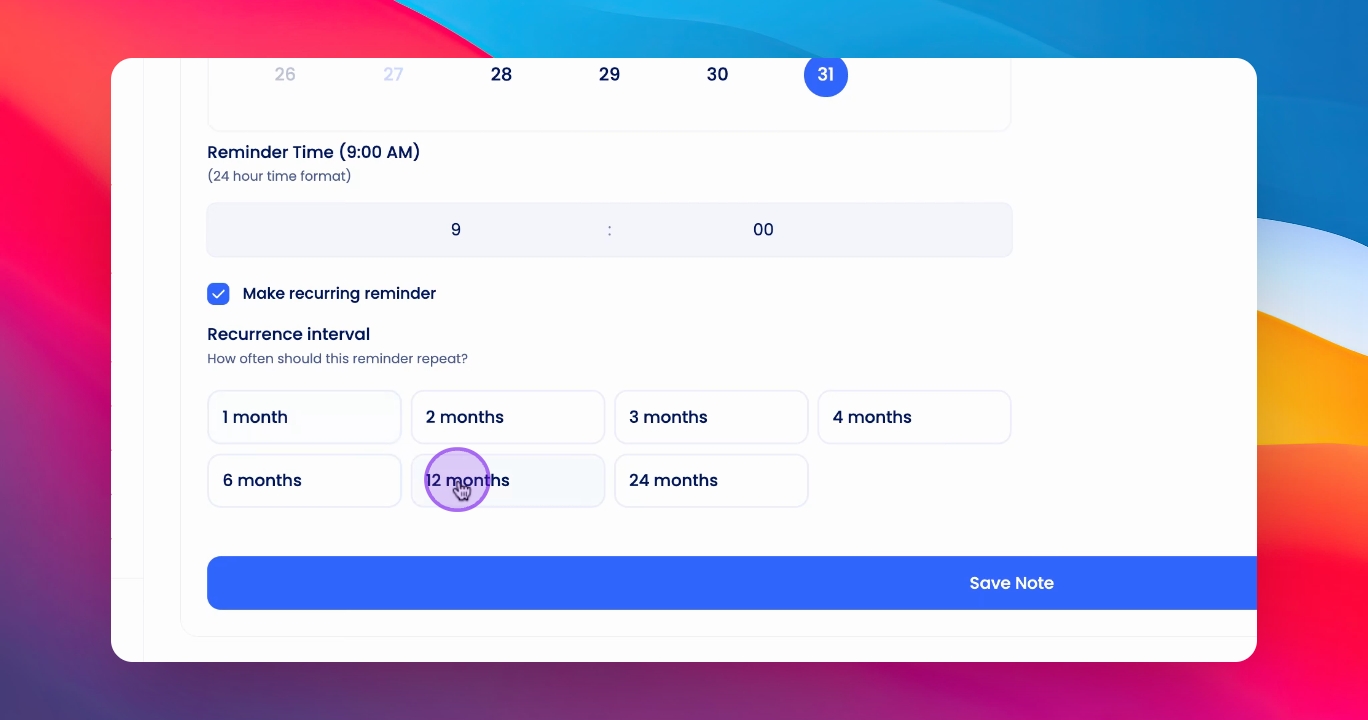
Step 7: Confirm Reminder
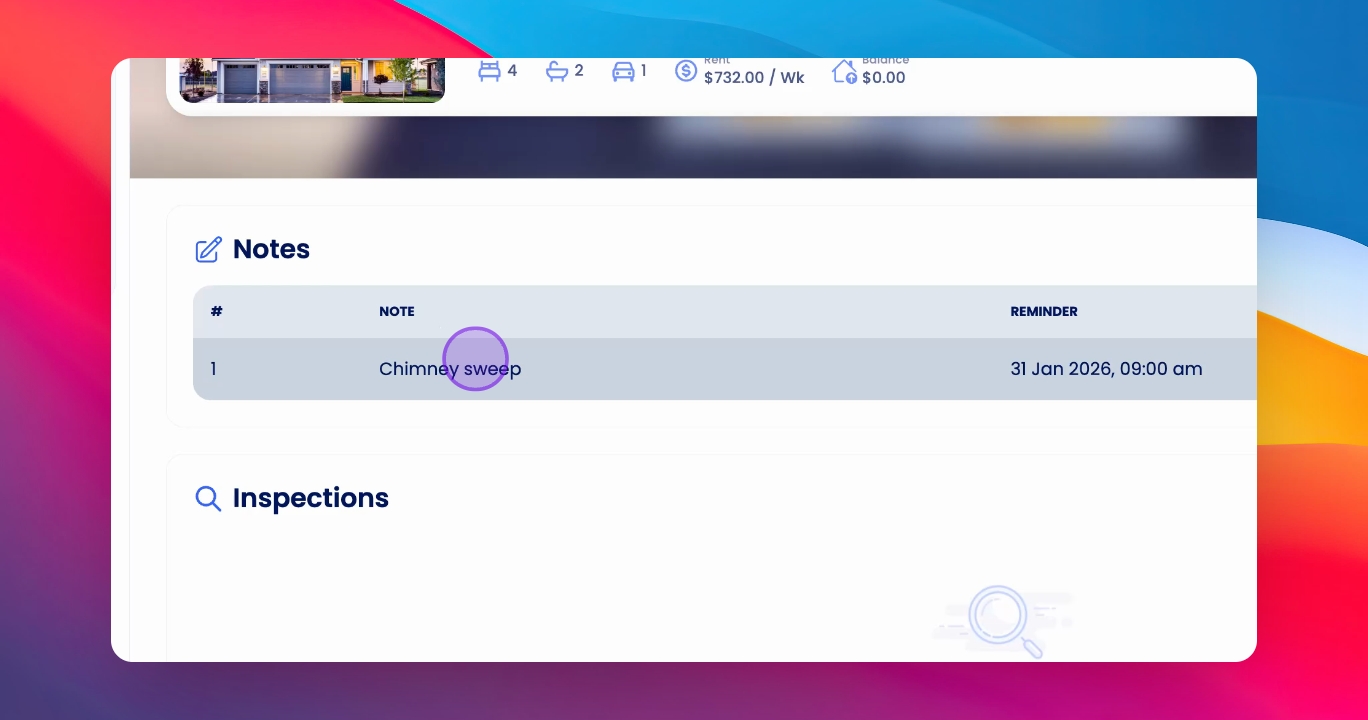
Your reminder will appear on the property overview once saved.
Step 8: Edit Reminder
To edit, click into the reminder, click Actions, and then Edit.
Step 9: View Dashboard
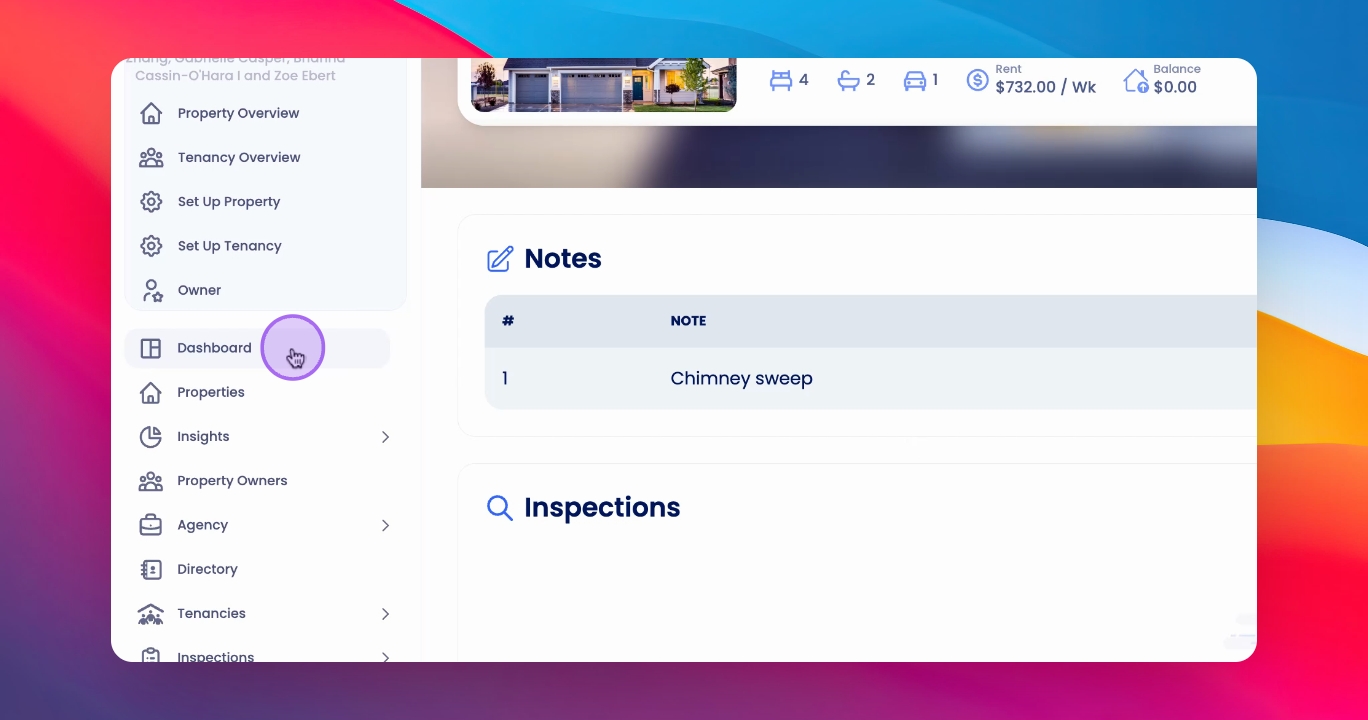
You will be reminded on your dashboard under Overview, and it appears in your to-do list.
If you need more help or have any questions, just reach out to us at support@keyhook.com — we're always here to help!
Click on this link to give a feedback: Support Article Feedback Form