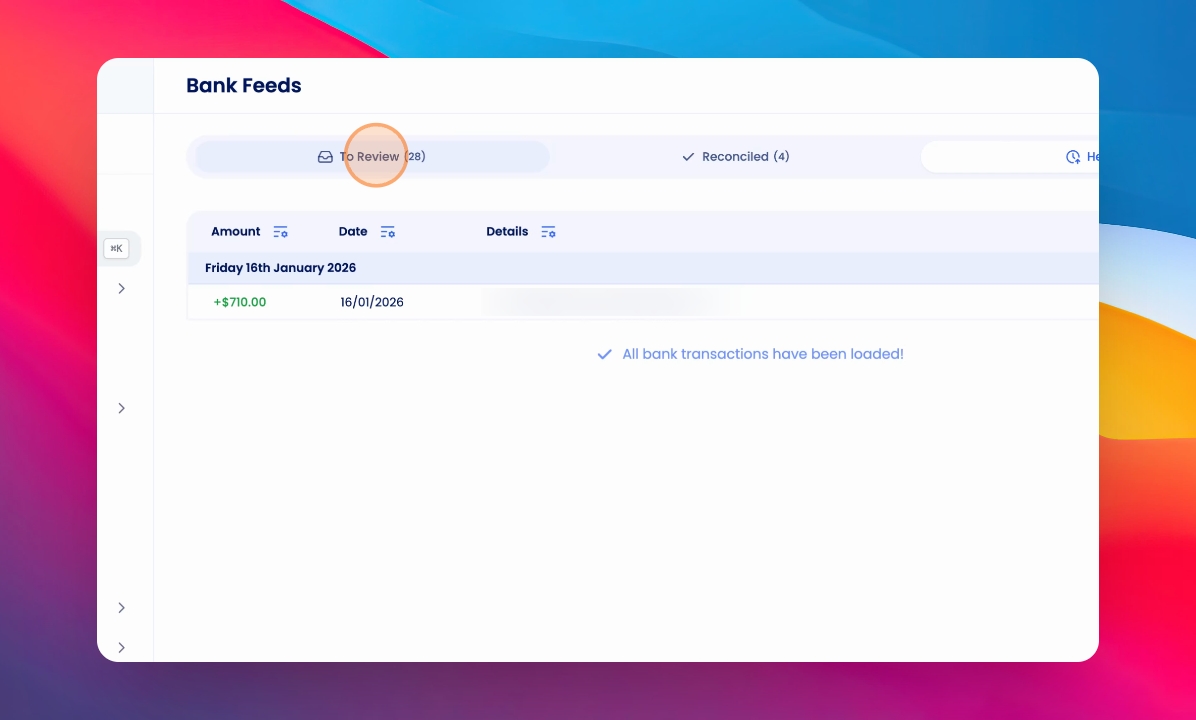
To move money from your Held bank feed into your To Review bank feed and receipt it, you'll need to release the funds. Let's look at the steps:
Step 1: Open the Held Tab
Click on the Held tab to view transactions currently held in this feed.
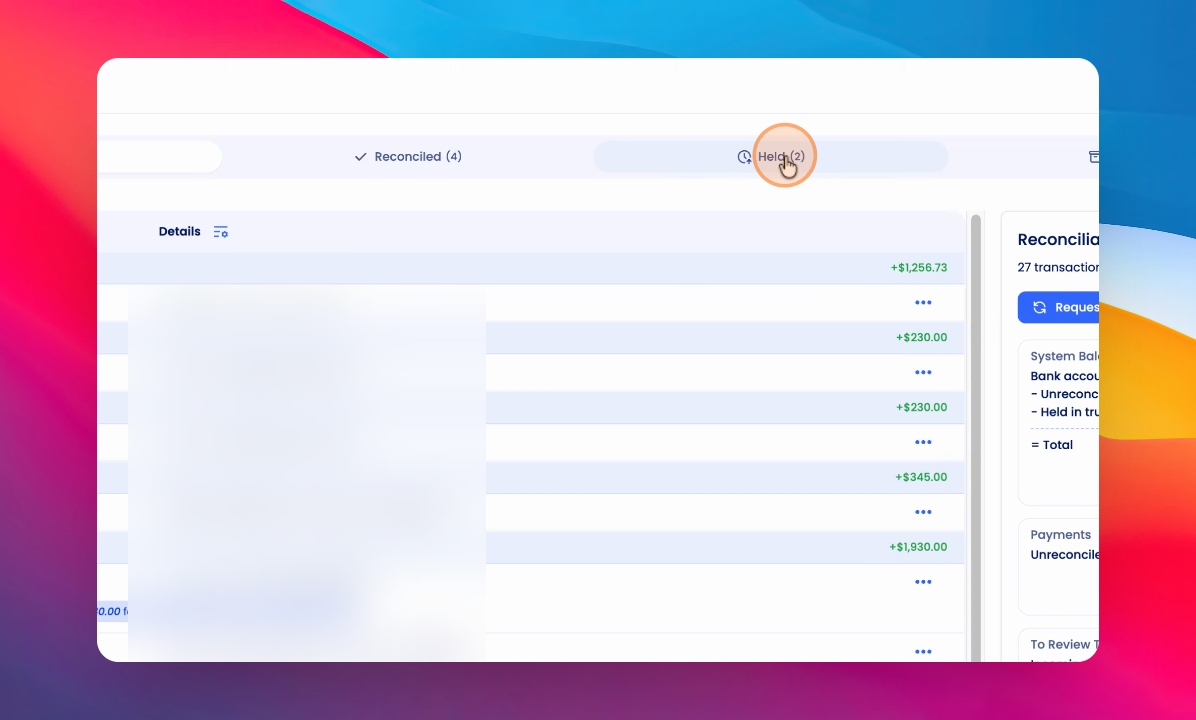
Step 2: Choose a Transaction
Find the transaction you'd like to release in the Held feed.
Step 3: Release Funds
Click the three dots on the right-hand side of the transaction and select Release Funds.
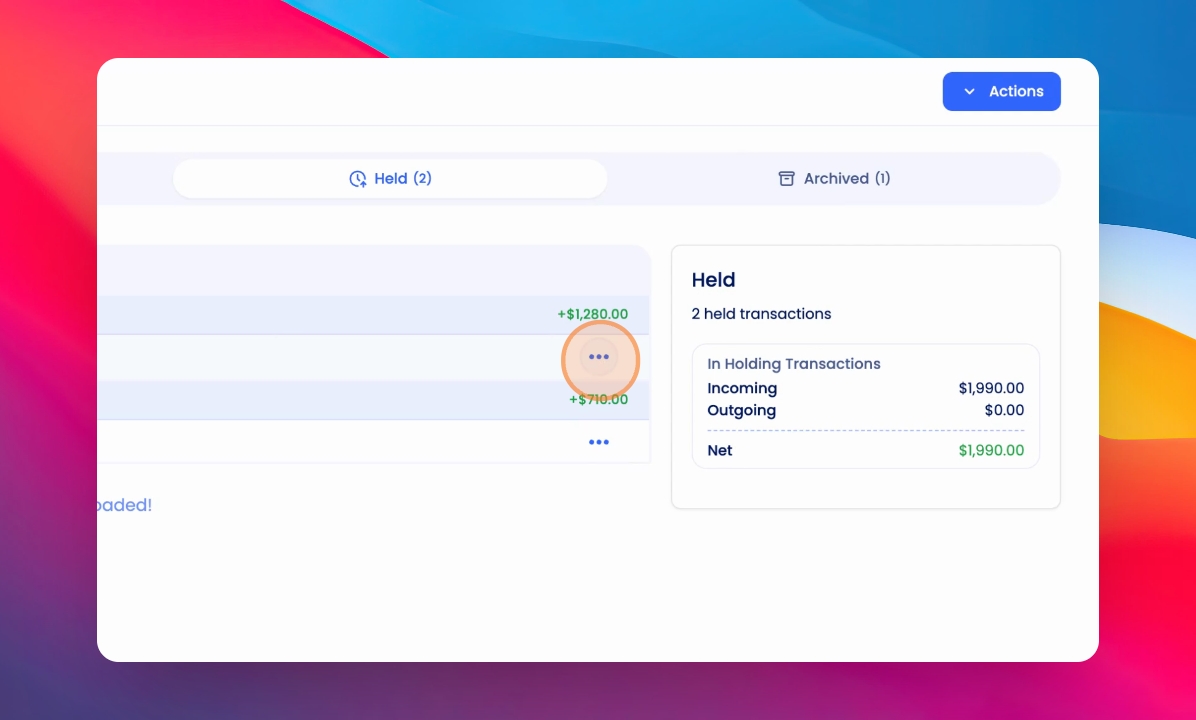
Step 4: Set Transaction Date
If the transaction is dated outside of the current month, a modal will appear prompting you to select a new transaction date. We recommend using today's date, but you can optionally keep the original date.
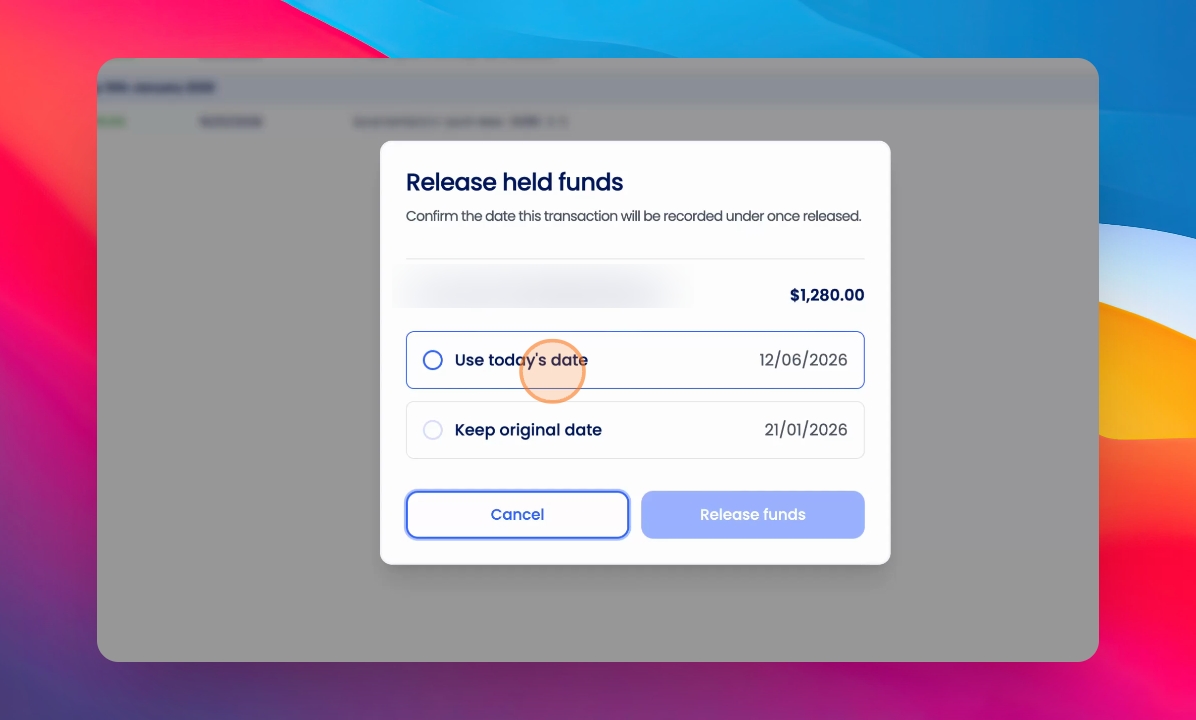
Keeping the original date may negatively affect owner statements, end of year financial statements, and commission reports.
Step 5: Confirm and Release
When you're ready, click Release Funds to complete the process.
The transaction will now appear in your To Review bank feed, ready for you to receipt.