

To manage your photos effectively, follow the steps below:
Let's look at the steps:
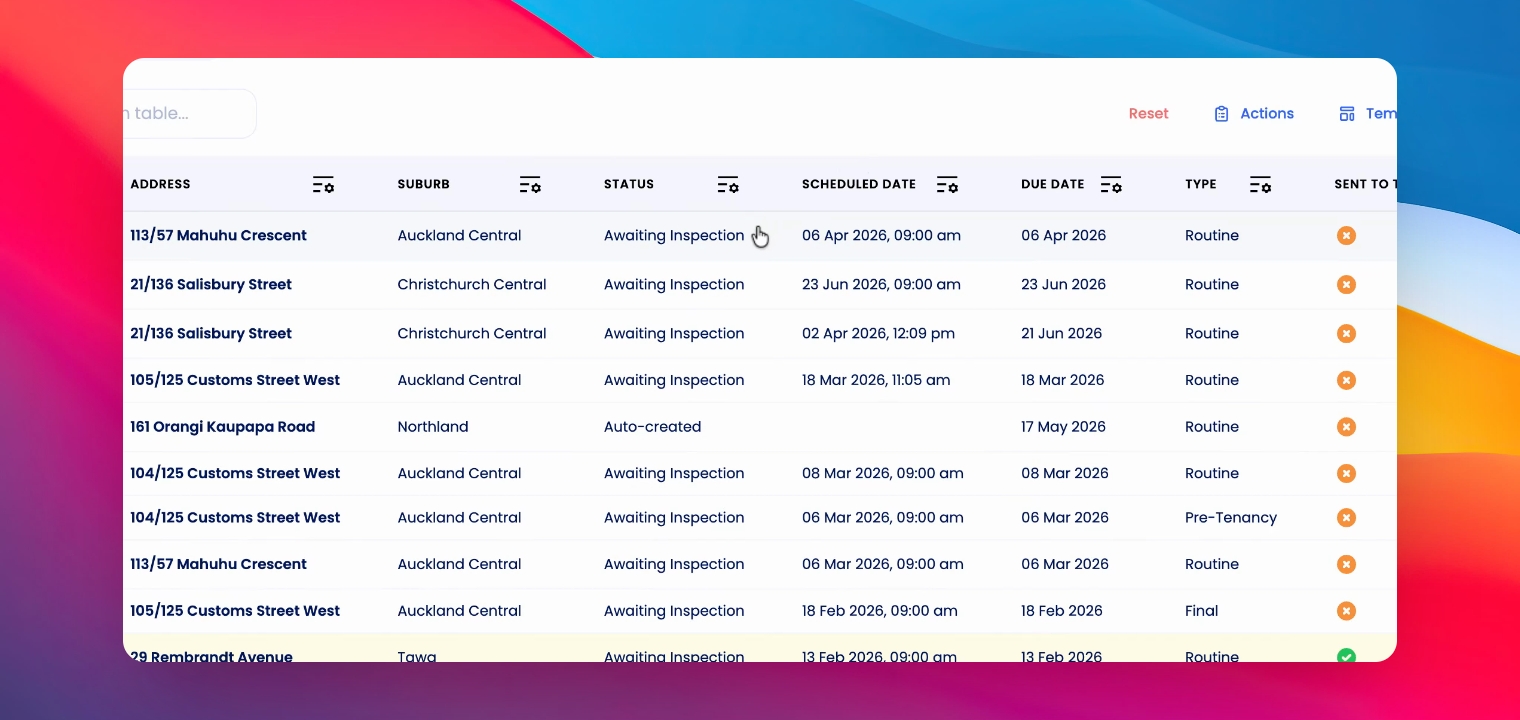
Step 1: Go to Inspection
Go to the relevant inspection in the desktop app.
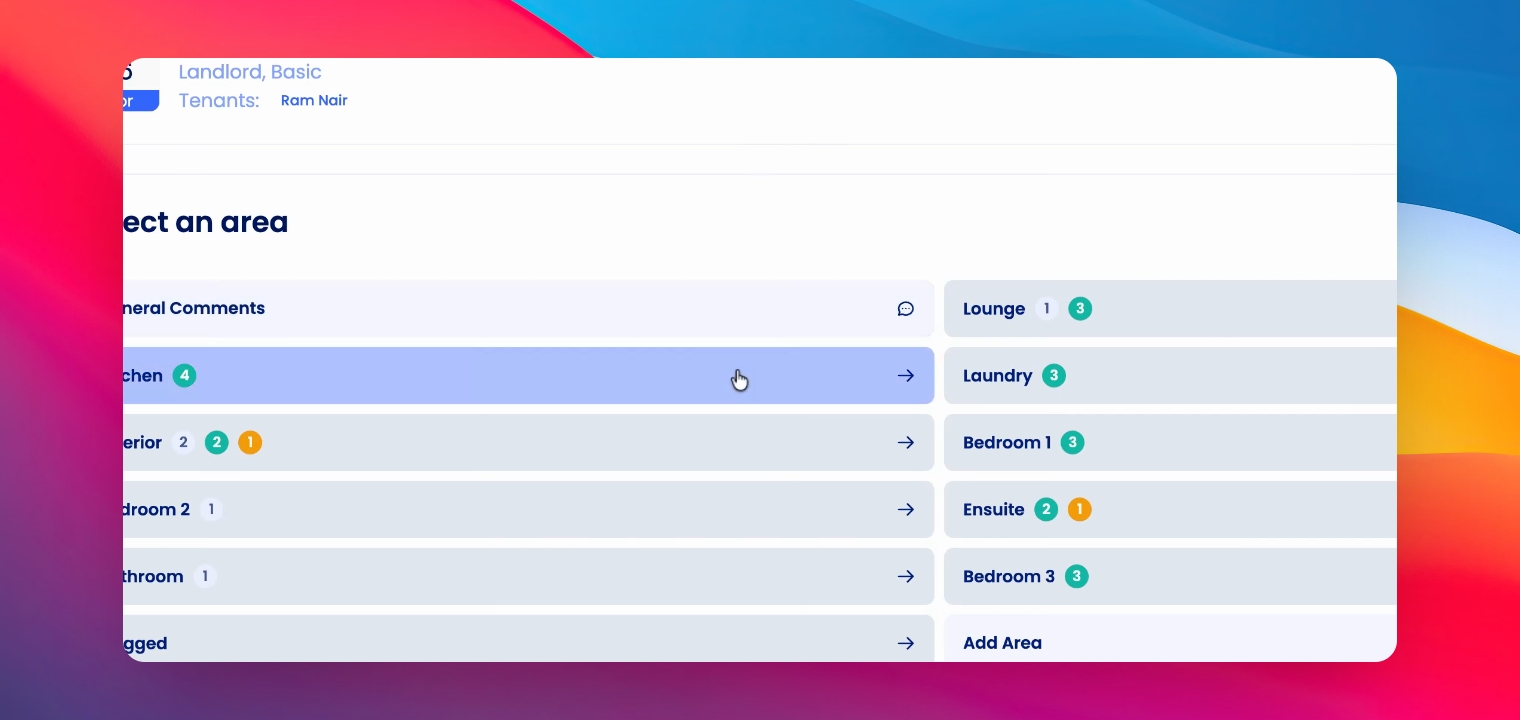
Step 2: Select Area
Click on the relevant area.
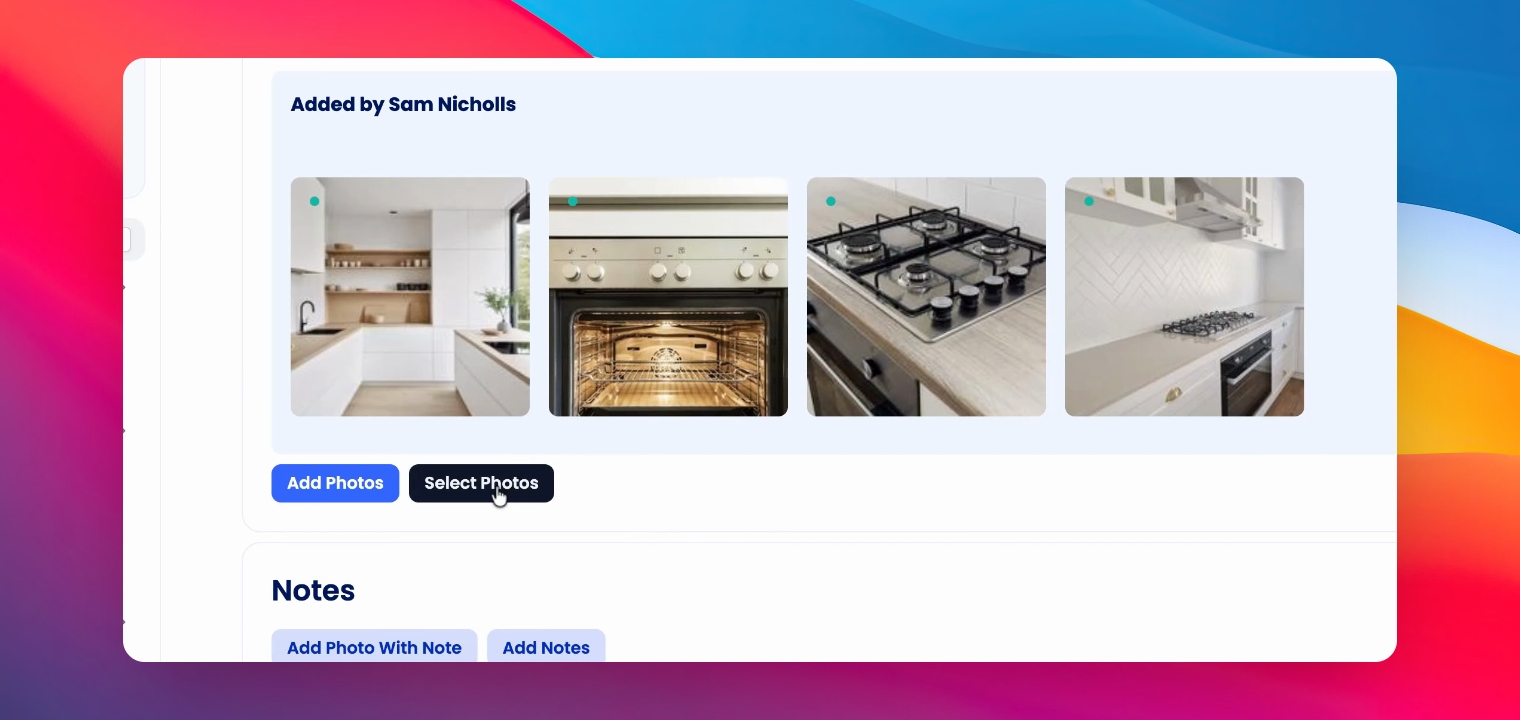
Step 3: Select Photos
Click Select Photos.
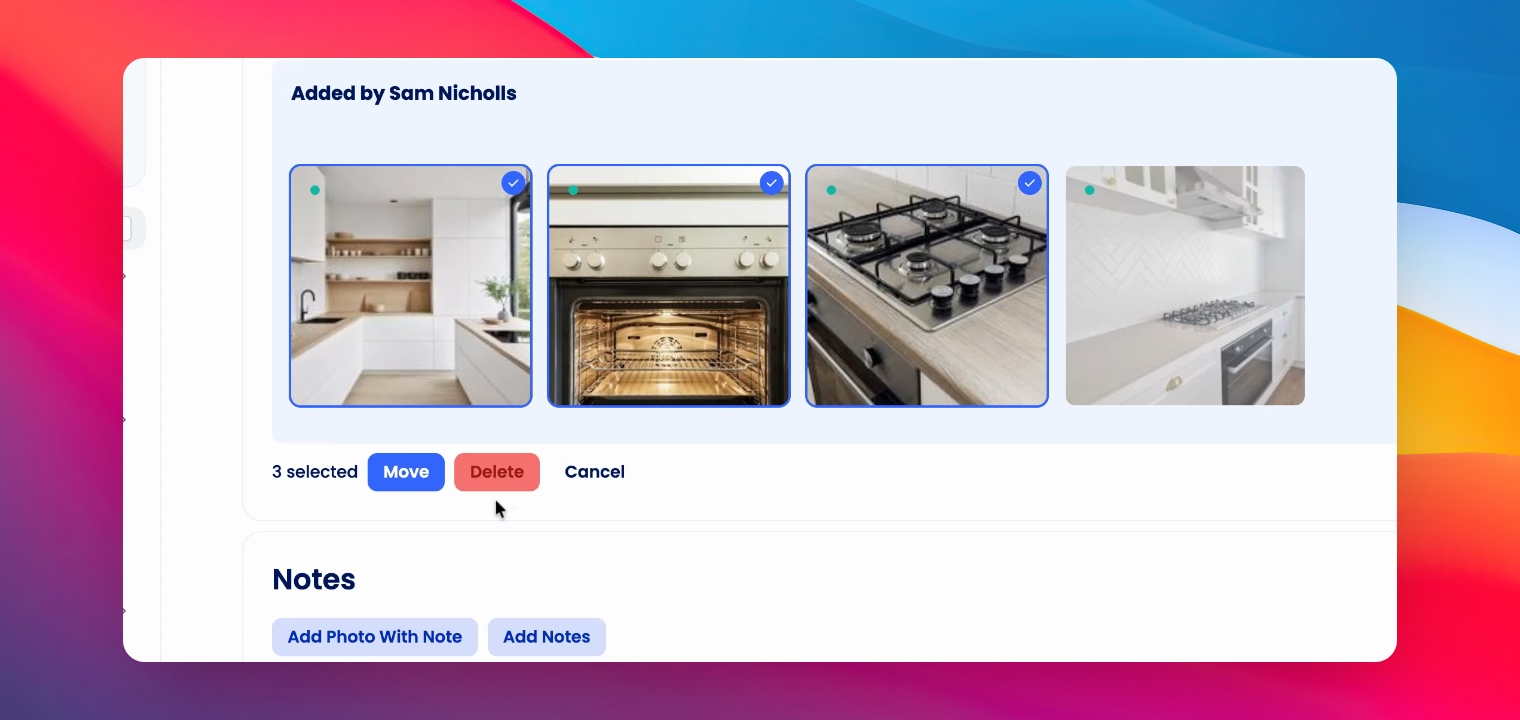
Step 4: Choose Photos
Select the photos you'd like to move or delete.
Step 5: Move Or Delete
Either click Delete or click Move and select the area you'd like to move the photos to.
Step 6: Confirm Move
Click move.