

In this tutorial, you will learn how to manage your table templates by editing or deleting them as needed.
Step 1: Visit the Template
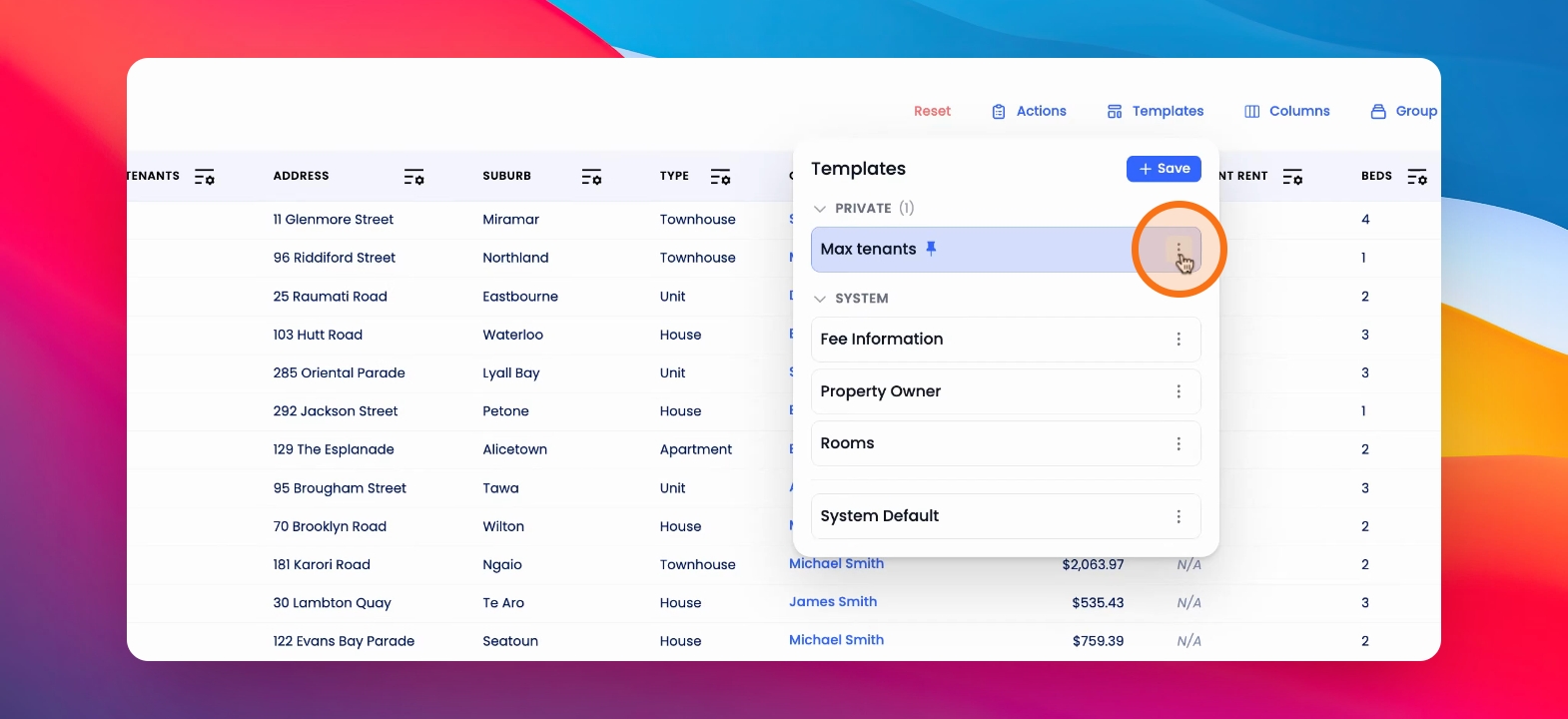
Visit the relevant table. Click on Templates. Click the three dots on the right-hand side of the template you'd like to edit.
Step 2: Edit the Template
From here you can rename, update, or unpin relevant templates or delete the templates.
Step 3: Pin Templates
You can also choose to pin the system built templates.