

You can set your notes for inspections to copy over to the next inspection automatically. Let's look at the steps:
Step 1: Edit Agency Settings
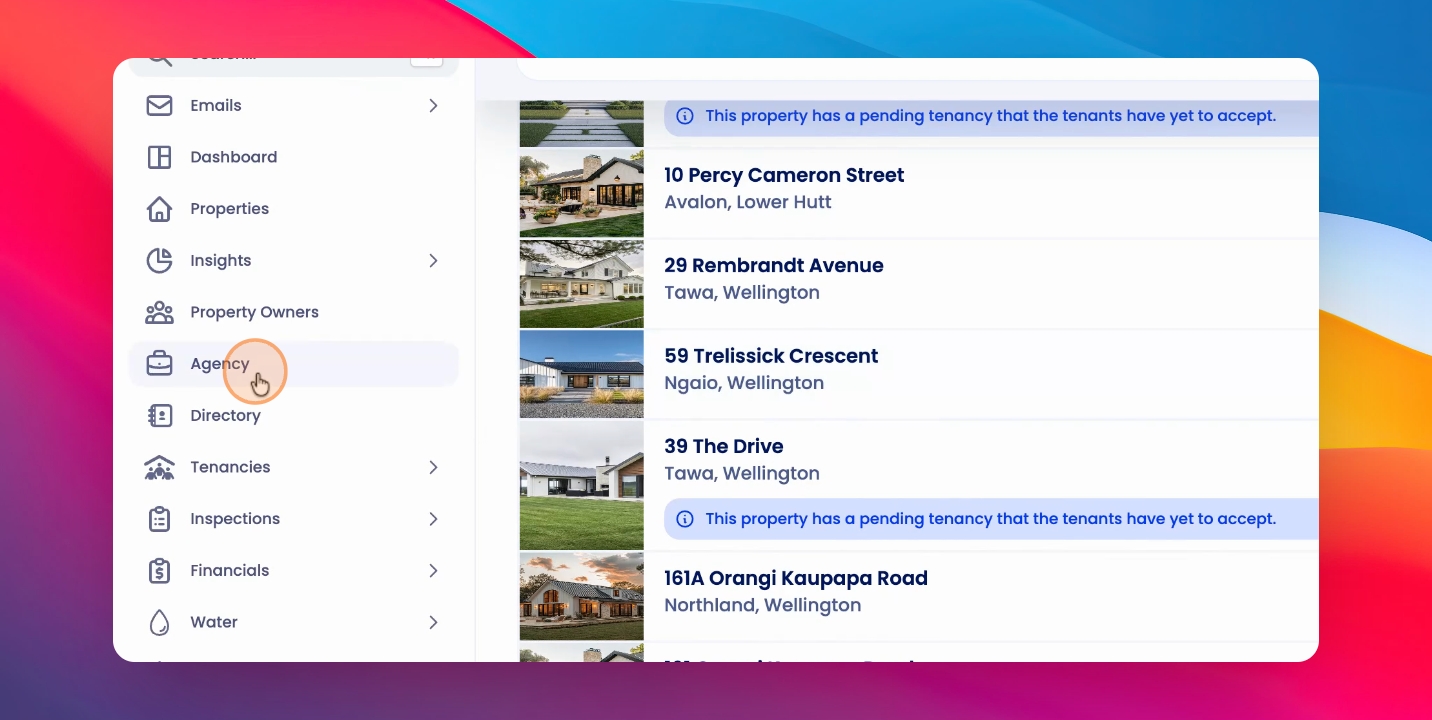
Click on Agency, then Edit Agency. Scroll down to the inspection settings and toggle on Copy notes from previous completed inspection. Click Save.
Any notes made on your previous inspection will copy over to the next inspection. For example, notes like 'the lounge is generally clean' or 'there's carpet fraying' will be referenced as you go through the property.
These notes are available on the Inspections app by selecting the relevant room and clicking the Notes icon at the bottom left corner of the Inspections app screen.
You can choose to keep or delete these notes as you wish. Also, note that the notes from any photos, maintenance requests, or tenant actions will collate into the General Notes section of the relevant room if the setting is turned on.