TL;DR
1
Access Tenancy Agreement
Property Overview > Set up Tenancy > Tenancy Agreement > Edit Tenancy Agreement
2
Load Template
Select a saved template from your library. Add, remove or edit your clauses.
3
Save Changes
Click Save to Template and choose the template to overwrite.
Let's Do It Together!
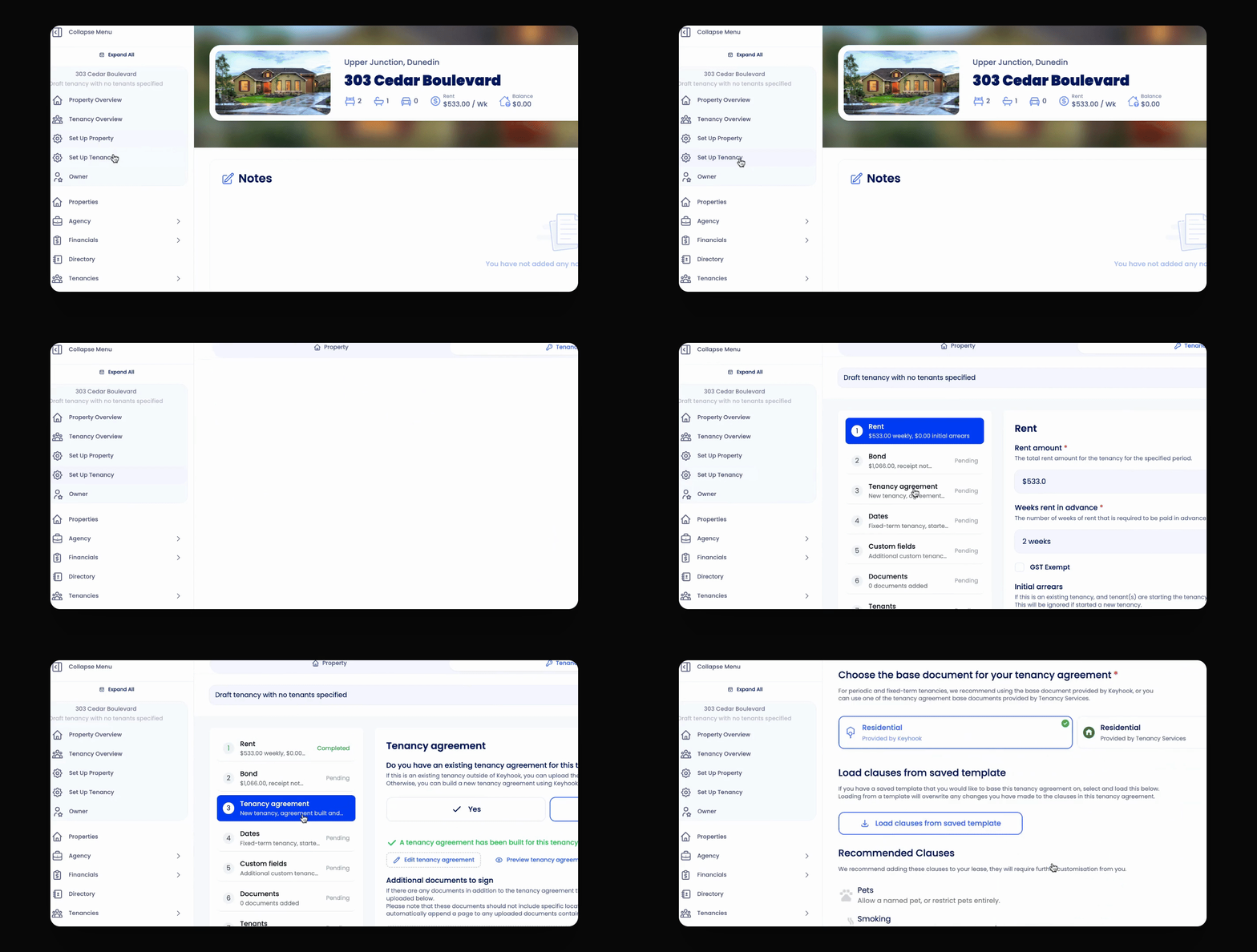
Step 1: Access the Tenancy Agreement Builder
Navigate to the desired property.
Go to Set up Tenancy.
Click on Tenancy Agreement.
Click on Edit Tenancy Agreement.
Step 2: Load Your Template
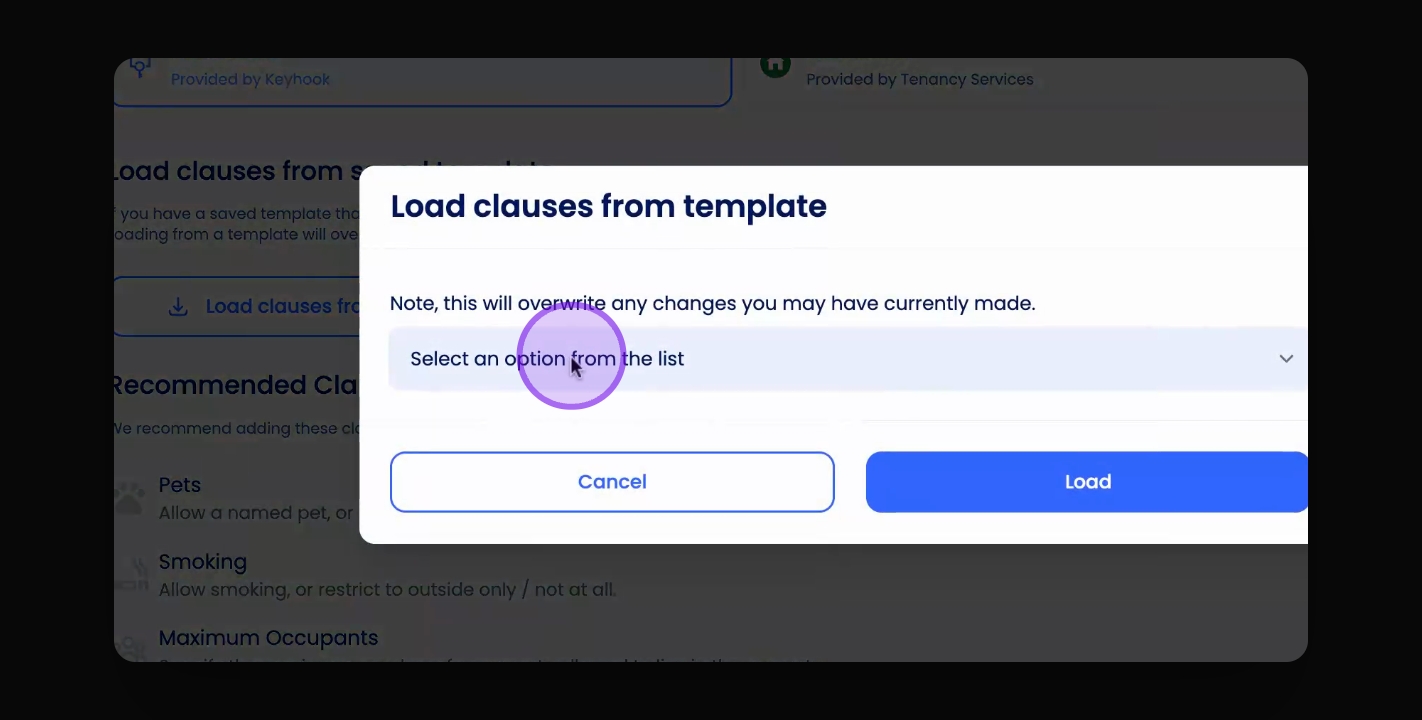
Select the template from your template library that you wish to edit.
The template will load, allowing you to make changes.
Step 3: Save Your Changes
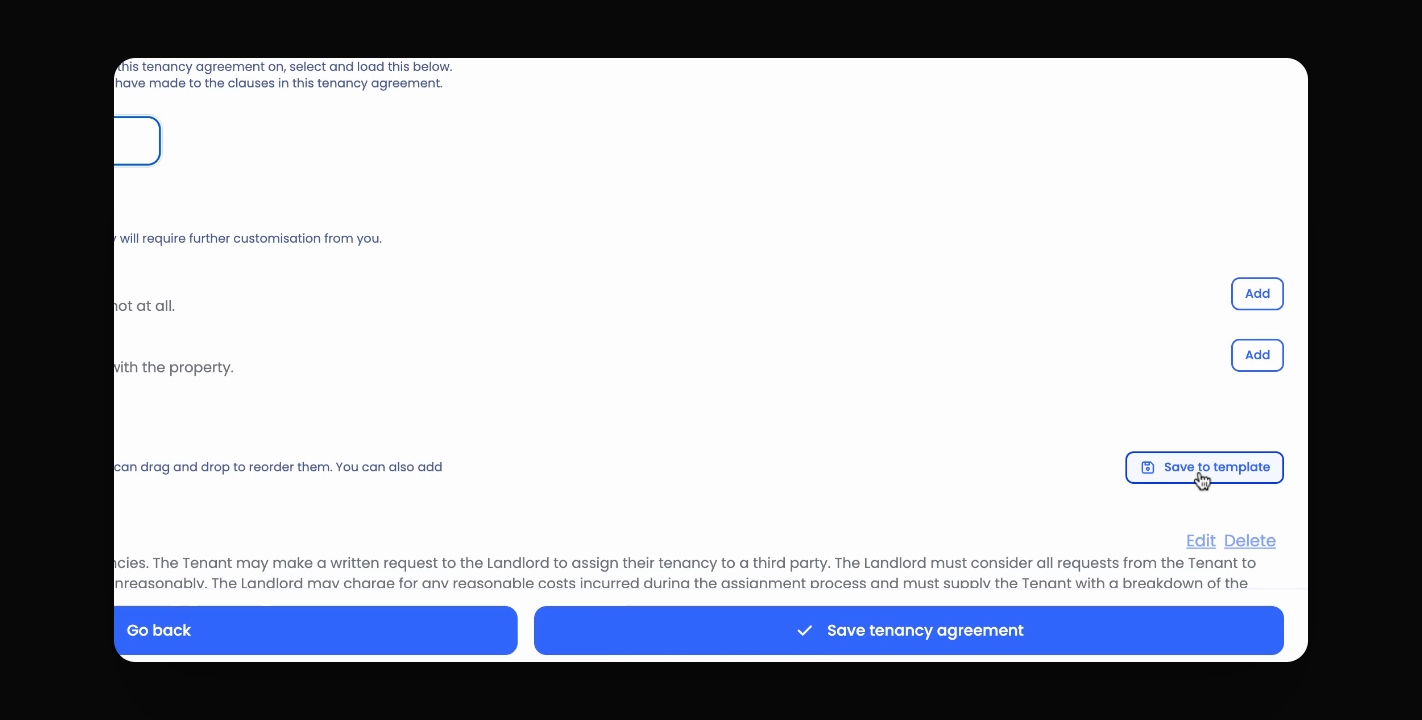
Once you have made the desired changes, click Save to Template.
Select the template you wish to overwrite from the drop down menu.
Your changes will override the existing template.