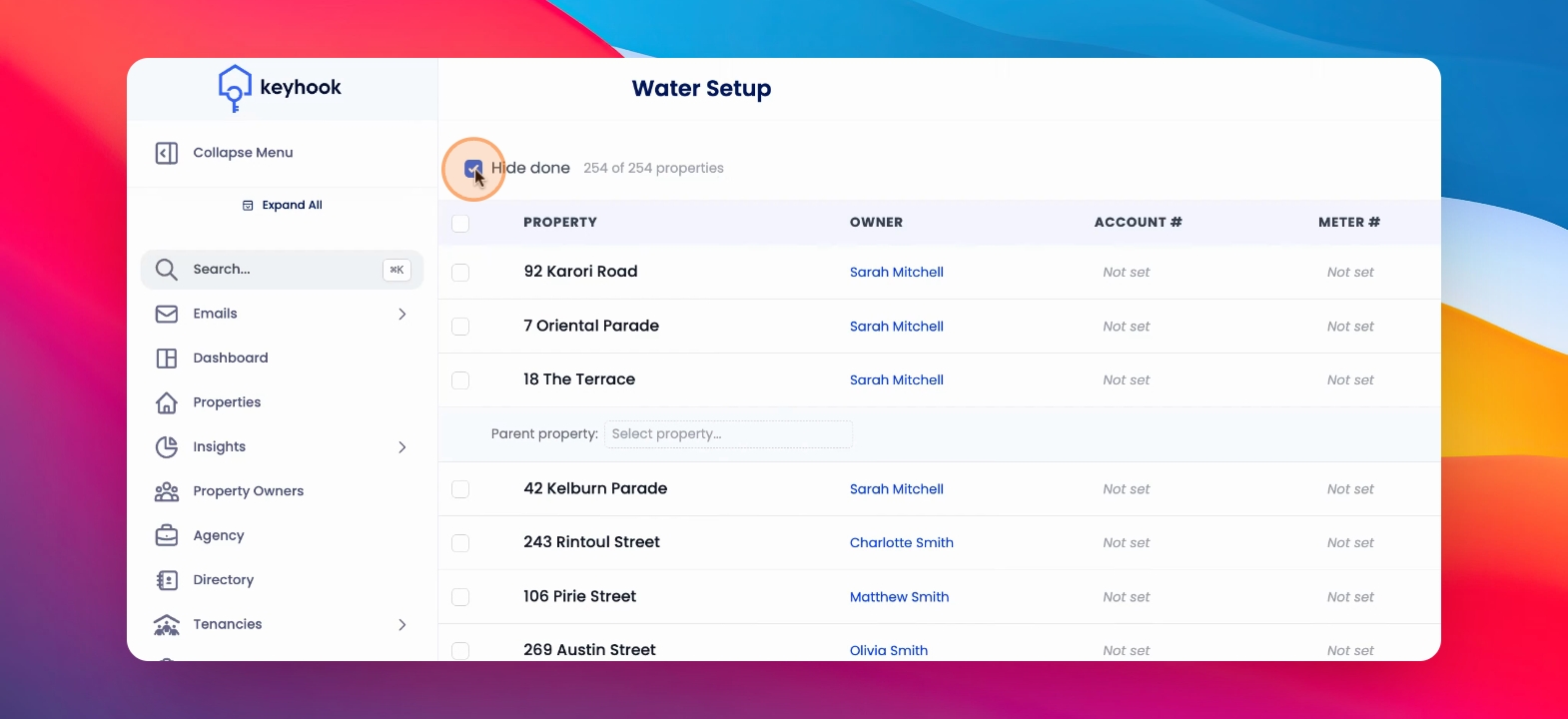
Configuring water billing settings for your properties is essential for managing payments effectively. Under Water, you'll find Setup.
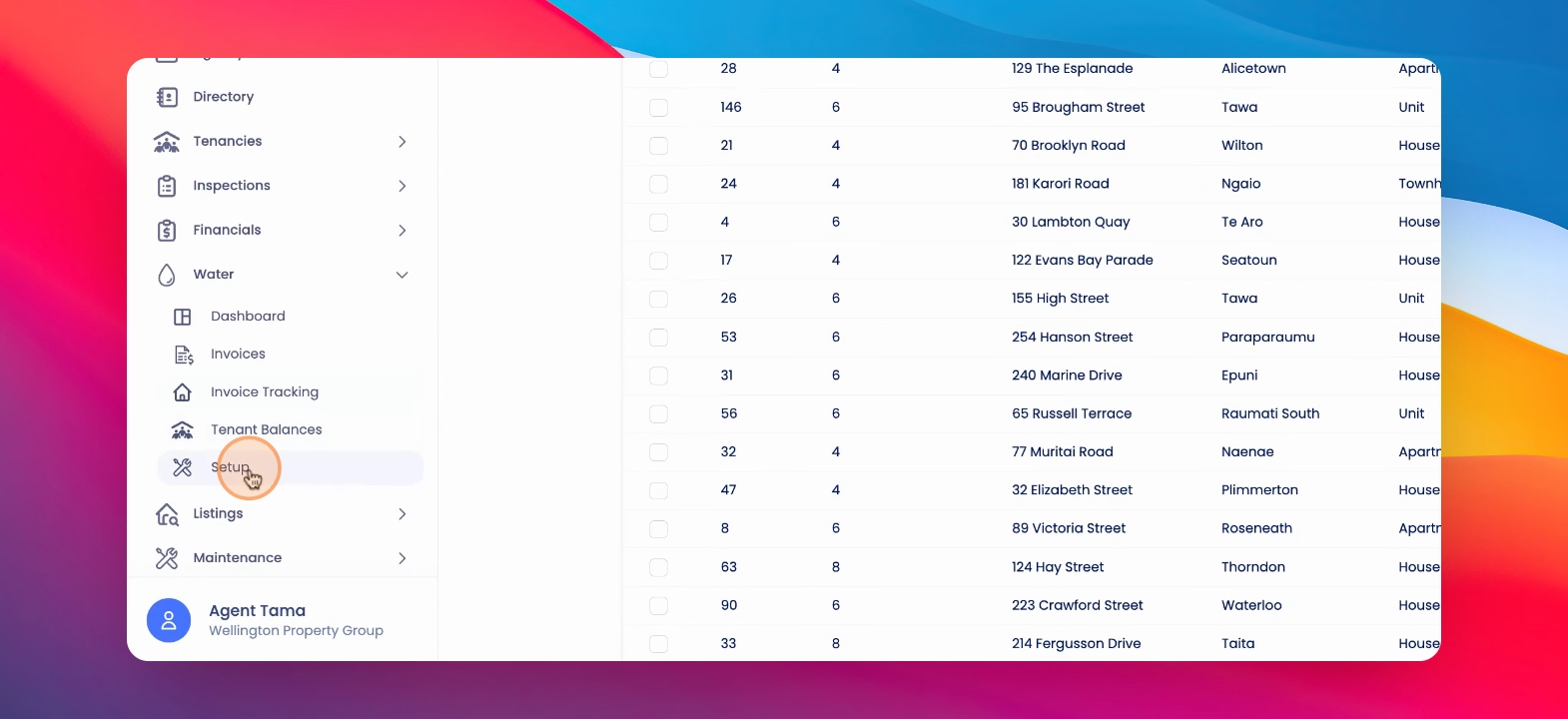
This is a list of properties within which you can set the billing settings for each property.
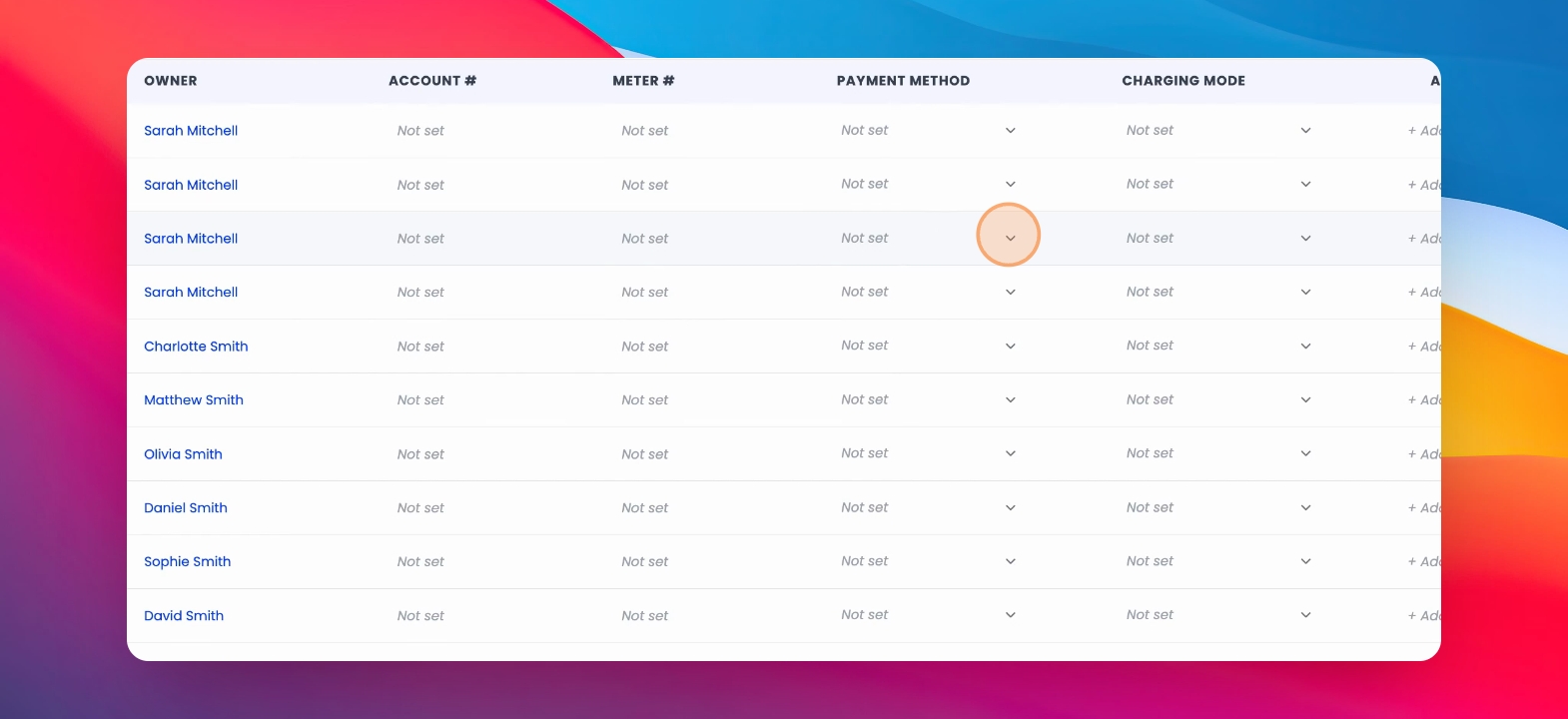
Step 1: Select Payment Method
Under Payment method, select whether the owner is paying their water supplier directly, or whether you should be paying the water supplier on behalf of the owner.
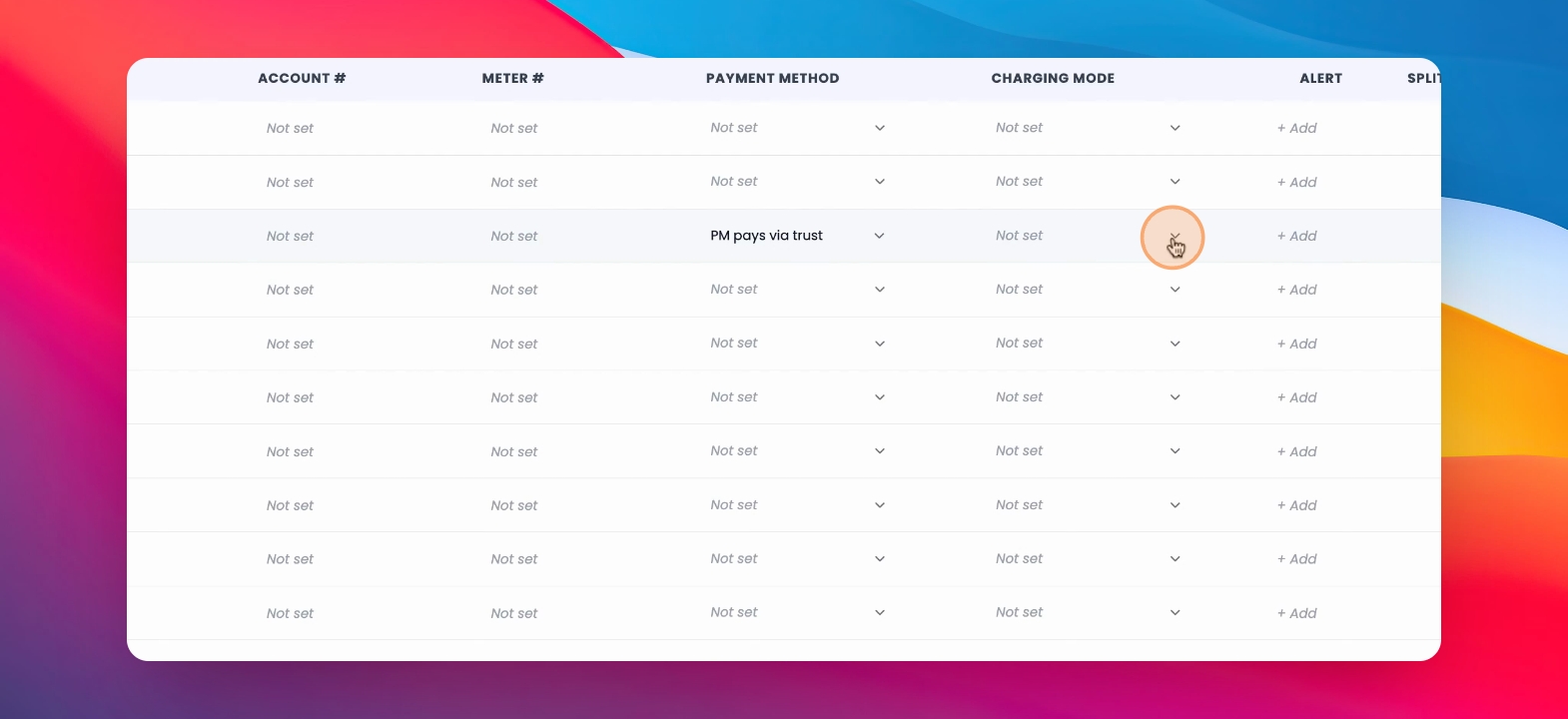
Step 2: Choose Charge Mode
Under Charge mode, select whether the tenant is reimbursing the owner for the usage, or whether the owner pays the entire bill and does not charge the tenant.
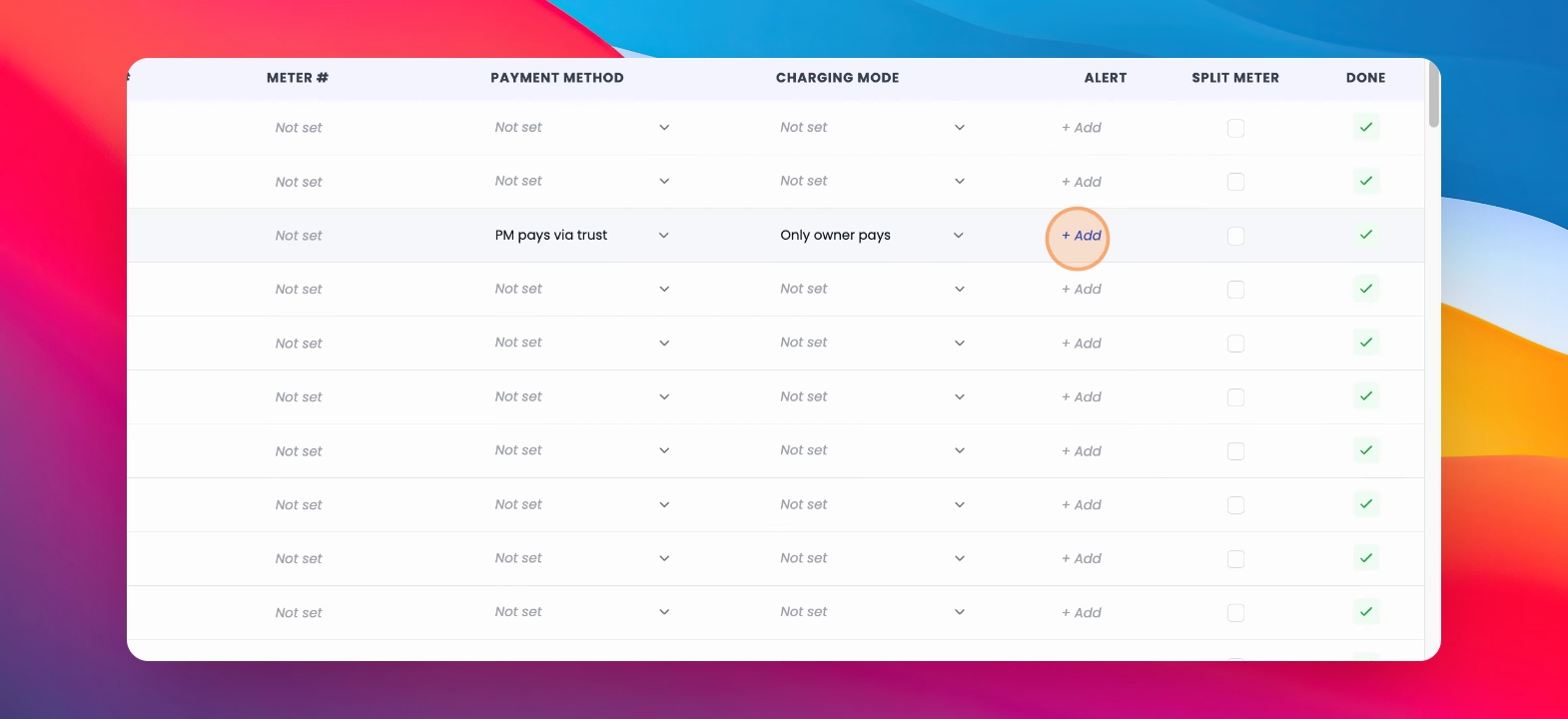
Step 3: Add Alerts
You can add alerts which will appear when invoices are ingested for that property.
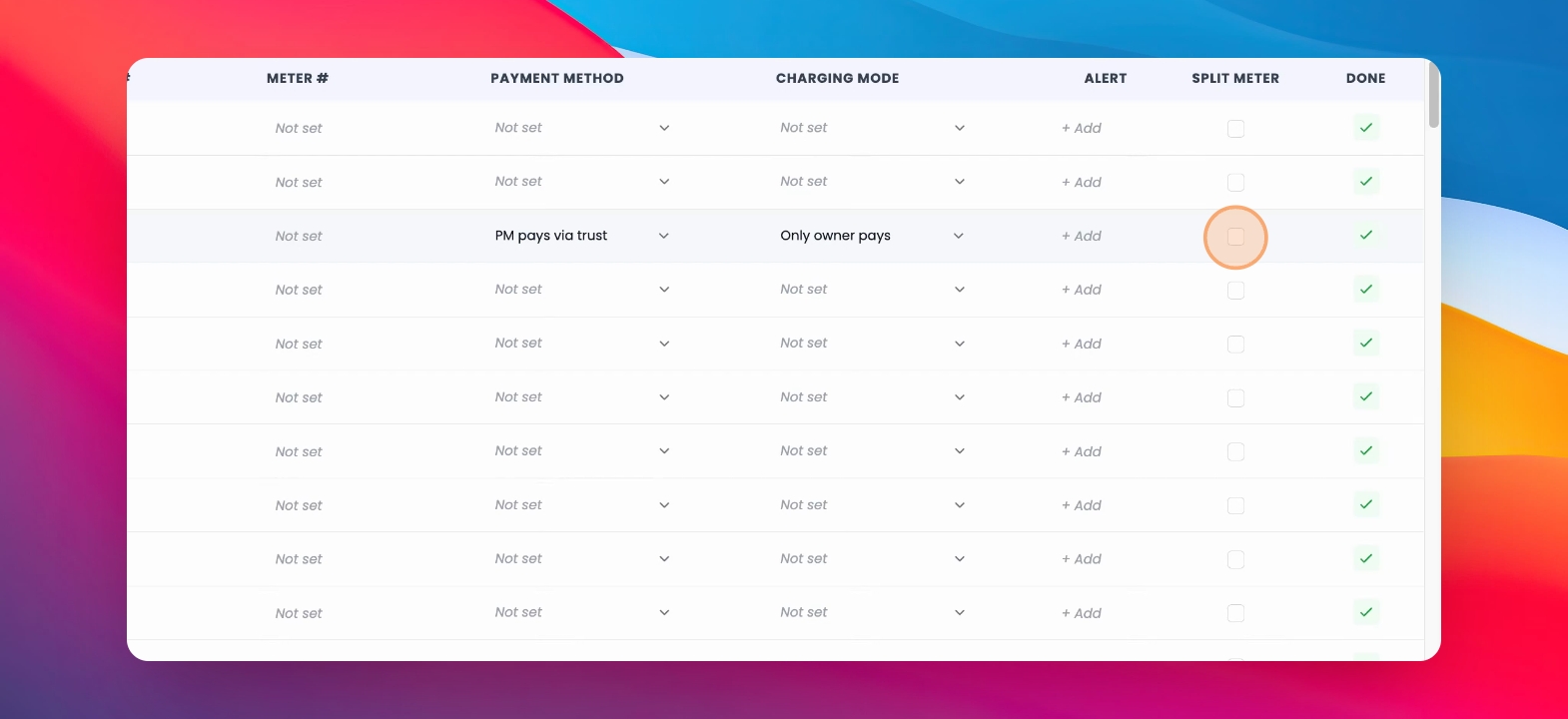
Step 4: Select Split Meter
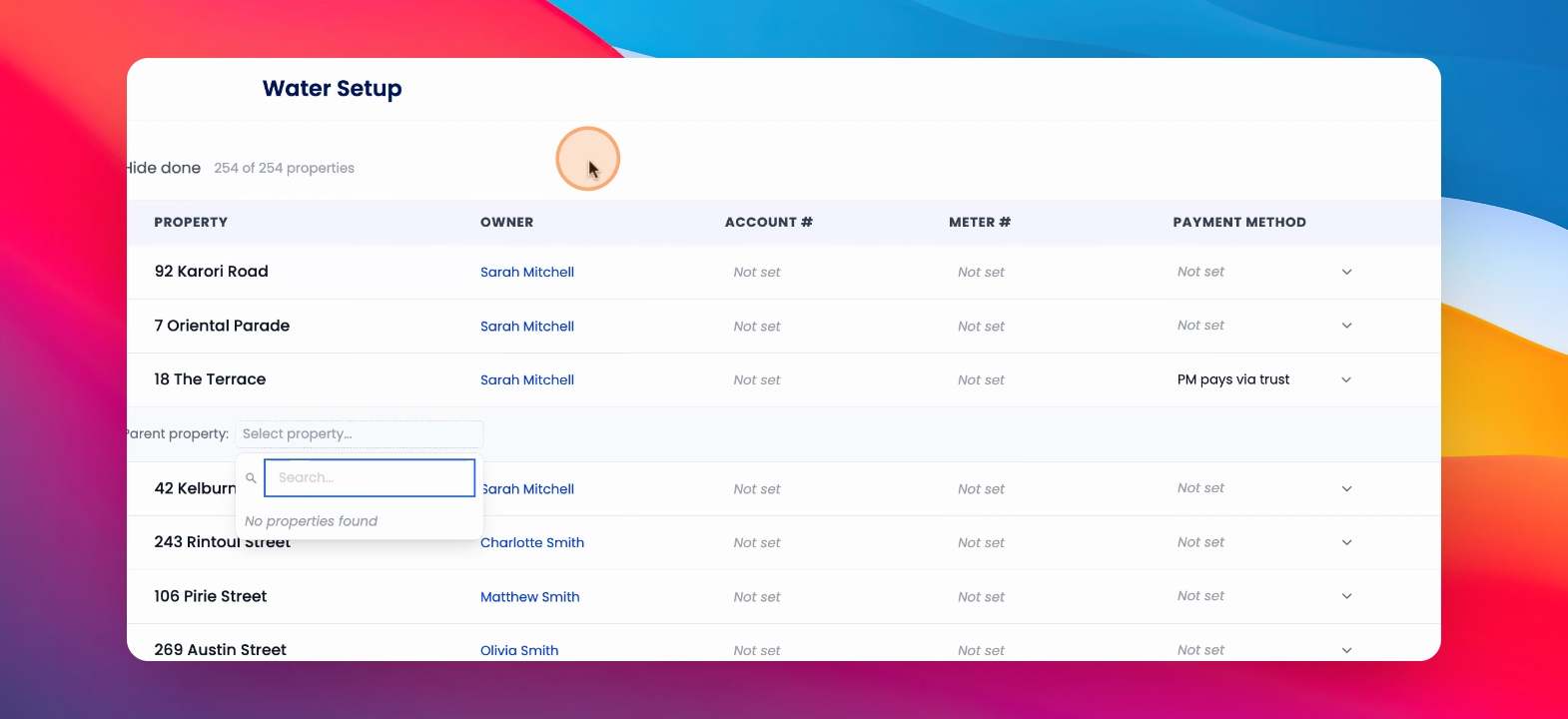
You can also select Split Meter and then select the parent property of the relevant Split meter.
Parent properties will only appear for properties that have been configured already.
Step 5: View Configured Properties
To view properties that have already been completely configured, you can uncheck the Hide Done button.