

Let's do it together!
Step 1: Open Property
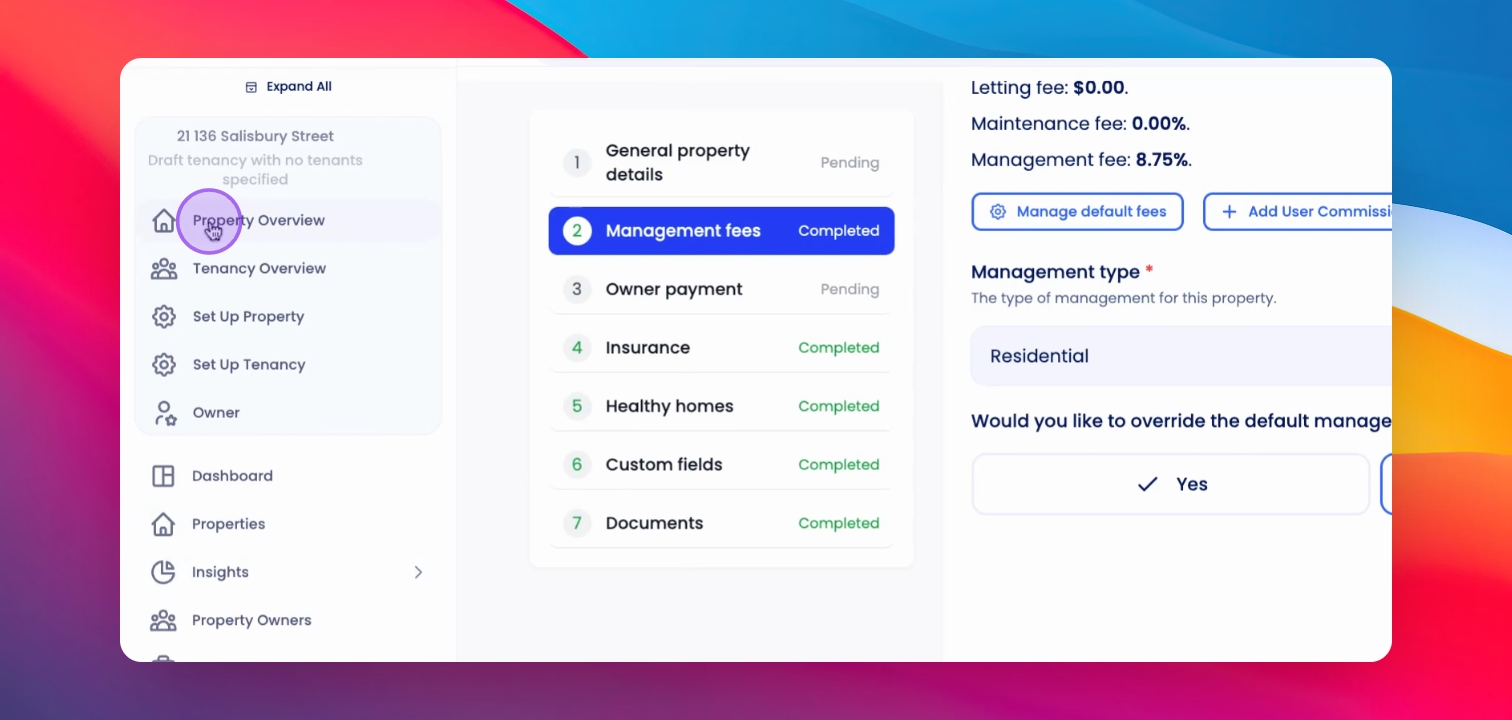
Navigate to the Property Overview page of the desired property.
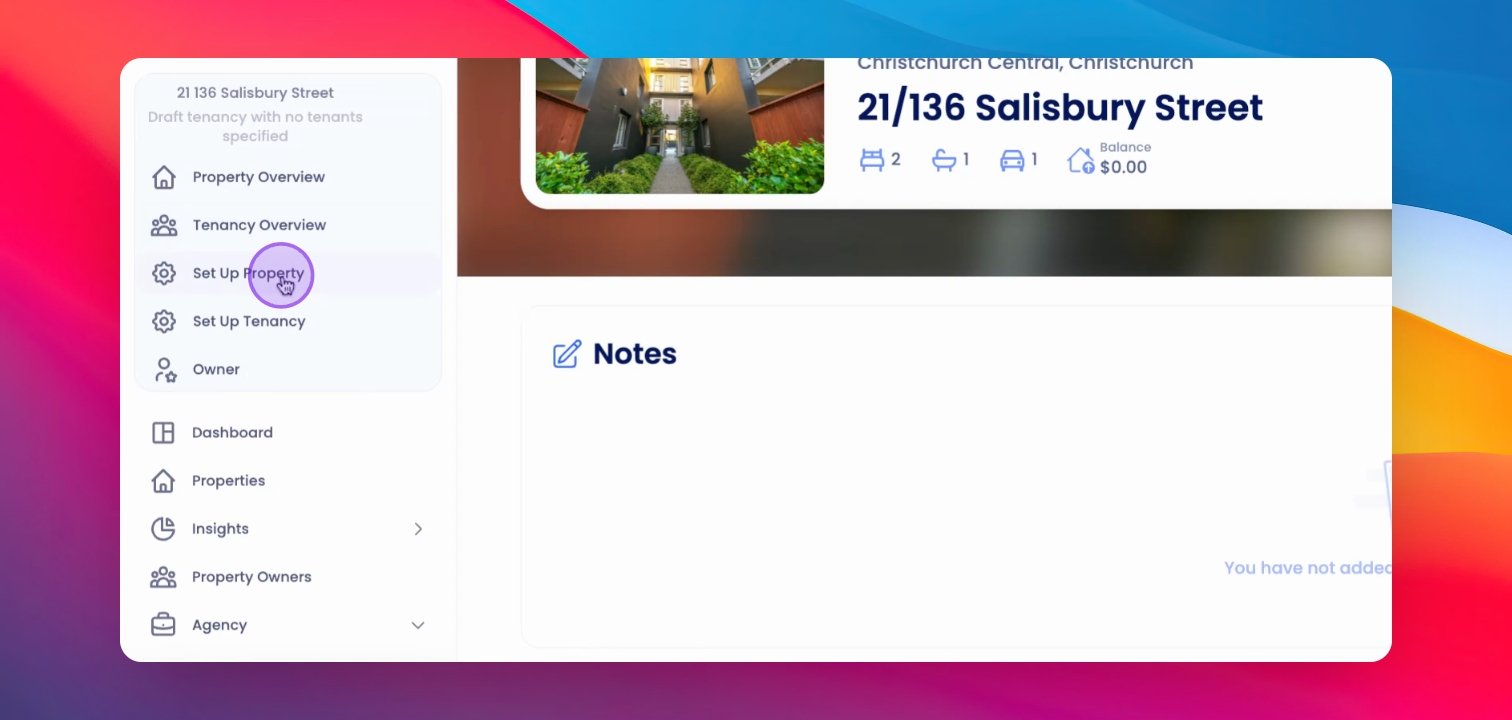
Step 2: Setup Property
Click on Setup Property from the left-hand side menu.
Step 3: Access Template Field
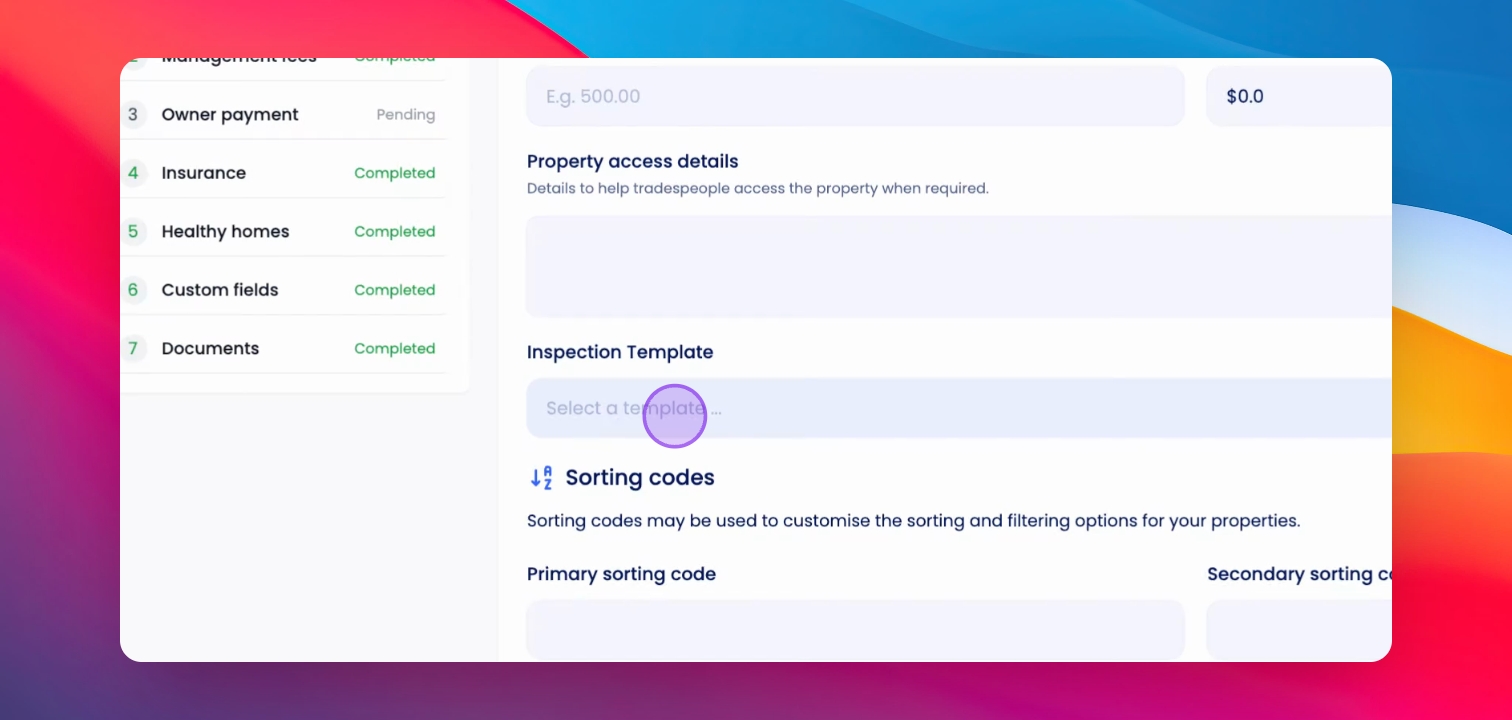
Remain in the General Property Details section. Scroll down to the Inspection Template field.
Step 4: Select Template
Search for and select the inspection template you want to apply to this property.
Step 5: Save Changes
Click Save and continue to apply the inspection template.
Step 6: Confirmation
You have successfully applied the Inspection Template to this property.
If you need more help or have any questions, just reach out to us at support@keyhook.com — we're always here to help!
Troubleshooting
Template not saving
Ensure all required fields are filled before saving.
Template not found
Verify that the template exists in your account.
FAQ
Will previous inspections be affected?
No, only future inspections will use the applied template.
Can I change the template later?
Yes, you can update the inspection template at any time.