

TL;DR
1
Open the application
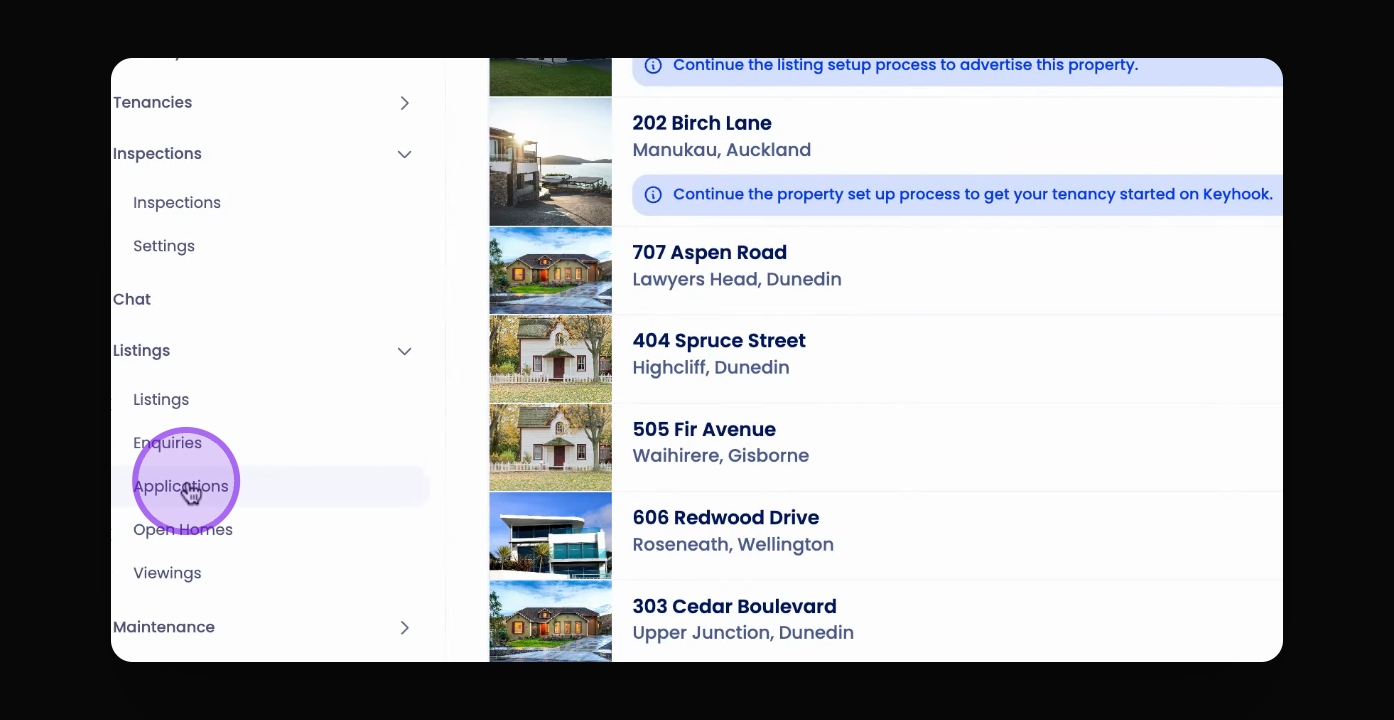
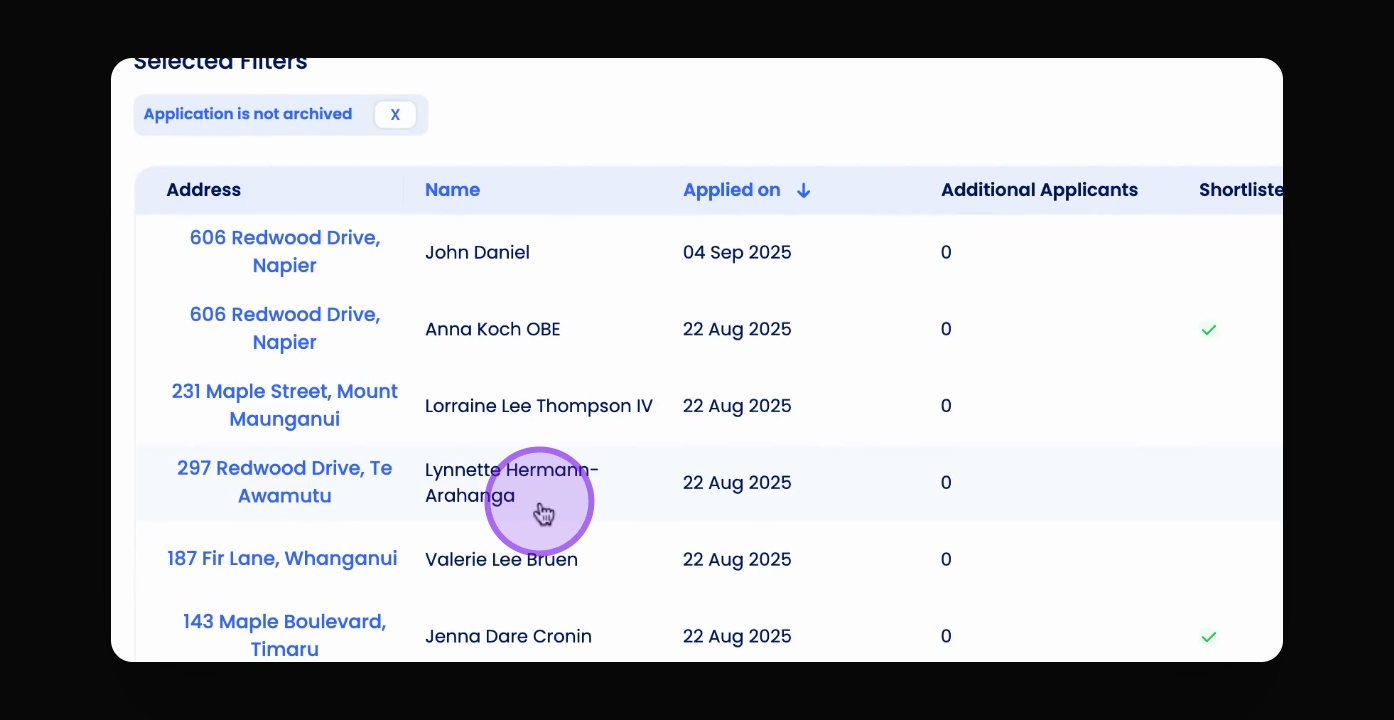
Visit the application you want to add a note to.
2
Add and save note
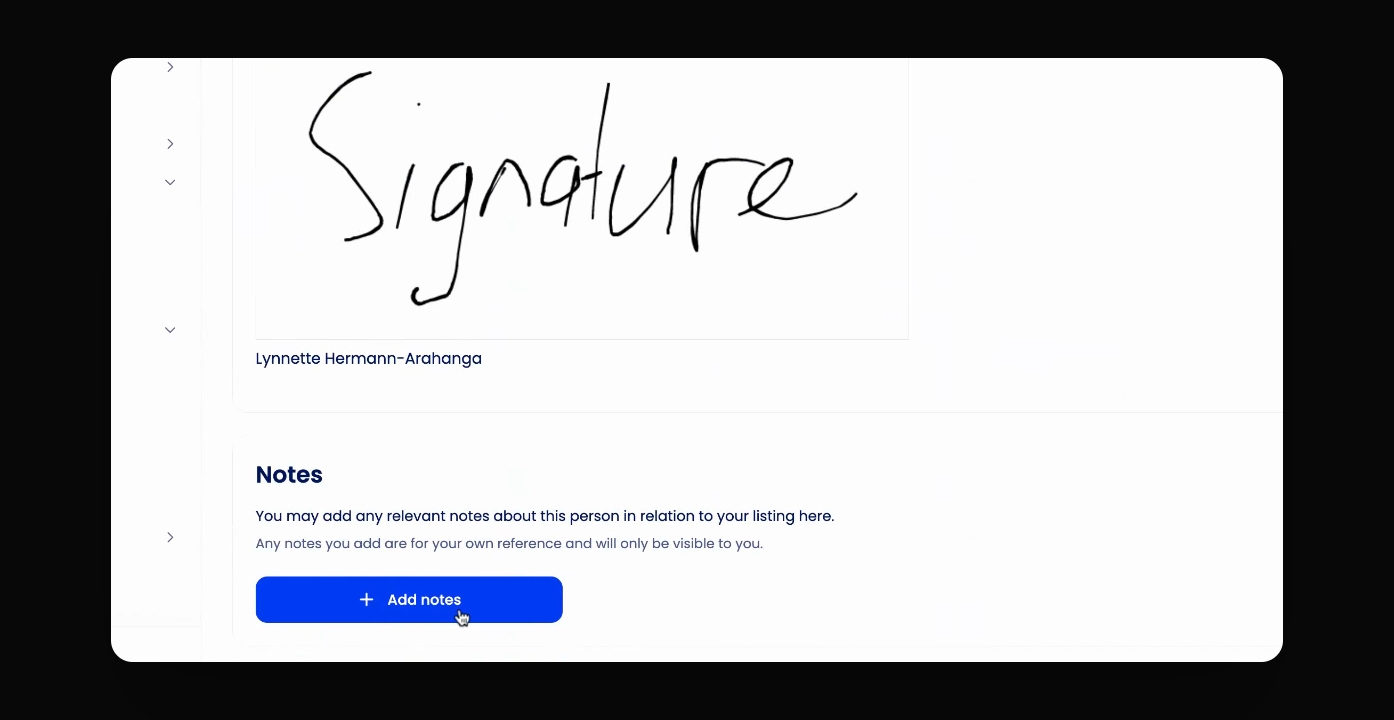
Click Add Notes, type your note, and save it.
3
Check note visibility
The note will show on the application + in the applicant's enquiry thread and profile.
Let's Do It Together!
Step 1: Open the Application
Visit the application you'd like to add a note to.
Step 2: Add Notes
Scroll to the bottom of the application and click Add Notes.
Type in the note that you would like to add.
Click Save Notes to confirm.
This note will appear against this applicant's application.
Step 3: View Notes
The note will also appear against this applicant's enquiry thread and profile when they book or RSVP for a viewing.