

Welcome! Let's take a look at how you can accept an Owner Portal Invitation and login into your Keyhook account as a property owner. Let's look at the steps:
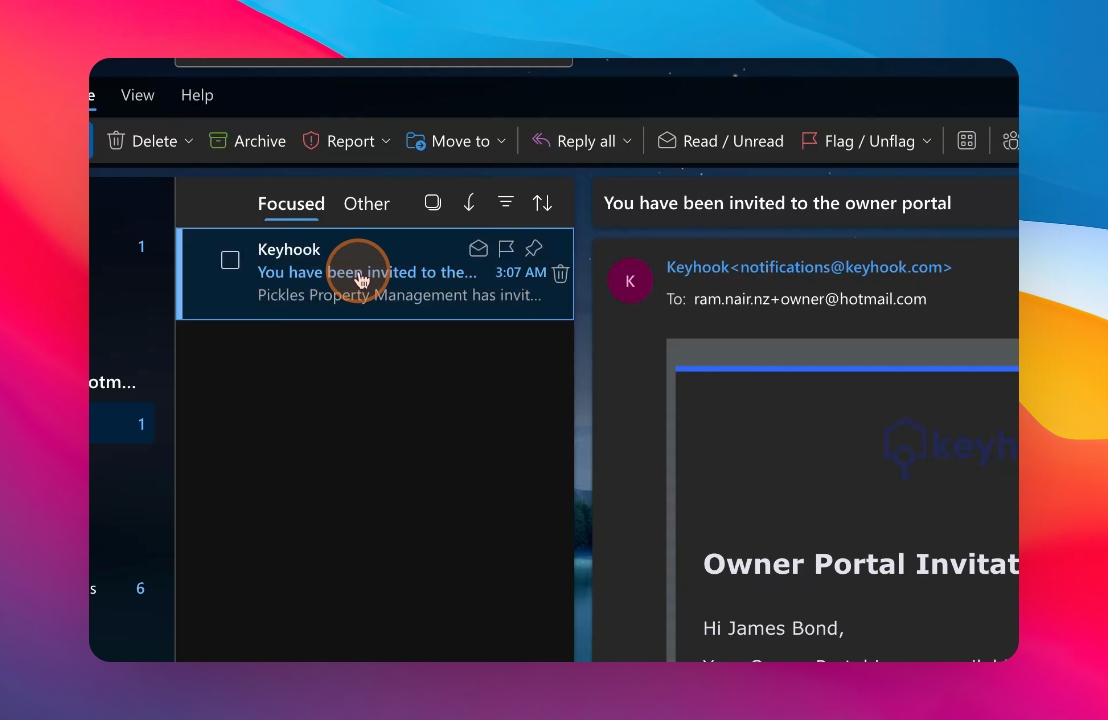
Step 1: Open the Email
When you receive an Owner Portal Invitation email from Keyhook, open the email.
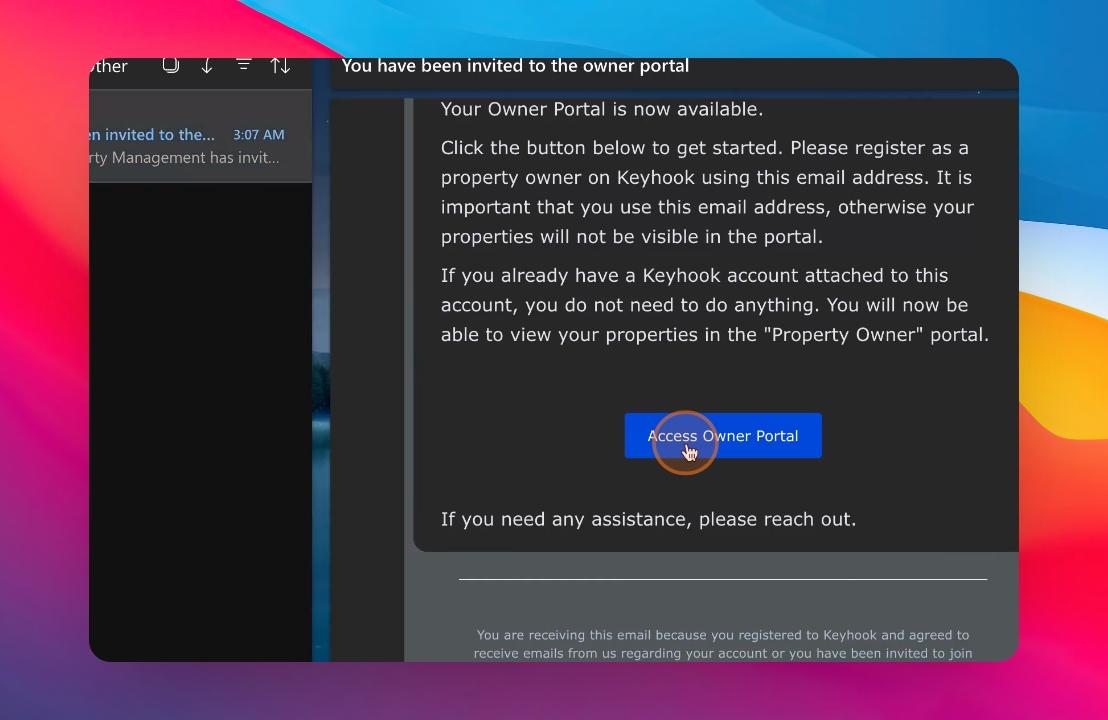
Step 2: Click Access Button
Click on the Access Owner Portal button located at the bottom of the email.
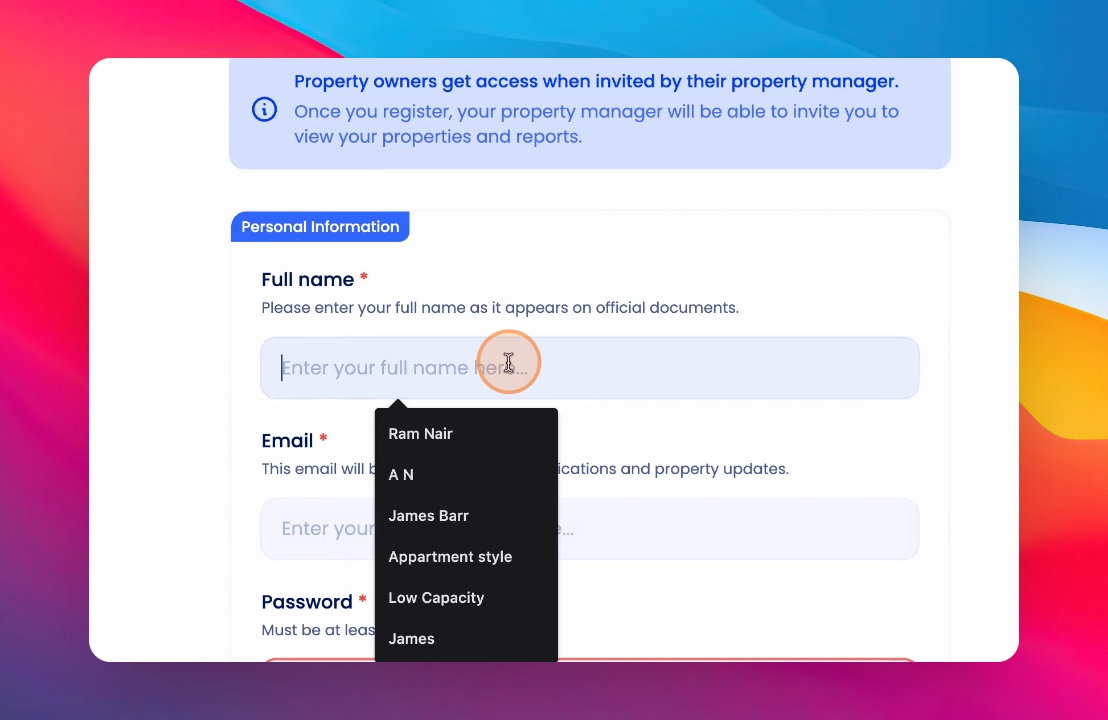
Step 3: Complete Registration Form
On the registration form, enter the required details and your password. Make sure you use the same email address that the invitation was sent to.
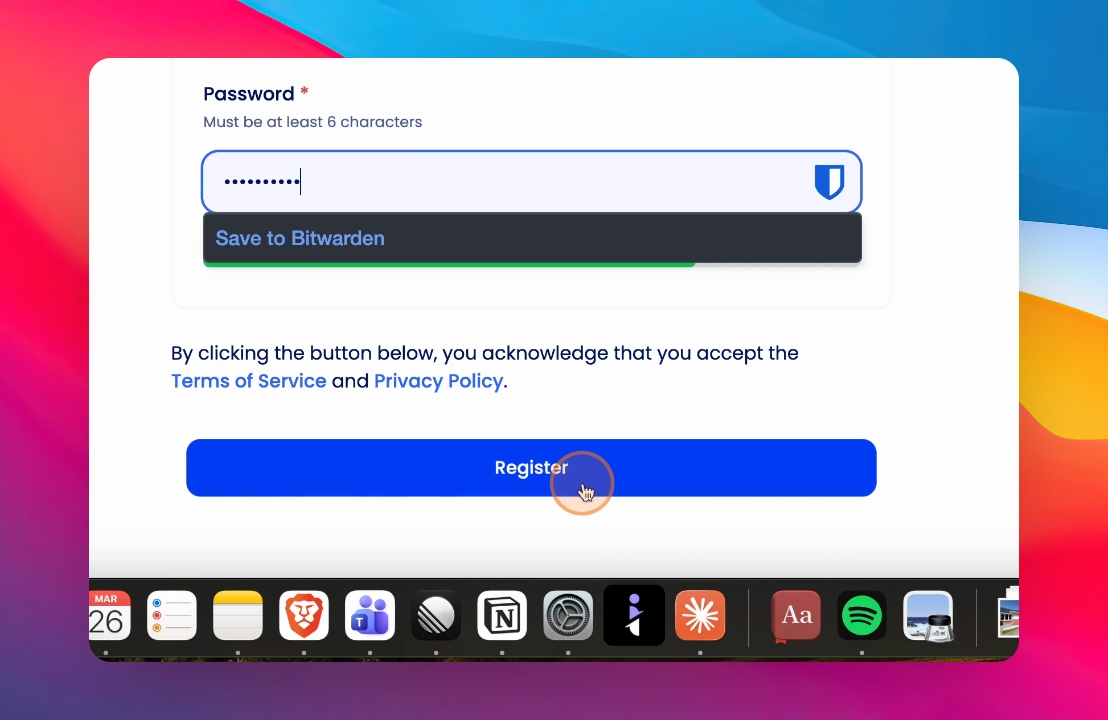
Step 4: Register Your Account
Once all details are entered, click Register. Your account will be created.
Step 5: Verify Your Email
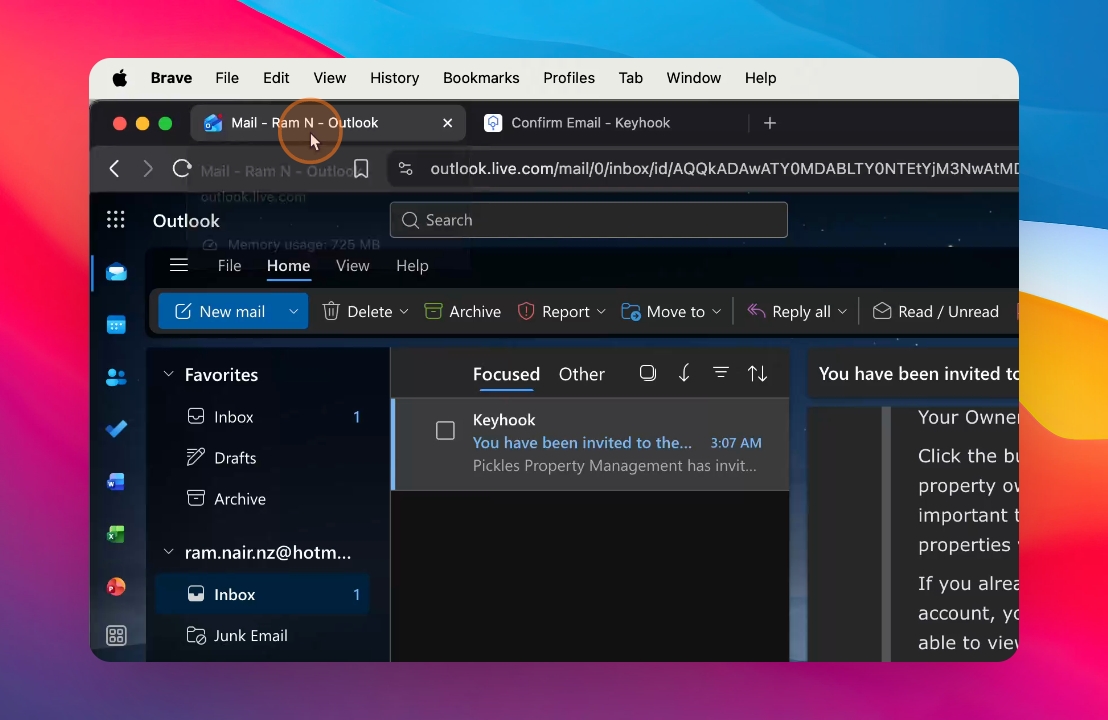
A four digit verification code will be sent to your email address. Click on that email, scroll down to find the four digit verification code.
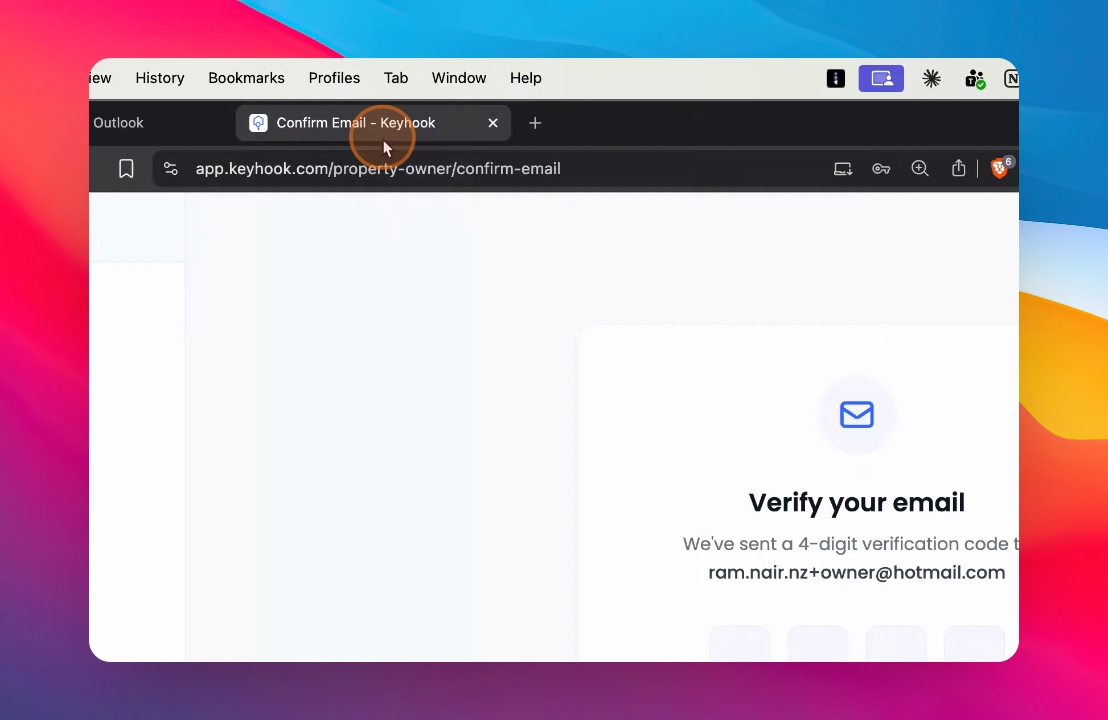
Step 6: Enter Verification Code
Copy and paste the verification code back into Keyhook.
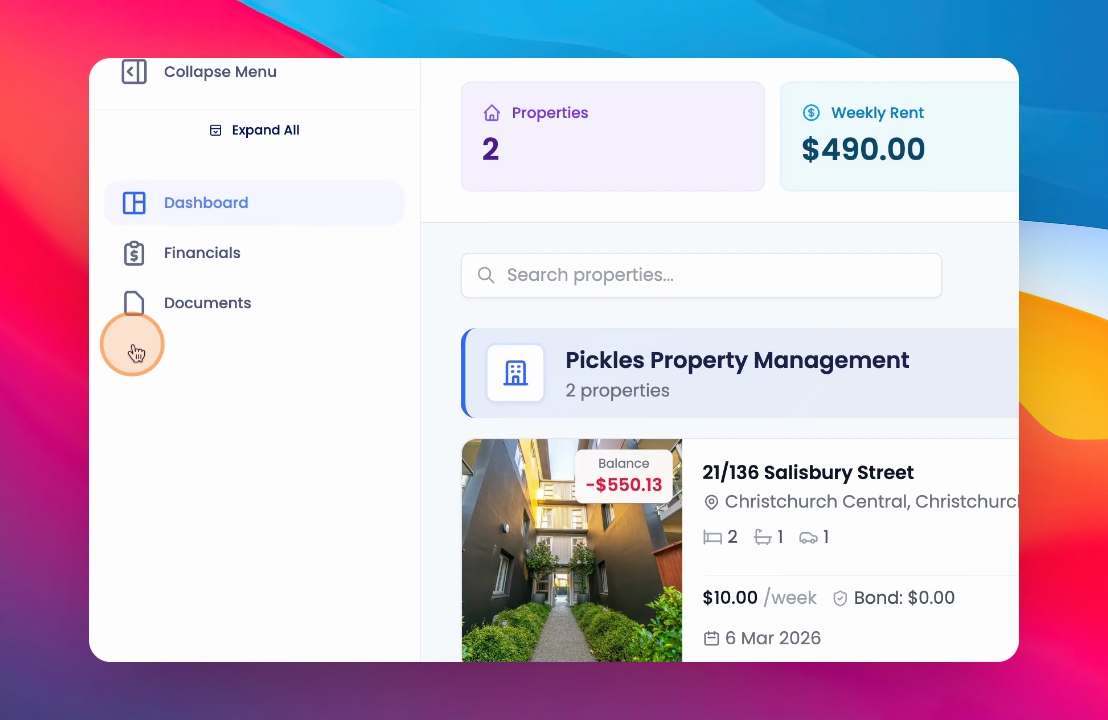
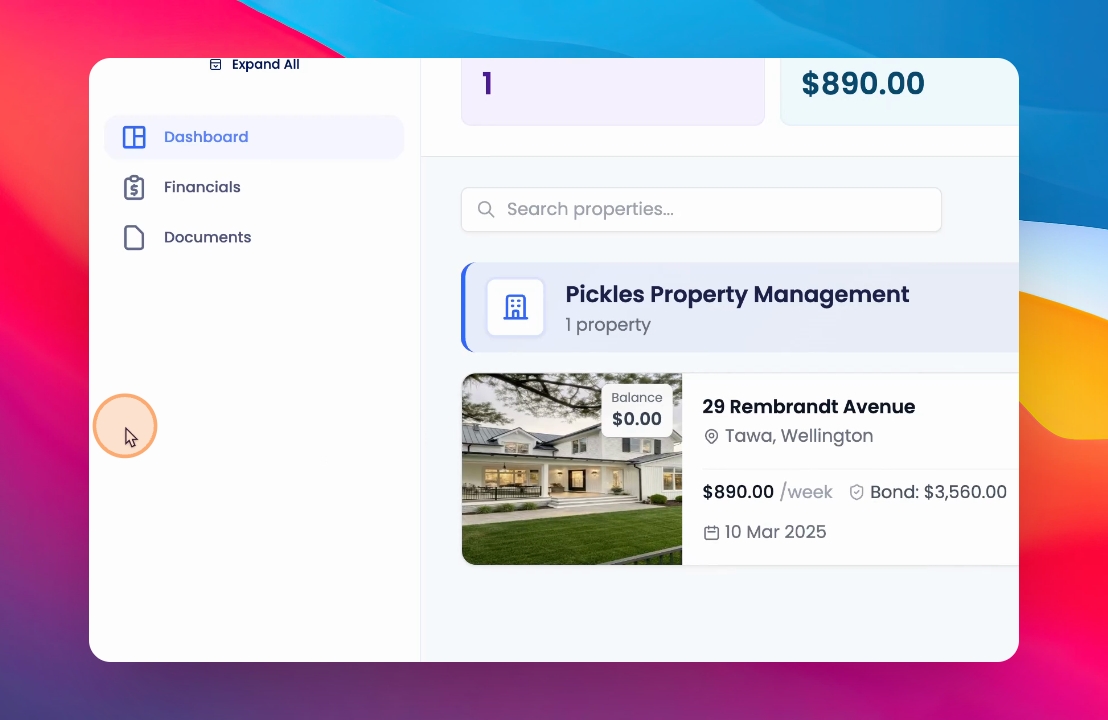
Step 7: Login Successfully
You will be logged into your Owner portal successfully.
Thanks for watching!
If you cannot find what you are looking for or have any further questions, please feel free to contact us on support@keyhook.com — we're always here to help!