

This guide explains how to move properties between portfolios and property managers. Let's look at the steps:
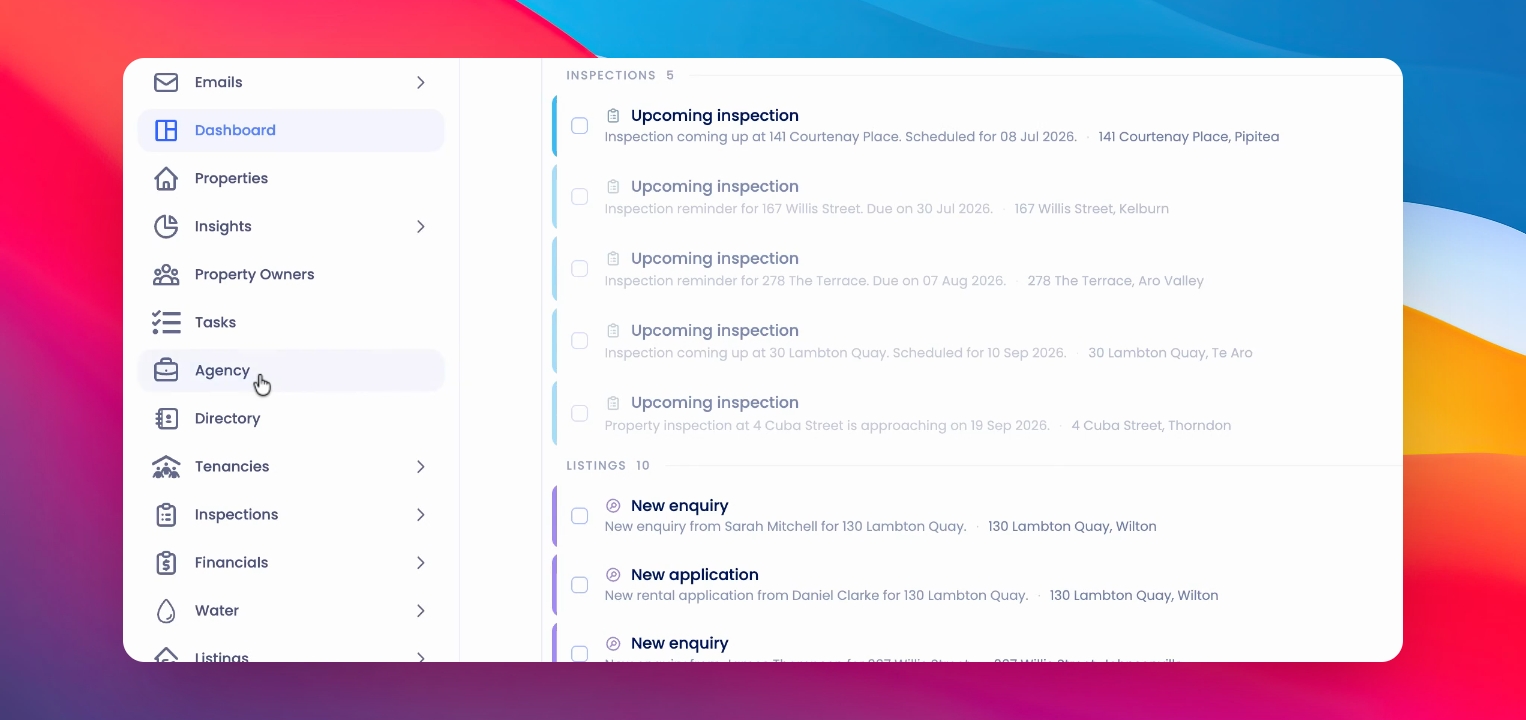
Step 1: Open Agency
Click on Agency in the main navigation menu.
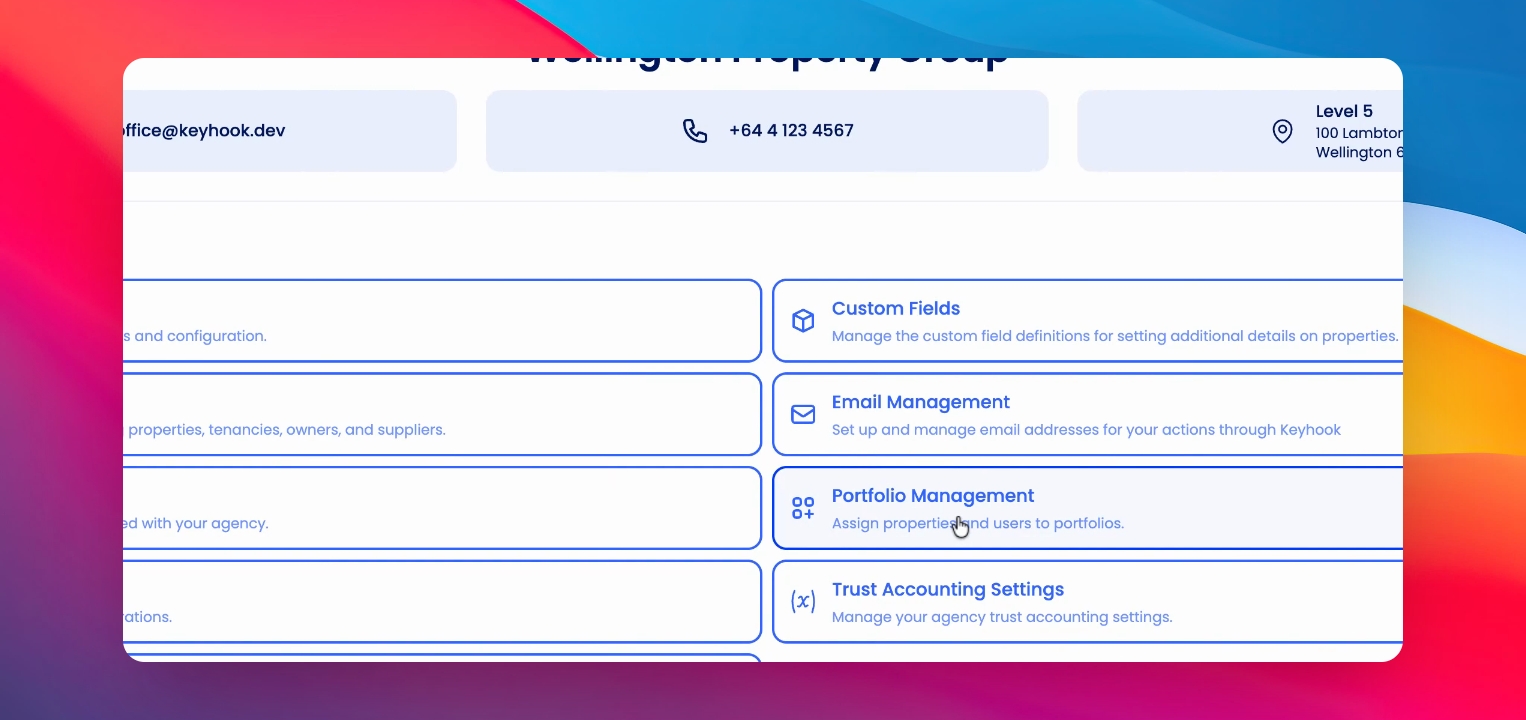
Step 2: Go to Portfolio Management
Click on Portfolio Management to access your portfolios.
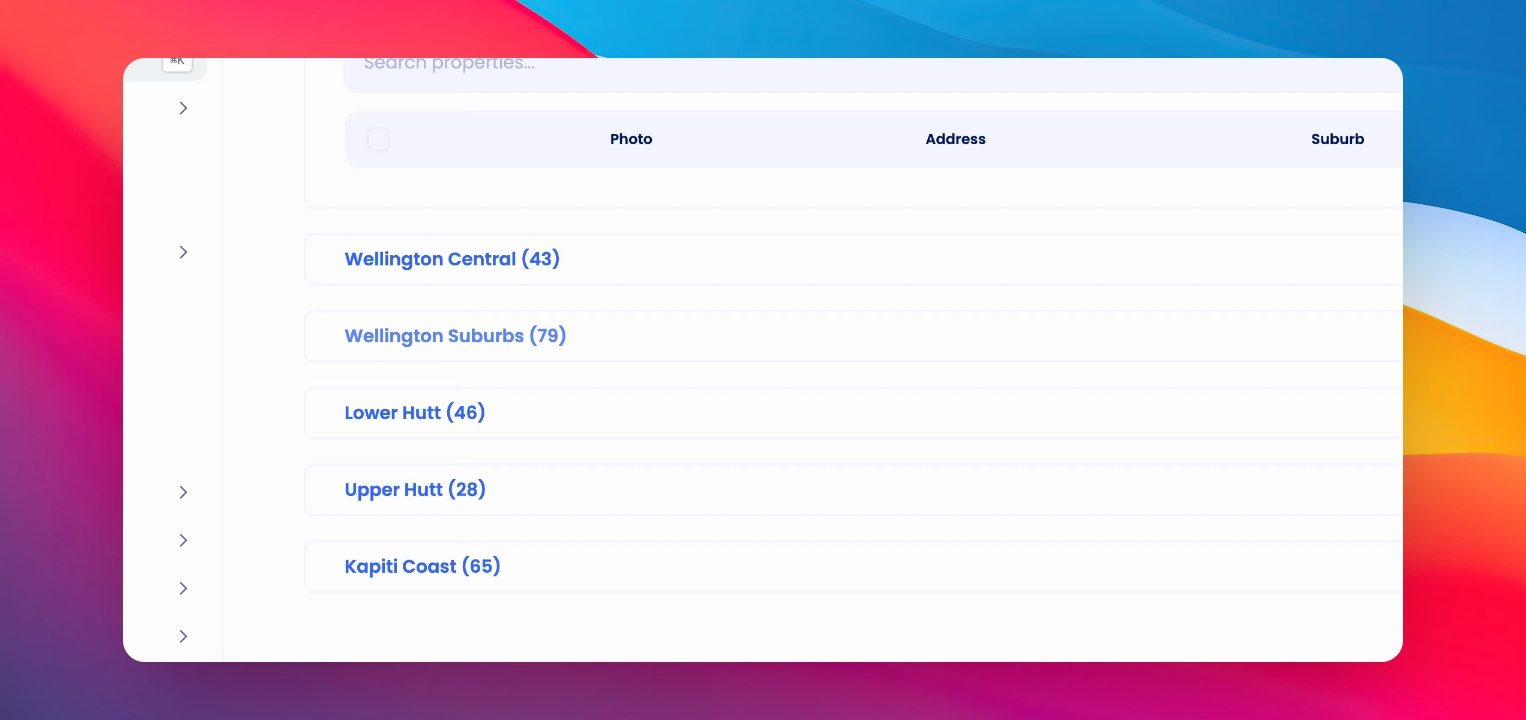
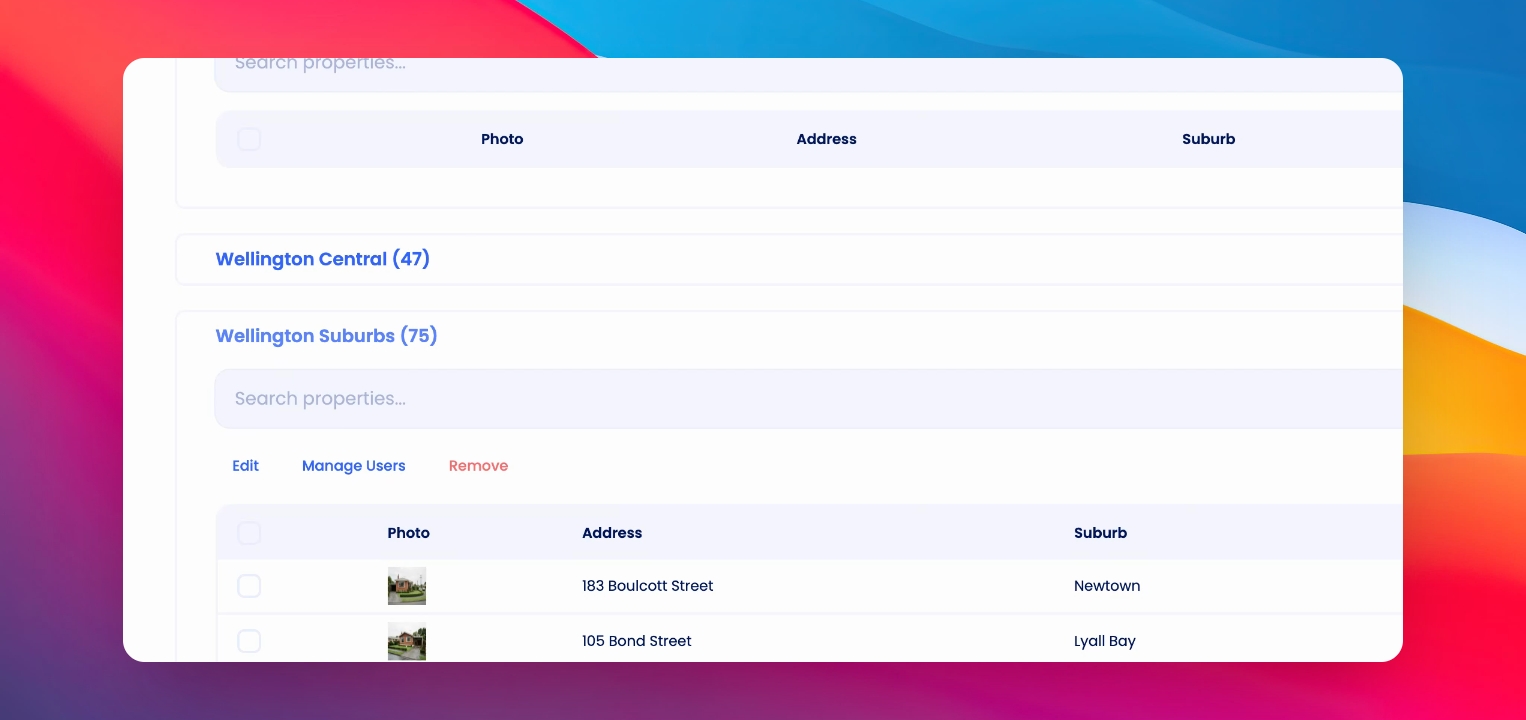
Step 3: Select Properties
Select the relevant property from the appropriate portfolio. You can select multiple properties if needed.
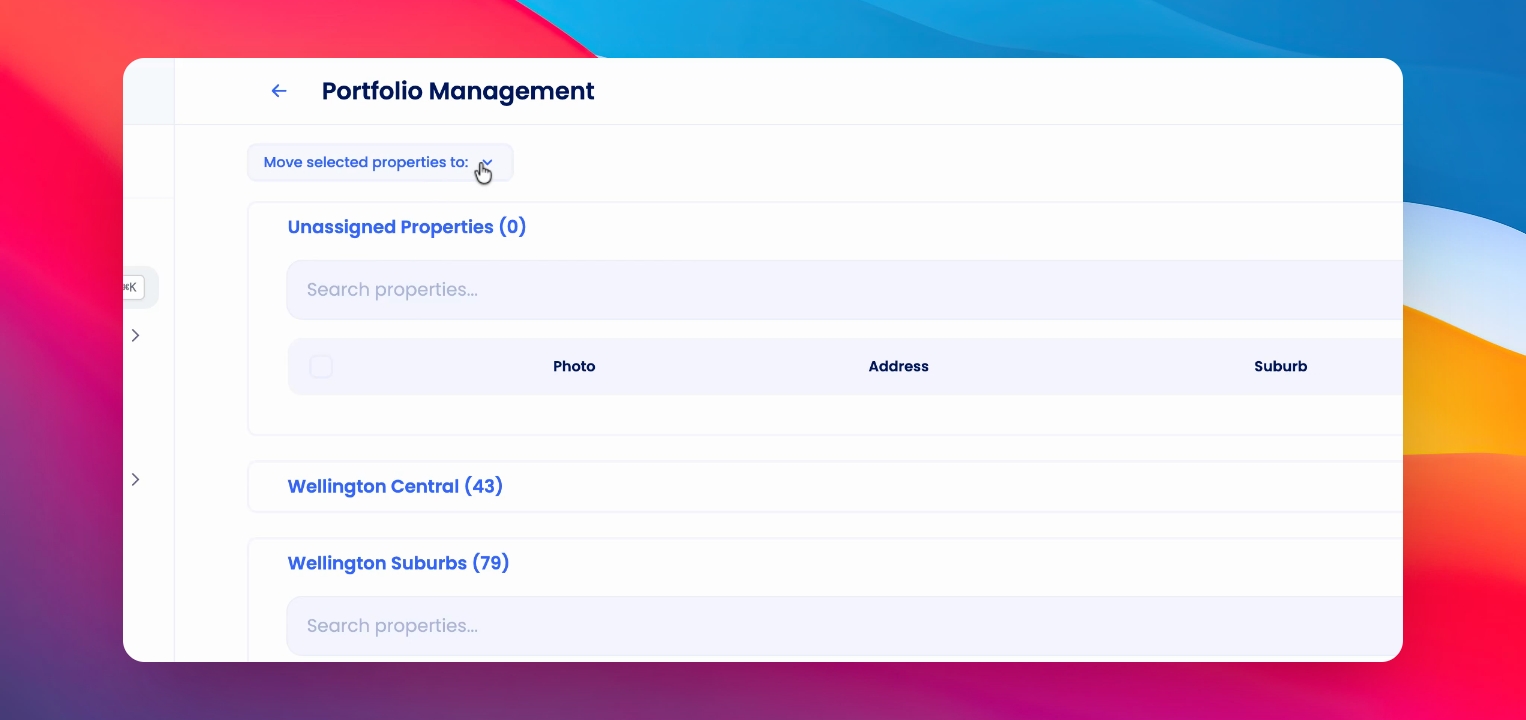
Step 4: Move Selected Properties
At the top of the screen, click Move Selected Properties and choose the portfolio you want to move the properties to.
Step 5: Confirm the Move
The selected properties will disappear from the original portfolio and appear in the portfolio you selected.
You need specific permissioning to perform this action.